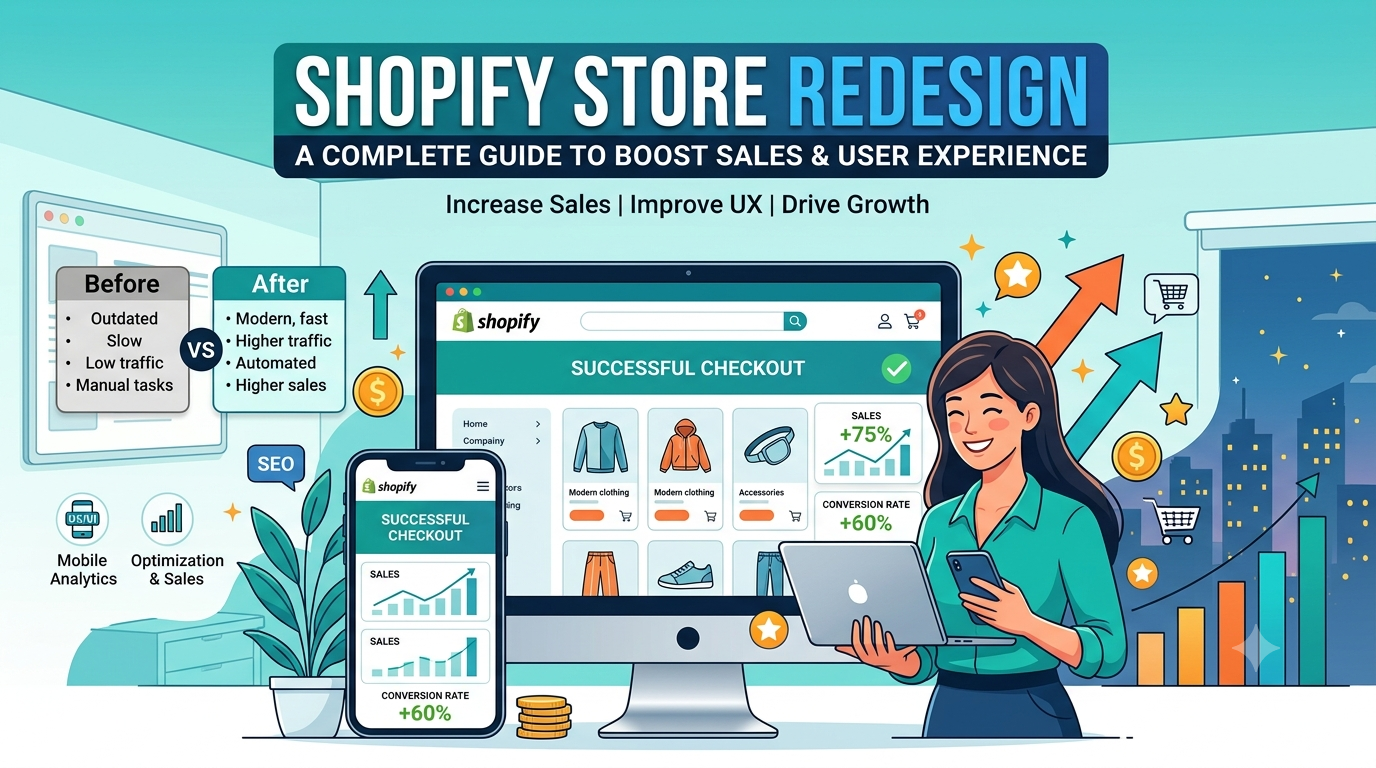
Your Shopify store is often the first impression customers have of your brand. If your website feels outdated, loads slowly, or makes it difficult for shoppers to find what they need, you’re likely losing sales before customers even reach checkout.
A successful Shopify store redesign is about much more than changing colors or updating your homepage. It’s an opportunity to improve the entire shopping experience, make your store easier to navigate, and remove the friction that prevents visitors from becoming customers.
Whether your goal is to increase conversions, improve mobile usability, or modernize your brand, a well-planned redesign can have a lasting impact on your business.
In this guide, we’ll cover when it’s time to redesign your Shopify store, what changes matter most, and the best practices that can help you create a better experience for your customers.
Why a Shopify Store Redesign Matters
Many business owners think a redesign is only necessary when a website looks old. In reality, appearance is only one part of the equation.
Customer expectations change quickly. People expect websites to load fast, work seamlessly on mobile devices, and make shopping simple. If your store falls short in any of these areas, visitors may leave before making a purchase.
A thoughtful redesign can help you:
- Increase conversion rates
- Improve the mobile shopping experience
- Make products easier to discover
- Build trust with first-time visitors
- Reduce cart abandonment
- Create a stronger brand identity
Every improvement should support one goal: helping customers complete their purchase with confidence.
How Do You Know It’s Time for a Redesign?
Not every Shopify store needs a complete rebuild. Sometimes small improvements are enough. However, there are clear signs that your current store may be holding your business back.
Your Conversion Rate Has Stopped Improving
If traffic continues to grow but sales remain the same, your website may be creating unnecessary obstacles for shoppers.
Review your analytics and learn how to analyze a Shopify conversion funnel to identify where visitors frequently leave without taking action.
Your Store Doesn’t Work Well on Mobile
For many ecommerce businesses, mobile visitors make up the majority of website traffic.
A poor mobile experience can lead to lower conversions, even if your desktop store performs well.
Look for issues such as:
- Small buttons that are difficult to tap
- Slow loading pages
- Cluttered layouts
- Long product pages that are difficult to scan
- Complicated navigation
A redesign gives you the chance to build a mobile experience that feels fast, clean, and easy to use.
Your Brand Has Changed
As businesses grow, their branding often evolves. You may have updated your logo, expanded your product range, or started serving a different audience.
If your website no longer reflects your current brand, customers may receive mixed messages about your business.
Refreshing your store design helps create a consistent experience from your marketing campaigns to your product pages.
Customers Struggle to Find Products
Good design helps people find what they need quickly.
If shoppers regularly use customer support to ask where products are located, or if visitors browse several pages without adding items to their cart, your navigation may need attention.
Simple improvements such as clearer menus, better search functionality, and organized collections can make a significant difference.
Start With a Plan Before Changing Anything
One of the biggest mistakes store owners make is redesigning their website without understanding what’s already working.
Before making changes, start with a Shopify CRO audit to review your current store and identify opportunities for improvement.
Ask yourself questions like:
- Which pages generate the most sales?
- Which products attract the most traffic?
- Where do visitors leave the buying journey?
- Which devices do customers use most?
- What questions does your support team answer repeatedly?
The answers will help you decide which areas deserve the most attention.
It’s also a good idea to collect customer feedback.
Simple post-purchase surveys, customer reviews, and support conversations often reveal usability issues that analytics alone cannot explain.
Set Clear Goals for Your Redesign
Every redesign should begin with measurable goals.
Instead of saying, “We want a better website,” define what success looks like.
For example:
- Increase product page conversion rates.
- Improve mobile engagement.
- Reduce cart abandonment.
- Increase average order value.
- Help customers find products faster.
Having clear goals also makes it easier to measure whether your redesign was successful after launch.
Focus on Your Customers, Not Design Trends
Design trends come and go, but a great shopping experience never goes out of style.
Instead of copying another brand’s website, think about what your customers need to complete a purchase.
Ask questions like:
- Can visitors understand what we sell within a few seconds?
- Is the navigation simple?
- Are product pages easy to read?
- Can shoppers complete a purchase without confusion?
The best Shopify stores don’t succeed because they follow every design trend. They succeed because they make shopping simple.
If you’re considering professional Shopify design services in USA, look for a team that focuses on improving the customer experience rather than simply creating a different look. A redesign should solve business problems, not just introduce a new visual style.
In the next section, we’ll explore the most effective Shopify store redesign practices, including how to improve your homepage, product pages, navigation, checkout experience, and overall user experience without making costly design mistakes.
Best Practices for a Successful Shopify Store Redesign
Once you’ve identified what needs improvement, it’s time to focus on the changes that will have the biggest impact on your customers. A successful redesign should make shopping easier from the moment someone lands on your website until they complete their purchase.
Here are the areas that deserve the most attention.
1. Create a Clear and Simple Homepage
Your homepage introduces visitors to your brand. It should quickly answer three questions:
- What do you sell?
- Why should customers choose you?
- Where should they go next?
Keep the design clean and avoid filling the page with too many banners, pop-ups, or competing messages.
A strong homepage usually includes:
- A clear headline
- A simple call to action
- Featured collections or best sellers
- Customer reviews or trust signals
- Easy access to the main navigation
The goal is to guide visitors instead of overwhelming them.
2. Make Navigation Easy to Use
If customers can’t find products quickly, they may leave your store.
Your navigation should help shoppers reach the right products with as few clicks as possible.
Some practical improvements include:
- Use clear category names.
- Keep the main menu organized.
- Add a visible search bar.
- Group related collections together.
- Highlight your best-selling categories.
Think about how your customers shop instead of how your inventory is organized.
3. Improve Product Pages
Product pages often have the biggest influence on purchasing decisions.
Every product page should answer the questions customers typically ask before buying.
Include information such as:
- High-quality product images
- Product videos when helpful
- Clear pricing
- Size or specification details
- Shipping information
- Return policy
- Customer reviews
Keep important information close to the Add to Cart button so shoppers don’t have to search for it.
Well-structured product pages build confidence and make buying easier.
4. Design for Mobile First
Many Shopify stores receive most of their traffic from smartphones.
If your mobile experience feels slow or difficult to navigate, you’ll lose potential customers regardless of how good your desktop site looks.
When reviewing your mobile design, check that:
- Text is easy to read.
- Buttons are large enough to tap.
- Images load quickly.
- Menus are simple to navigate.
- Checkout feels smooth.
Always test your redesigned store on different screen sizes before launching it.
5. Improve Site Speed
Visitors expect pages to load almost instantly.
A slow website creates frustration and often leads to higher bounce rates.
Some simple ways to improve performance include:
- Compress large images.
- Remove unnecessary apps.
- Limit heavy animations.
- Use optimized Shopify themes.
- Review third-party scripts regularly.
Better performance improves both user experience and search visibility.
6. Build Trust Throughout the Store
Customers are more likely to buy when they feel confident about your business.
Trust shouldn’t appear only on the checkout page. It should be visible throughout the shopping journey.
Consider adding:
- Customer reviews
- Secure payment icons
- Shipping details
- Return policy information
- Frequently asked questions
- Contact information
These elements help reduce uncertainty, especially for first-time buyers.
7. Keep Your Branding Consistent
Every page should feel like part of the same brand.
Your colors, fonts, photography, and messaging should work together to create a consistent experience.
Consistency helps customers recognize your business and makes your store appear more professional.
If every page feels different, shoppers may lose confidence before they complete their purchase.
How to Measure the Success of Your Shopify Store Redesign
Launching your new store is an exciting milestone, but it’s only the beginning. The real value of a redesign comes from how it improves your store’s performance over time.
Instead of relying on opinions, use data to understand whether the changes are helping your business.
Here are a few metrics to monitor after your redesign:
- Conversion rate
- Average order value
- Bounce rate
- Cart abandonment rate
- Revenue per visitor
- Mobile conversion rate
- Returning customer rate
Compare these numbers with your previous performance. This will help you see which improvements are working and where additional changes may be needed.
Should You Redesign Your Store Yourself or Hire an Expert?
The answer depends on your goals, budget, and experience.
If you’re making small updates such as replacing images or adjusting colors, you may be able to handle those changes yourself.
However, a complete redesign often involves much more than visual updates. It requires planning, user experience improvements, performance optimization, and technical knowledge.
Working with experienced Shopify store design experts in USA can help you avoid common mistakes and create a store that supports long-term growth instead of focusing only on appearance.
A professional redesign should improve how your store performs, not just how it looks.
Final Thoughts
A Shopify store redesign is an investment in your customers’ experience.
When shoppers can easily find products, understand what you’re offering, and complete their purchase without frustration, they’re more likely to become loyal customers.
The most successful redesigns are built around real customer needs, clear business goals, and continuous improvement. Rather than following every new design trend, focus on creating a shopping experience that is simple, fast, and easy to navigate.
At Webspirit, we believe a successful Shopify store combines great design with a smooth user experience. Whether you’re planning your first redesign or looking to improve an existing store, every change should help your customers shop with confidence.
Take the time to review your current store, identify areas for improvement, and make thoughtful updates. The results will benefit both your customers and your business for years to come.
Frequently Asked Questions
1. How often should you redesign a Shopify store?
Most Shopify stores benefit from a redesign every two to four years. However, if your conversion rate is declining, your branding has changed, or your website no longer meets customer expectations, it may be time to redesign sooner.
2. Will redesigning my Shopify store improve sales?
A redesign can improve sales when it focuses on user experience, navigation, page speed, and product presentation. Simply changing the visual design without addressing usability issues is unlikely to produce significant results.
3. What should be updated during a Shopify store redesign?
A complete redesign may include your homepage, navigation, product pages, collection pages, mobile experience, site speed, branding, and checkout journey. The exact changes depend on your business goals and customer feedback.
4. How long does a Shopify store redesign take?
The timeline depends on the size and complexity of your store. Smaller projects may take a few weeks, while larger stores with custom features and extensive product catalogs may require several months.
5. Should I redesign my Shopify store or build a new one?
If your current store has a solid foundation, a redesign is often the better choice because it preserves your existing products, SEO value, and customer data. Building a new store is usually recommended only when major structural or technical changes are needed.