
Introduction
Reporting is a core capability of any modern ERP system, and Oracle Fusion Cloud is no different. If you want career-ready reporting skills, enrolling with Soft Online Training offers the structured, hands-on guidance needed to master report creation. Businesses depend on real-time, accurate reports to make informed decisions and stay compliant. Oracle Fusion Cloud provides a rich set of reporting tools built for exactly this purpose. Pursuing Oracle Fusion Technical Training in Bangalore helps learners gain practical exposure to these tools while tapping into the city’s strong ERP ecosystem. So how are these reports actually created?
Understanding Oracle Fusion Cloud Reporting Tools
Before diving into the actual process of report creation, it’s important to understand the toolset available within Oracle Fusion Cloud. Unlike older on-premise systems that depended heavily on a single reporting engine, Fusion Cloud offers multiple interconnected tools, each suited to different reporting needs:
- Oracle Transactional Business Intelligence (OTBI) used for ad-hoc, real-time analysis directly from transactional data.
- BI Publisher (BIP) used for creating pixel-perfect, formatted reports such as invoices, purchase orders, and statutory documents.
- Financial Reporting Studio (FRS) primarily used for financial statements like balance sheets and income statements.
- Smart View is an Excel-based tool that allows users to pull live data into spreadsheets for further analysis.
- Oracle Analytics/Fusion Data Intelligence (FDI) used for advanced, cross-functional analytics and dashboards.
Each of these tools plays a distinct role, and knowing when to use which one is a skill that comes with practice and proper training.
Why Learn Report Creation Through Oracle Fusion Technical Training in Bangalore
Bangalore has long been recognized as India’s technology and ERP training hub, home to a large number of consulting firms, implementation partners, and IT professionals working on Oracle projects. This makes Oracle Fusion Technical Training in Bangalore an especially valuable pathway for anyone looking to build or advance a career in Oracle Fusion Cloud reporting. Structured training programs typically walk learners through the entire reporting lifecycle from understanding the underlying data model to designing, testing, and deploying reports in a live environment. Rather than trying to piece together scattered tutorials, a well-designed course gives learners a logical progression: starting with the basics of OTBI, moving into BI Publisher template design, and eventually covering integration-level reporting scenarios that mirror real client requirements.
Step-by-Step Process to Create Reports in Oracle Fusion Cloud
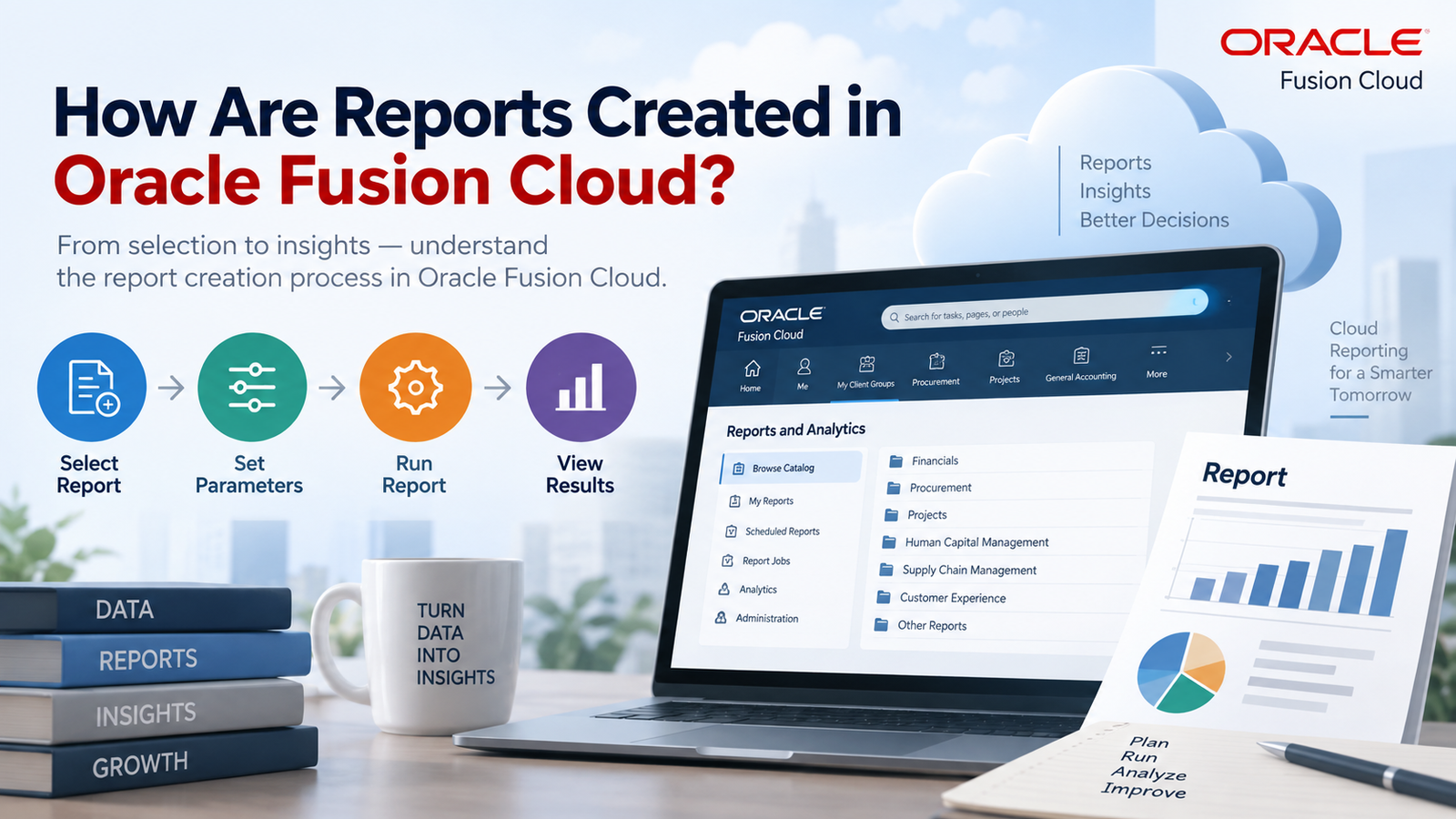
While the exact steps vary depending on which tool you use, the general process of creating a report in Oracle Fusion Cloud follows a fairly consistent pattern:
1. Identify the Reporting Requirement:
Every report starts with a business requirement whether it’s a finance team needing a monthly P&L statement or a procurement team wanting visibility into open purchase orders.
2. Choose the Right Tool:
Based on the requirement, you decide whether OTBI, BIP, FRS, or Smart View is the best fit. Ad-hoc analysis usually points to OTBI, while formatted, print-ready documents point to BI Publisher.
3. Build or Identify the Data Model:
For BI Publisher reports, this involves creating a data model using SQL queries against the Fusion Cloud database views, or leveraging existing subject areas for OTBI.
4. Design the Report Layout:
Using RTF templates, Excel templates, or the OTBI drag-and-drop interface, you design how the report will look including columns, groupings, filters, and prompts.
5. Test the Report:
Before deployment, the report is tested with sample data to ensure accuracy, correct formatting, and proper handling of parameters.
6. Deploy and Schedule:
Once validated, the report is published to the relevant catalog folder and can be scheduled to run automatically at defined intervals, with output delivered via email, FTP, or printer.
7. Maintain and Enhance:
Reports often need updates as business rules evolve, so ongoing maintenance is a regular part of the reporting lifecycle.
Key Reporting Tools Covered in Oracle Fusion Technical Training in Bangalore
A comprehensive Oracle Fusion Technical Training in Bangalore program typically dedicates significant time to each of the major reporting tools, ensuring learners don’t just understand theory but also get practical, hands-on exposure. This usually includes:
- Writing and optimizing SQL queries against Fusion subject areas
- Designing RTF and Excel-based templates for BI Publisher
- Creating dashboards and analyses using OTBI
- Building financial statements in Financial Reporting Studio
- Understanding data security and role-based access for reports
- Working with Web Services and REST APIs for report automation
By covering this breadth of tools, learners come away equipped to handle almost any reporting scenario they might encounter in a real project environment.
Best Practices for Report Development in Oracle Fusion Cloud
Creating a functional report is one thing; creating an efficient, maintainable, and user-friendly report is another. Some best practices that experienced Oracle Fusion developers follow include:
- Keep data models lean, avoid pulling unnecessary columns or joining excessive tables, as this can slow down report performance.
- Use bind and parameter variables wisely this makes reports more flexible and reusable across different business units.
- Follow naming conventions, consistent naming for data models, layouts, and reports makes long-term maintenance far easier.
- Test with real-world data volumes a report that works fine with ten records might behave very differently with ten thousand.
- Documenting everything clear documentation of report logic and dependencies saves significant time during audits or handovers.
These practices are typically emphasized heavily during structured coursework, since real-world project success often depends as much on discipline and best practices as on raw technical knowledge.
Career Benefits of Oracle Fusion Technical Training in Bangalore
The demand for skilled Oracle Fusion technical consultants continues to grow as more organizations migrate from on-premise EBS systems to Fusion Cloud. Professionals who complete Oracle Fusion Technical Training in Bangalore often find themselves well-positioned for roles such as Oracle Fusion Technical Consultant, BI Publisher Developer, OTBI Analyst, or Fusion Reporting Specialist. Because Bangalore hosts a dense concentration of Oracle implementation partners and captive delivery centers, locally trained professionals frequently have an advantage when it comes to networking, internships, and direct placement opportunities. Additionally, the practical, project-based nature of most Bangalore-based training programs means learners graduate with a portfolio of real reports they’ve built, which can be showcased directly to prospective employers.
Conclusion
Reports in Oracle Fusion Cloud are created through a well-defined ecosystem of tools OTBI, BI Publisher, Financial Reporting Studio, and Smart View each serving specific business needs, from quick analytical insights to formal, statutory documents. Mastering this ecosystem requires not just theoretical knowledge but hands-on practice with real data models, templates, and deployment scenarios. If you’re serious about building this expertise, partnering with Soft Online Training can provide the structured curriculum, expert mentorship, and practical exposure needed to become proficient. Combined with the strong ecosystem and career opportunities available through Oracle Fusion Technical Training in Bangalore, learners can confidently transition into in-demand roles within the Oracle Cloud ecosystem and build a long, rewarding career in enterprise reporting and analytics.