
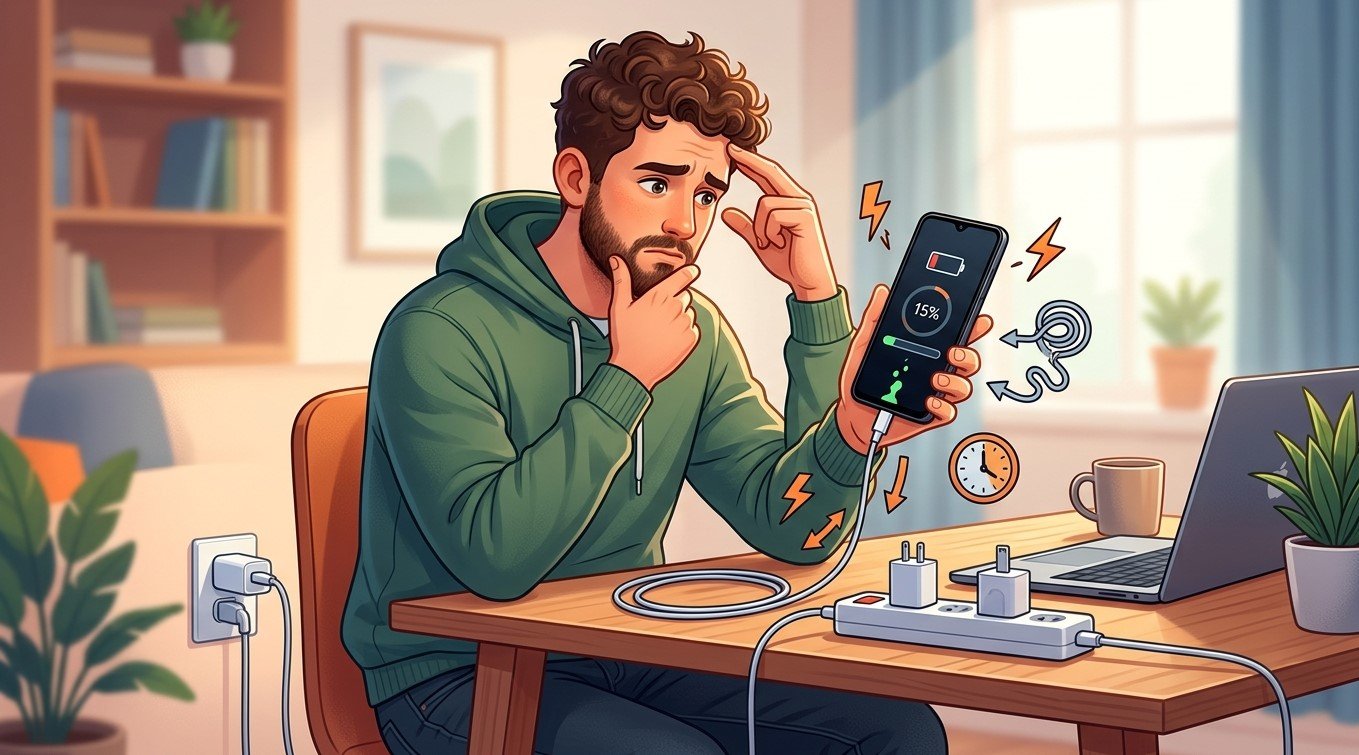
Is your Android phone taking hours to charge even when you use a fast charger? Slow charging can be frustrating, especially when you depend on your smartphone for work, communication, and everyday tasks. The problem may involve your charging cable, adapter, charging port, battery, or phone settings. Nanotech Mobile helps customers exploring cell phone repair Regina and Android repair Regina services understand common charging issues and find suitable repair solutions.
In this guide, we’ll explain why your Android phone may charge slowly, how to troubleshoot the problem, and when professional repair may be necessary.
Table of Contents
- Common Reasons Your Android Phone Charges Slowly
- How to Fix Slow Charging Problems
- When Should You Consider Professional Repair?
- Frequently Asked Questions
- Contact Nanotech Mobile
1. Common Reasons Your Android Phone Charges Slowly
A Faulty or Incompatible Charging Cable
Not every USB cable supports the same charging speeds. A damaged, low-quality, or incompatible cable may prevent your phone from receiving the power it needs for fast charging. Try a compatible cable that supports your phone’s charging specifications.
An Incompatible Power Adapter
Even if a charger is labelled “fast charging,” it may not support your phone’s specific charging technology or required power output. Some devices require compatible charging protocols to reach their advertised speeds. Check your phone manufacturer’s recommendations and use a suitable adapter.
A Dirty or Damaged Charging Port
Dust, lint, corrosion, or physical damage inside the charging port can interrupt the connection between your phone and charger. If the cable feels loose or charging repeatedly starts and stops, the port may need inspection.
Avoid inserting metal objects or sharp tools into the port, as these can cause additional damage.
Battery Health Problems
As smartphone batteries age, their performance gradually declines. A worn battery may charge inconsistently or lose power quickly after charging. If slow charging occurs alongside unexpected shutdowns, overheating, or sudden battery percentage changes, professional assessment may be worthwhile.
Phone Overheating
Android phones may reduce charging speed when their temperature rises too high. Gaming, video streaming, direct sunlight, or demanding background applications can generate heat and slow the charging process.
Let your phone cool naturally before charging again, and avoid using it heavily while charging.
Background Apps and Phone Settings
Running applications consume power while your phone charges. If your device is being used for navigation, gaming, or video calls, its battery may charge more slowly than expected.
Some phones also offer optimized charging features that intentionally slow charging at certain times to help preserve battery health.
2. How to Fix Slow Charging Problems
Try these troubleshooting steps before arranging a repair:
- Check your charging accessories: Test a compatible, undamaged cable and adapter.
- Inspect the charging port: Look for visible debris or signs of damage without inserting tools.
- Restart your phone: A restart may resolve temporary software issues.
- Close demanding applications: Reduce gaming, streaming, and other power-intensive activities while charging.
- Keep your phone cool: Charge it in a cool, ventilated location away from direct sunlight.
- Check fast-charging settings: Some Android devices allow you to enable or disable fast charging in their battery settings.
- Update your software: Install available official updates that may address charging-related bugs.
Remember that charging speed normally decreases as the battery approaches full capacity. A slower charge near 80–100% does not automatically indicate a fault.
3. When Should You Consider Professional Repair?
If your phone continues charging slowly after you have checked the accessories and settings, the issue may involve a damaged charging port, a deteriorating battery, or an internal hardware fault.
Seek professional assistance if charging repeatedly disconnects, the port appears damaged, or the phone becomes unusually hot. If the battery is swollen, stop using and charging the device and arrange safe professional handling.
Customers searching for cell phone repair Regina or Android repair Regina can consider a professional diagnostic assessment to identify the cause before replacing parts unnecessarily. Nanotech Mobile is a useful starting point for exploring smartphone repair services in Regina.
4. Frequently Asked Questions
Why does my Android phone charge slowly with a fast charger?
The cable, adapter compatibility, charging port, battery condition, temperature, or phone settings may be responsible.
Can a dirty charging port cause slow charging?
Yes. Debris can interfere with the electrical connection and may cause slow or intermittent charging.
Does using my phone while charging affect charging speed?
Yes. Power-intensive activities can consume energy while the battery is charging, reducing the net charging speed.
Should I replace my battery if my phone charges slowly?
Not necessarily. Check your accessories and settings first. A professional diagnosis can help determine whether the battery or another component needs attention.
5. Contact Nanotech Mobile
Slow charging does not always mean your phone needs an expensive repair. Identifying the cause can help you choose the right solution and restore reliable charging performance.
Nanotech Mobile can help customers researching cell phone repair Regina and Android repair Regina explore suitable repair options for their devices.