Introduction
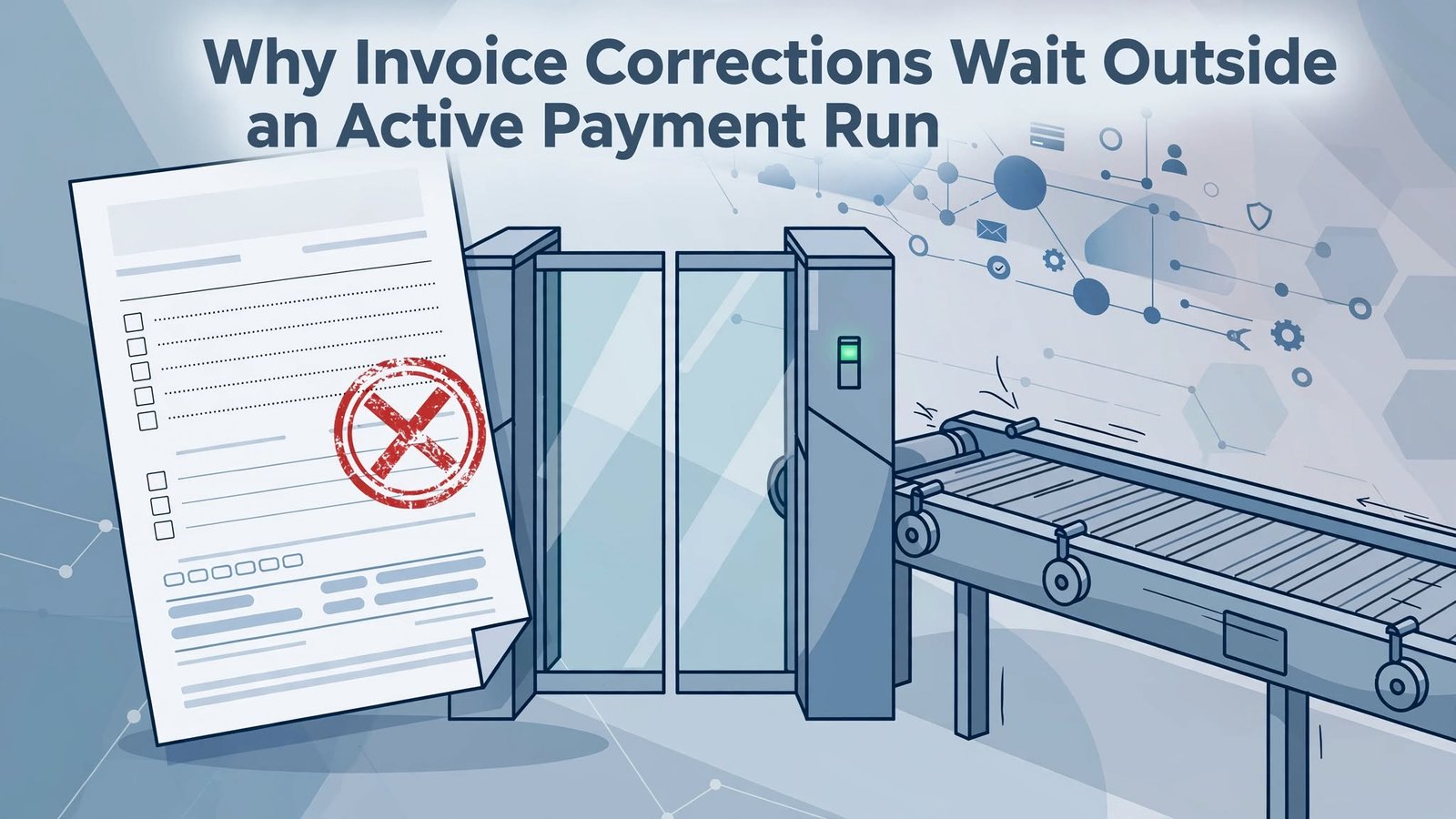
A payment analyst is midway through a busy cycle when someone spots a wrong currency on an invoice already in an active payment run. At Tech Leads IT, we use this moment in our Oracle Fusion Financials Training to show why it can’t simply be edited: once a document enters a payment request, it is locked.
The lock is a deliberate control, not a bug. The right move is to remove the item, let the source product release it, correct it there, and pay it in a later request. In Oracle Fusion Financials Online Training or any Oracle Fusion Financials Course, that is the habit to build.
Reading the Failure Correctly in Oracle Fusion Financials Training
Anyone going through Oracle Fusion Financials Training will sooner or later meet a payment validation error, and the first lesson is that the message you see may not point at the real problem. Validation happens after documents have been grouped into proposed payments. So an error shown against a payment might come from one document inside it, or from the setup the payment depends on, rather than from the payment as a whole.
Start on the resolution page. Write down the proposed payment, the validation message, and the documents payable that make it up. Resist the urge to assume every document in the group is faulty just because the payment failed. Usually only one of them is.
In our wrong-currency case, there are several possible explanations, and they lead to very different actions:
- The invoice currency itself may simply be wrong.
- The bank account or payee setup may not be compatible with the currency.
- A validation limit may apply to the combined payment rather than to any single invoice.
Before touching anything, put together a short, factual incident note. Capture the request identifier, the current stage, the error text, the affected records, and who reviewed it. It takes a few minutes, and it prevents two common mistakes: removing an entire payment when only one document needs correcting, and changing standing setup to accommodate what is really a one-time data error.
What Removal Actually Does
Removal sounds drastic, so it helps to be precise about what it does and does not do.
If you remove a payment, that payment and all of its associated documents payable leave the request. If you remove a single document payable, the effect is narrower. That document is excluded, while the rest of the proposed payment stays available to continue, subject to revalidation.
In both cases, the payment service tells the source product that the excluded documents are not being paid. The source product then unlocks them and resets their status. That makes them available for correction if needed, and available for selection in a new request later.
This is why removal is not the same as deleting an invoice or marking it paid. Nothing is destroyed and nothing is settled. You are simply releasing the document from this particular attempt.
The practical rule is to choose the smallest action that fits the problem. If one invoice is wrong, take out that invoice. If the whole payment is built on a bad grouping, take out the payment. And because you are changing a payment population that someone may already have reviewed, follow whatever approval policy your organization has for that. A quick message to the approver costs far less than explaining a silent change later.
The Lock Is a Control Boundary, Not an Obstacle
Oracle’s own guidance in the Help Center, in its considerations for resolving payment validation errors, is clear on this point. Details like amount and currency on an invoice or document payable cannot be changed while they are locked during payment processing. To edit them, you first remove the payment or document payable from the request. After that, the invoice can be changed on the source invoice page.
So in our example, the analyst should not go looking for some indirect setup tweak that would make the wrong currency squeak through validation. The error belongs to the source data, and it should be fixed in the source data.
Think of removal as a controlled break in the process. The current request stops claiming that document. The correction then happens in the place where the invoice’s accounting and approval context can be properly reviewed, instead of being patched from the side. Meanwhile, the unaffected documents are free to continue, as long as the scope of your removal and your local controls allow it.
Seen this way, the lock is protecting everyone. It stops a payment from changing underneath the people who approved it.
Telling Data Errors Apart from Setup Errors
Not every validation error is a bad invoice. Some come from setup: remittance bank accounts, third-party payees, payment methods, or payment formats. Changes to those take effect when payments are revalidated, and fixing setup is the right move when the configuration is genuinely wrong or incomplete.
The trouble starts when setup gets used to hide a data problem. If an invoice has the wrong amount or currency, no configuration change should be used to make it look acceptable. A setup change can also reach well beyond the current request, which means it needs its own scope analysis, its own testing, and its own authorization. You do not want a rushed adjustment on a busy payment day quietly affecting next week’s runs.
The reverse mistake is just as real. Removing a document because of a setup defect might delay that payment, but it does nothing to stop the same error from appearing in later runs.
That is why it pays to classify the issue before acting. In the resolution record, name which of these you are dealing with:
- a defect in the source document,
- a problem with how the payment was composed, or
- a defect in setup.
Attach the evidence behind your classification and name the person authorized to fix it. The software gives you options. Your governance decides who gets to use them.
Oracle Fusion Financials Online Training and the Correction Itself
Once the affected document has been removed and unlocked, the responsible invoice user can make the approved currency correction. Learners working through Oracle Fusion Financials Online Training often assume this is a simple edit. Sometimes it is. Depending on the invoice’s state and your organization’s procedures, though, the fix might involve cancelling and recreating the invoice instead. The payment guidance does not prescribe a single universal method for correcting the source document, so follow your own process.
What matters for the payment analyst is patience. Do not rush the document back into payment. Wait for confirmation that the corrected invoice has passed your organization’s invoice controls. Then compare the corrected record against the supplier’s document, the approval evidence, and the accounting impact. Finally, confirm that the invoice is eligible for selection under the payment criteria you intend to use.
Keep the original request reference with the correction record. This gives reviewers continuity. They can see why the document left the first population and why a revised version is expected in a later run. Just as important, nobody should have to guess whether the problem was fixed simply because the invoice vanished from the original request. Disappearing is not the same as being corrected.
Resuming the Run Without Losing the Audit Trail
With the bad document out, the operator can resume the payment process from the resolution page for everything that remains. Revalidation then decides whether the remaining proposed payments satisfy the applicable rules. Don’t assume that removal guarantees a clean finish. Record the status that actually results.
The corrected invoice does not quietly slide back into the old request. When it is ready, it belongs in a new payment process request. Link that new request’s identifier to the original exception record, and check selection, grouping, validation, and final disposition against real process evidence rather than memory.
One more detail deserves attention. If you removed an entire payment, valid companion documents may have been released along with the faulty one. Work out whether those documents need to be selected again. This is where narrow data corrections often cause quiet trouble: a perfectly good invoice gets released, nobody notices, and it sits unpaid until a supplier calls.
A simple reconciliation closes that gap. List every document removed from the request, then match each one to a later outcome. If every item has a destination, nothing has slipped through.
Why This Scenario Belongs in Any Oracle Fusion Financials Course
A good Oracle Fusion Financials Course doesn’t just teach where the buttons are. It teaches why the process is shaped the way it is, and this scenario shows that well. A single wrong currency touches validation levels, document locking, removal scope, setup governance, source correction, and audit evidence, all in one short story.
Learners who work through it should come away able to preserve two separate trails. The first is completion evidence for the payments that were unaffected and went through normally. The second is a linked record that runs from the original exception to the repayment of the corrected document. Together, they let anyone reviewing the cycle later understand exactly what happened and why.
Conclusion
An invoice with the wrong currency can’t be repaired inside an active payment run. The analyst removes the whole payment or just the affected document payable, which unlocks it for an authorized correction. The rest of the request resumes, and the corrected invoice joins a later one.
Setup changes are a separate remedy for real configuration defects, never a shortcut around bad invoice data. Learners in Oracle Fusion Financials Online Training, Oracle Fusion Financials Training should remember that the invoice gets fixed where it belongs, and the paper trail tells the whole story.