Table of Contents
- Introduction
- What Does iPhone Battery Health Mean?
- Common Reasons Your Battery Health Drops Quickly
- How to Slow Down Battery Aging
- When Should You Replace Your iPhone Battery?
- Frequently Asked Questions
- Call to Action
1. Introduction
Have you noticed your iPhone’s Maximum Capacity percentage dropping faster than expected? Rapid battery health decline can be frustrating, especially when your phone no longer lasts as long between charges. Several factors can contribute to battery aging, including heat, charging habits, and frequent intensive use. Understanding these causes can help you protect your device and determine when professional iPhone Repair Brooklyn services may be helpful. If your battery has significantly deteriorated, iPhone battery replacement Brooklyn may be an option. And if your phone has suffered physical damage, iPhone back glass repair Brooklyn may also be necessary.
2. What Does iPhone Battery Health Mean?
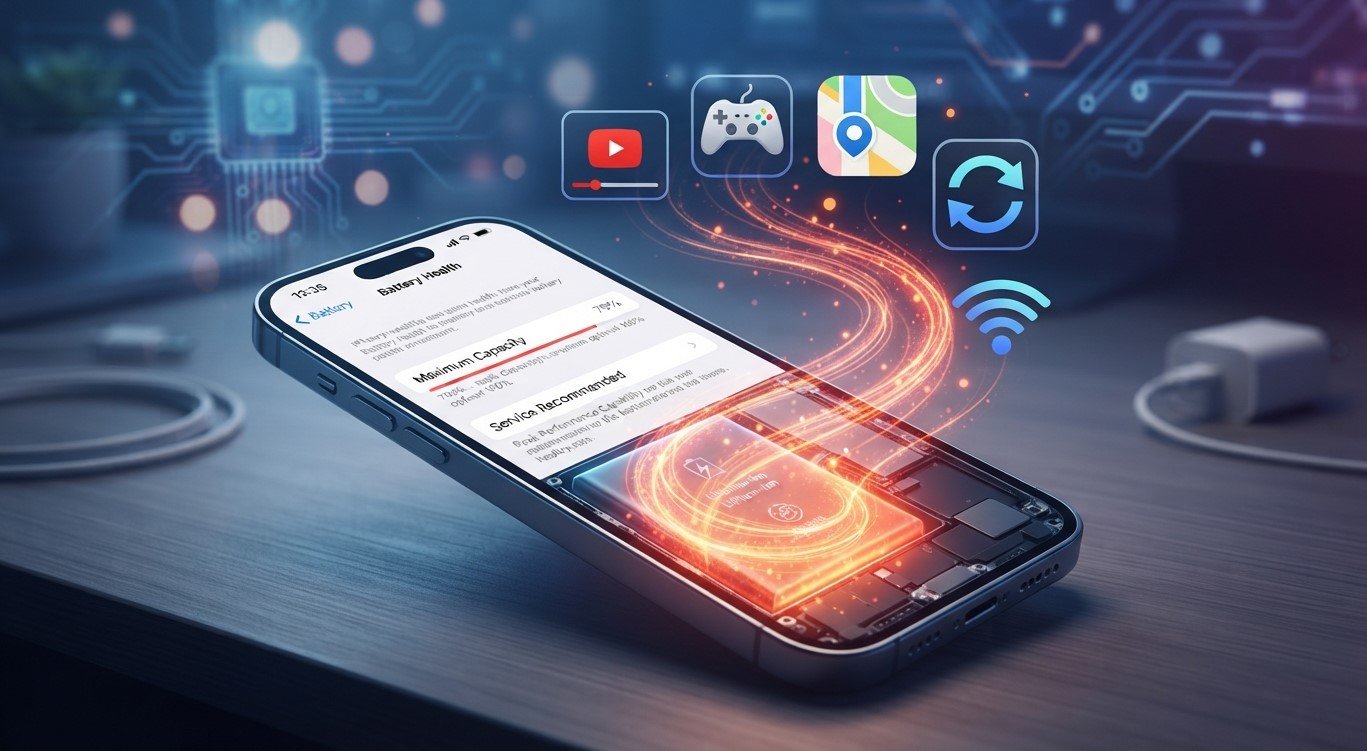
iPhone Battery Health estimates your battery’s maximum capacity compared with when it was new. For example, a reading of 85% means the battery can hold approximately 85% of its original capacity under the conditions measured.
Lithium-ion batteries naturally lose capacity as they age and go through charging cycles. A gradual decline is normal, but a sudden or unusually rapid change may deserve further investigation.
3. Common Reasons Your Battery Health Drops Quickly
Excessive Heat
Heat is one of the main factors that can accelerate lithium-ion battery aging. Leaving your iPhone in direct sunlight, inside a hot car, or in a hot environment while charging can affect long-term battery performance.
Heavy Phone Usage
Gaming, video recording, navigation, and demanding apps can generate heat and consume significant power. Frequent intensive use may contribute to faster battery wear over time.
Frequent Charging Cycles
Battery capacity gradually decreases as charging cycles accumulate. Charging your phone in small sessions is generally fine; you do not need to drain it to 0% before charging.
Fast Charging and Heat
Fast charging is designed for compatible iPhones, but charging can generate heat. Fast charging itself does not automatically mean your battery will deteriorate quickly. Excessive temperature is the bigger concern.
Software Updates and Background Activity
After an iOS update, background tasks may temporarily increase battery usage. This does not necessarily mean your battery health has permanently declined. Check whether the issue continues after your device has finished updating and settling.
4. How to Slow Down Battery Aging
You cannot stop battery aging completely, but these habits may help:
- Avoid exposing your iPhone to excessive heat.
- Enable Optimized Battery Charging when available.
- Install software updates from Apple.
- Review Battery settings to identify apps using excessive power.
- Use compatible, reliable charging accessories.
- Avoid leaving your phone in hot environments for extended periods.
Check Settings → Battery → Battery Health or Battery Health & Charging, depending on your iOS version, to review the available information.
5. When Should You Replace Your iPhone Battery?
Consider a professional assessment if your iPhone has noticeably shorter battery life, unexpected shutdowns, or a battery health reading that indicates significant degradation.
Avenue D Cellular can help customers seeking iPhone Repair Brooklyn services determine whether battery replacement is appropriate. If testing confirms battery deterioration, iPhone battery replacement Brooklyn may restore more dependable daily performance.
If your phone also has a cracked rear panel after a drop, iPhone back glass repair Brooklyn can be assessed separately. Back glass damage does not automatically cause battery health to decline, but an impact may have affected other internal components.
Safety note: If your battery appears swollen, the screen is lifting, or the phone becomes unusually hot, stop using and charging it and arrange professional assistance.
6. Frequently Asked Questions
Is it normal for iPhone battery health to decrease?
Yes. Battery capacity gradually declines with age and use. The rate varies depending on the device, temperature, and charging history.
Does charging overnight damage battery health?
Overnight charging is generally safe because iPhones manage charging automatically. Optimized Battery Charging can help reduce the time the battery spends fully charged.
Can I increase my battery health percentage again?
You generally cannot restore the battery’s original physical capacity through settings. If the battery has deteriorated significantly, replacement may be the appropriate solution.
Should I replace my battery at 80% health?
It depends on your iPhone model, performance, and needs. A reading around 80% can indicate substantial wear, but symptoms and Apple’s battery recommendations also matter.
7. Call to Action
A declining battery health percentage does not always mean something is wrong, but unusually rapid changes deserve attention. Protect your iPhone from heat, review its battery settings, and seek an assessment if performance deteriorates.
For assistance with iPhone Repair Brooklyn, contact Avenue D Cellular to discuss iPhone battery replacement Brooklyn or iPhone back glass repair Brooklyn. A professional assessment can help identify the problem and recommend the most suitable repair.