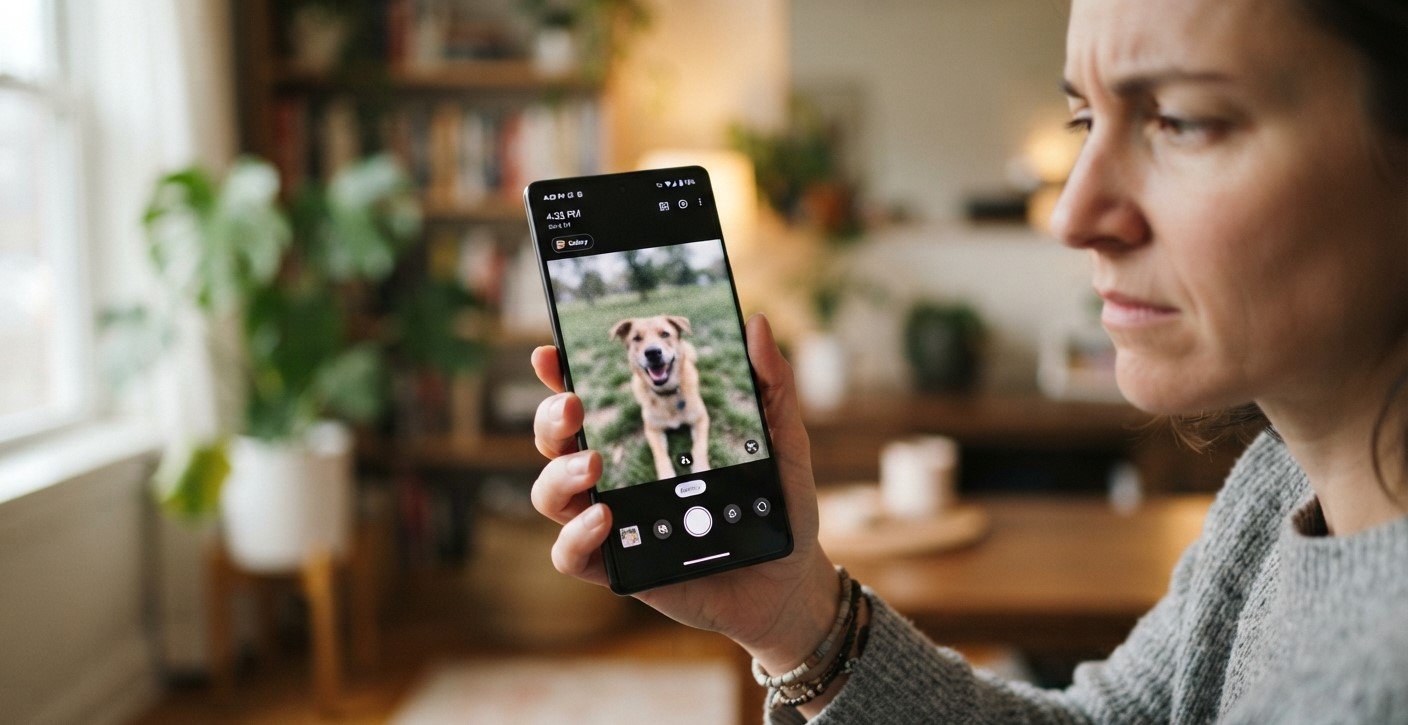
Taking a clear photo only to find it blurry after saving can be frustrating. This issue may happen because of camera settings, image compression, software glitches, or problems with your phone’s camera lens. Understanding the cause can help you restore image quality without replacing your device. If troubleshooting does not solve the problem, Mobile Phone Repair Albany may be a helpful starting point for repair guidance. Users dealing with camera or display damage can also explore iPhone screen repair Albany options or ask about curbside phone repair Albany availability.
Table of Contents
- Common Causes of Blurry Saved Photos
- How to Fix Blurry Photos
- When to Seek Professional Help
- FAQs
- Conclusion and CTA
1. Common Causes of Blurry Saved Photos
Several issues can affect the quality of photos after they are saved:
- Dirty camera lens: Fingerprints, dust, or smudges can make images look hazy.
- Low-resolution settings: Lower image-quality settings may produce less detailed photos.
- Image compression: Some messaging apps and editing tools compress photos, reducing clarity.
- Software glitches: Camera app bugs can affect image processing or saving.
- Insufficient lighting: Poor lighting can cause motion blur or grainy images.
- Camera damage: A damaged lens or autofocus component may prevent sharp photos.
2. How to Fix Blurry Photos
Try these practical solutions:
Clean the Camera Lens
Use a soft, clean microfiber cloth to remove fingerprints and dust. Avoid abrasive materials that could scratch the lens.
Check Camera Settings
Open your camera settings and select a suitable photo resolution or quality option, if available. Make sure you are using the appropriate camera mode.
Avoid Digital Zoom
Digital zoom can reduce image detail. Move closer to your subject or use optical zoom when available.
Update or Restart Your Phone
Restart your smartphone to resolve temporary glitches. Check for official operating system and camera app updates.
Check the Original Photo
Compare the image in your phone’s gallery with the version shared through a messaging or social media app. If only the shared version looks blurry, compression may be responsible.
3. When to Seek Professional Help
If every photo remains blurry despite cleaning the lens and checking settings, the camera module or autofocus system may be damaged. A technician can inspect the hardware and recommend an appropriate repair. Avoid opening the phone yourself, as this may cause additional damage.
4. FAQs
Why do photos look clear before saving but blurry afterward?
Image processing, compression, or software glitches may affect the saved version.
Can a dirty lens make photos blurry?
Yes. Smudges and fingerprints can reduce sharpness and contrast.
Do messaging apps reduce photo quality?
Some apps compress images to reduce file sizes. Sending the original file may preserve more detail.
Can a software update fix blurry photos?
It may help if the issue is caused by a camera app bug.
5. Conclusion and CTA
Blurry photos after saving can result from lens smudges, low-quality settings, compression, software problems, or camera damage. Start with simple troubleshooting and seek professional help if the problem continues. For repair guidance, explore Mobile Phone Repair Albany, consider iPhone screen repair Albany if display damage is also present, or ask whether curbside phone repair Albany is available. Taking action early can help you get clearer photos again.