Introduction
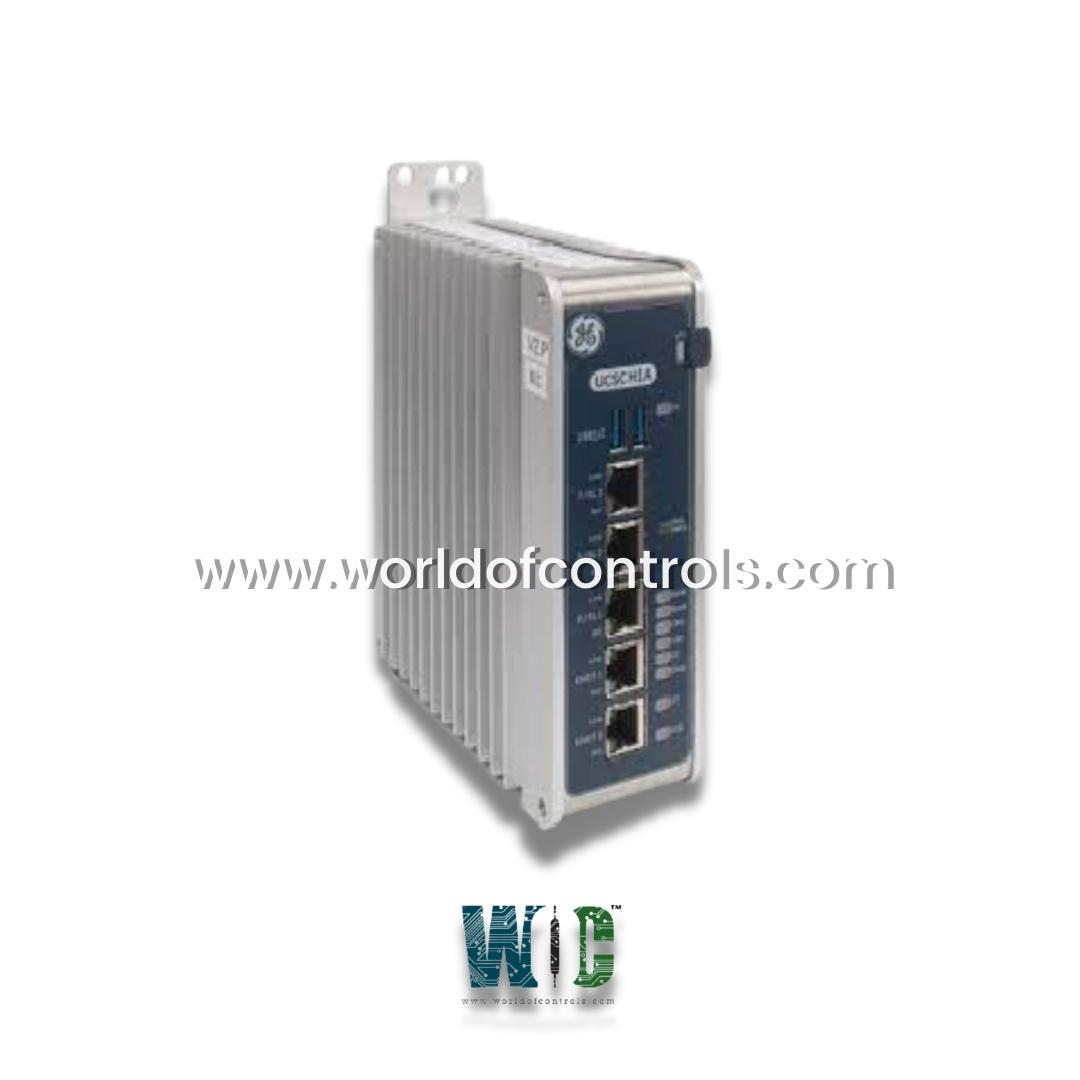
In modern power generation facilities, turbine control systems must operate with extreme precision and reliability. The GE UCSC Controller is a core processing unit within the GE Mark VIe platform, widely used in gas and steam turbine applications. It performs high-speed logic execution, real-time data processing, and communication management across distributed control networks.
This article provides a structured guide to troubleshooting and maintaining the GE UCSC Controller, with practical insights tailored to turbine industry environments.
The Role of the UCSC Controller in the Turbine Industry
Central Processing in Turbine Control
Within a turbine control architecture, the UCSC controller functions as the system’s computational engine. It:
- Executes turbine control logic
- Manages startup and shutdown sequences
- Controls fuel flow and speed regulation
- Monitors critical parameters such as temperature, pressure, and vibration
- Communicates with remote I/O modules and operator interfaces
Because turbines operate under high mechanical and thermal stress, control systems must maintain continuous availability and deterministic performance.
Industrial Design and Functionality
The UCSC controller is built for harsh industrial environments. It typically includes:
- A high-performance processor
- Embedded operating system
- Ethernet-based communication interfaces
- Integration with distributed I/O networks
In turbine applications, even minor control disruptions can lead to forced outages or safety events, making reliability and preventive maintenance essential.
Common Issues and Their Causes
Despite its robust design, certain issues may arise over time due to environmental factors, aging components, or configuration changes.
1. Communication Failures
Symptoms:
- Loss of connection with I/O modules
- HMI display errors
- Delayed or missing data updates
Possible Causes:
- Faulty Ethernet cables
- Network switch malfunctions
- Incorrect IP configuration
- Redundancy misalignment
Reliable network communication is critical in turbine control systems, where real-time data exchange ensures safe operation.
2. Overheating and Thermal Stress
Symptoms:
- Unexpected controller resets
- Processor-related alarms
- System instability
Possible Causes:
- Blocked ventilation filters
- Elevated cabinet temperatures
- Insufficient airflow
- Cooling system failure
Turbine control cabinets must maintain stable environmental conditions. Excess heat is one of the most common contributors to electronic component degradation.
3. Power Supply Irregularities
Symptoms:
- Failure to boot
- Intermittent shutdowns
- Random system faults
Possible Causes:
- Voltage fluctuations
- Loose wiring connections
- Aging power supply modules
Industrial-grade controllers require clean, stable power. Even brief interruptions can affect turbine control performance.
4. Firmware and Configuration Errors
Symptoms:
- Logic execution anomalies
- Failed system updates
- Inconsistent turbine behavior
These issues often arise during system upgrades or after unauthorized configuration changes. Strict change management procedures are essential in turbine facilities.
Step-by-Step Troubleshooting Approach
Step 1: Conduct a Visual Inspection
Start with a basic physical assessment:
- Check LED indicators for fault codes
- Inspect power and network cables
- Look for dust accumulation or signs of overheating
Many issues can be quickly identified through visual checks alone.
Step 2: Verify Network Integrity
Use diagnostic tools to:
- Confirm IP connectivity
- Test communication with remote I/O
- Check redundancy configuration
In turbine systems, redundant networks are commonly used to eliminate single points of failure.
Step 3: Analyze Diagnostic Logs
Access system logs via the control interface to review:
- CPU load warnings
- Communication timeouts
- Hardware-related alarms
Logs provide insight into system behavior leading up to the issue.
Step 4: Validate Firmware Compatibility
Ensure firmware versions align with system requirements. Mismatched or outdated firmware can compromise stability and control accuracy.
Preventive Maintenance Best Practices
Proactive maintenance reduces the risk of forced turbine outages.
Environmental Maintenance
- Maintain recommended cabinet temperature levels
- Clean air filters regularly
- Ensure proper ventilation and spacing
Network Maintenance
- Periodically inspect cables and connectors
- Verify switch and redundancy health
- Test failover functionality during scheduled outages
Configuration Management
- Maintain backup copies of configurations
- Document firmware versions
- Follow formal change control procedures
Scheduled Functional Testing
During planned shutdowns, simulate operational scenarios to verify responsiveness and system redundancy.
Conclusion
The GE UCSC Controller is a vital component in modern turbine control systems, ensuring accurate logic execution, reliable communication, and safe turbine operation. Because turbine environments are demanding and high-stakes, structured troubleshooting and preventive maintenance are essential.
By implementing systematic diagnostics, maintaining environmental controls, and following disciplined change management practices, operators can extend controller lifespan, improve system reliability, and minimize costly downtime in power generation facilities.