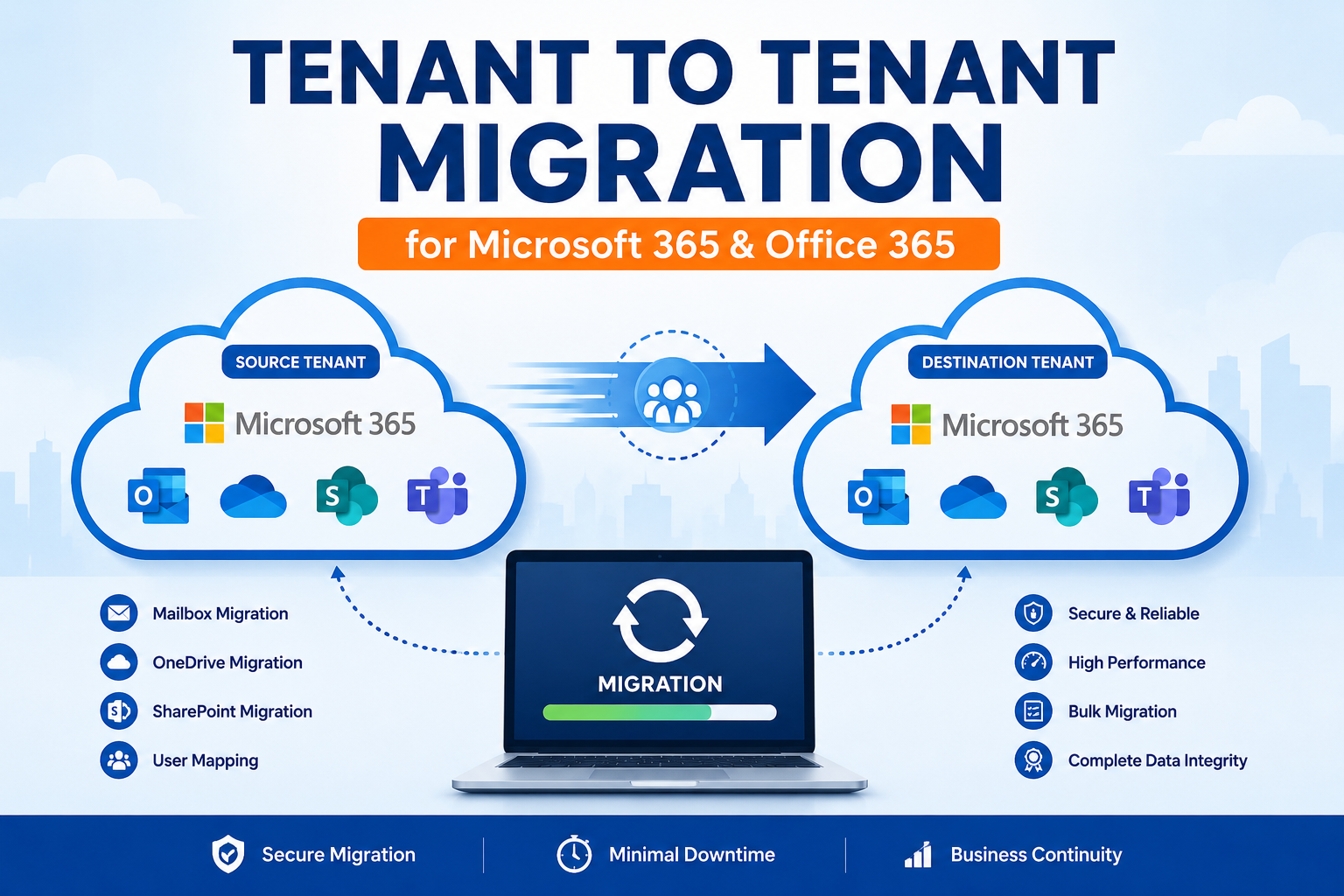
Businesses frequently reorganize their IT infrastructure due to mergers, acquisitions, company expansions, or brand changes. During these transitions, one of the most important tasks is tenant to tenant migration. Moving users, mailboxes, and business data from one Microsoft 365 tenant to another requires careful planning to prevent downtime and data loss.
Whether the goal is to migrate tenant to tenant in Office 365 or consolidate multiple Microsoft 365 environments, choosing the right migration strategy can make the process faster, safer, and more efficient.
What is Tenant to Tenant Migration?
A Microsoft 365 tenant is a dedicated cloud environment that stores an organization’s users, Exchange Online mailboxes, OneDrive files, SharePoint sites, Teams data, and other Microsoft services.
Tenant to tenant migration is the process of transferring this data from one tenant to another while maintaining business continuity and preserving important information.
Organizations commonly perform Microsoft tenant to tenant migration when:
- Two companies merge
- A business acquires another organization
- Multiple Microsoft 365 tenants need consolidation
- A company changes its primary domain
- Departments move into separate Microsoft 365 environments
What Can Be Migrated?
A complete Office 365 tenant to tenant migration typically includes:
Exchange Online Mailboxes
The migration transfers:
- Emails
- Attachments
- Contacts
- Calendars
- Tasks
- Shared mailboxes
- Archive mailboxes
This process is commonly known as tenant to tenant mailbox migration.
OneDrive Files
Personal files, folders, and documents stored in OneDrive can also be migrated while maintaining their folder structure.
SharePoint Sites
Organizations can migrate document libraries, permissions, lists, and collaboration sites to the destination tenant.
Microsoft Teams
Modern migration projects may also include Teams users, channels, and connected resources depending on project requirements.
Challenges During Microsoft Tenant to Tenant Migration
Although Microsoft provides cloud services, moving data between separate tenants is not a simple copy-and-paste operation.
Large Mailbox Sizes
Organizations often have mailboxes containing years of business communication. Migrating this data manually can be slow.
User Mapping
Each mailbox in the source tenant must correspond with a mailbox in the destination tenant. Incorrect mapping may result in failed migrations.
Domain Switching
Changing domains requires careful planning because a domain cannot remain active in two tenants simultaneously.
Downtime
Poor planning may interrupt email communication and user productivity.
Data Integrity
Folder hierarchy, email properties, read/unread status, and timestamps should remain unchanged after migration.
Why Use an Automated Migration Solution?
Manual migration methods usually involve multiple administrative tasks, PowerShell commands, and complex configurations. These methods become increasingly difficult as the number of users grows.
A professional migration solution simplifies the process by automating mailbox mapping, authentication, and data transfer.
MailsDaddy Office 365 Tenant to Tenant Migration Solution
The MailsDaddy Office 365 Tenant to Tenant Migration Solution is built to simplify Office 365 cross tenant migration for organizations of all sizes. It provides an intuitive interface while handling complex migration tasks behind the scenes.
Direct Tenant-to-Tenant Migration
The software transfers data directly between Microsoft 365 tenants without exporting mailboxes into PST files. This saves both time and storage space.
Bulk Mailbox Migration
Administrators can migrate hundreds or thousands of mailboxes in a single project, making it suitable for enterprise environments.
Complete Mailbox Transfer
The software migrates:
- Emails
- Contacts
- Calendars
- Tasks
- Journals
- Notes
- Attachments
without changing the original folder hierarchy.
Smart User Mapping
Automatic and manual mapping options help accurately match source and destination users, reducing configuration time.
Selective Migration
Instead of transferring every mailbox, administrators can migrate selected users or apply filters based on business requirements.
Preserves Metadata
The solution keeps:
- Read/unread status
- Email headers
- Sent and received dates
- Folder structure
- Internet message IDs
intact throughout the migration.
Secure Authentication
Modern authentication methods ensure secure communication between the source and destination tenants.
User-Friendly Interface
The migration wizard simplifies every step, allowing administrators to configure projects without complicated scripting.
How to Migrate One to Another Tenant in Microsoft 365
A structured migration plan typically follows these steps:
- Prepare both Microsoft 365 tenants.
- Assign administrative permissions.
- Configure source and destination credentials.
- Map users between both tenants.
- Select mailboxes for migration.
- Start the migration process.
- Verify migrated data after completion.
Following these steps helps organizations migrate one to another tenant in Microsoft 365 with minimal business disruption.
Benefits of Office 365 Cross Tenant Migration
Using a dedicated migration solution provides several advantages:
- Faster migration performance
- Reduced administrative workload
- Accurate tenant to tenant mailbox migration
- Secure data transfer
- Preservation of folder hierarchy
- Support for large migration projects
- Lower risk of migration failures
- Simplified user management
Best Practices for Successful Migration
For the best migration experience:
- Create a complete backup before migration.
- Test the migration with a small group of users.
- Schedule migration outside business hours.
- Inform users about planned maintenance.
- Verify mailbox content after migration.
- Monitor the migration logs for any issues.
These practices help reduce risks and improve migration success.
Conclusion
A successful tenant to tenant migration requires careful planning, accurate user mapping, and reliable migration software. Organizations moving to a new Microsoft 365 environment should prioritize data integrity, security, and minimal downtime throughout the process.
The MailsDaddy Office 365 Tenant to Tenant Migration Solution offers a practical approach for Microsoft tenant to tenant migration, enabling businesses to migrate mailboxes directly between tenants while preserving mailbox content, folder hierarchy, and metadata. With support for bulk migration, selective data transfer, secure authentication, and intelligent user mapping, it simplifies Office 365 tenant to tenant migration for organizations of every size. By adopting a structured migration strategy and a dedicated migration solution, businesses can migrate one to another tenant in Office 365 efficiently while ensuring uninterrupted communication and long-term operational continuity.