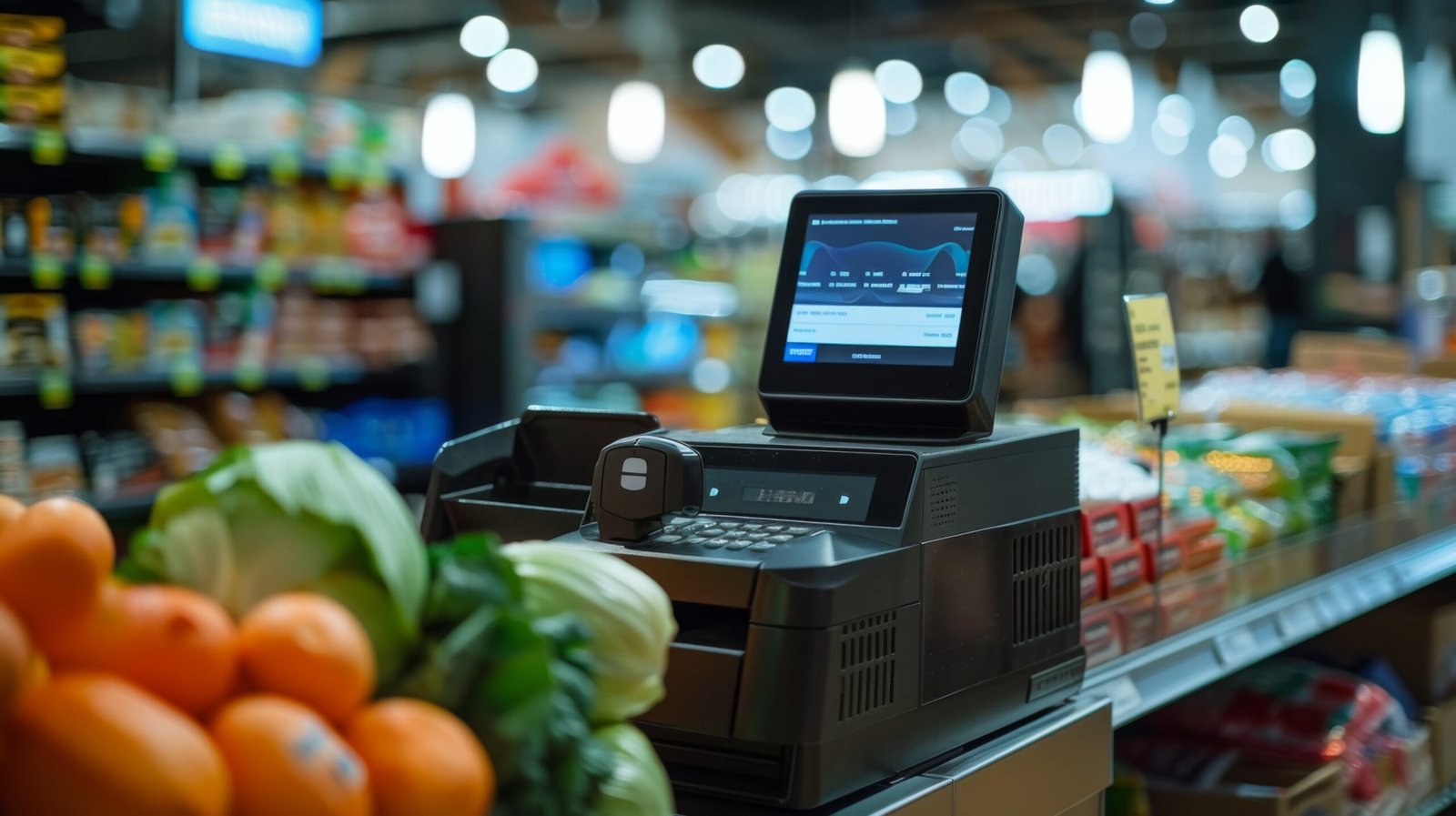
Running a supermarket means managing hundreds or thousands of products, constant price changes, supplier deliveries, busy checkout periods, and inventory that can move quickly. A reliable Supermarket POS system needs to do more than process payments. It needs to connect the checkout counter with inventory, pricing, purchasing, reporting, and day-to-day store operations.
For an independent supermarket, that matters even more. You may not have an IT department watching the system all day. Your cashiers need a straightforward checkout, while you need accurate information about what sold, what needs reordering, and how each location is performing.
A modern supermarket point of sale system can bring these jobs into one workflow. The important question is not whether a POS has the longest feature list. It is whether those features solve the problems your staff actually face during a busy shift.
What Should a Supermarket POS System Actually Handle?
A supermarket POS should work around the way a grocery operation runs. That starts with the register but extends into inventory, purchasing, pricing, reporting, and payments.
At checkout, the system should let employees quickly find products, scan barcodes, apply approved discounts, accept payments, and correct legitimate transaction errors without turning every small issue into a manager intervention.
Behind the register, the same transaction should update inventory records. If ten units of an item are sold, the system should reflect those sales so you are not relying on handwritten counts or waiting until the end of the week to discover that a popular product is nearly out of stock.
This connection between checkout and inventory is one of the main reasons a supermarket point of sale system is different from a basic cash register.
Barcode Scanning and Fast Checkout
Supermarkets depend heavily on barcode scanning. Cashiers should be able to scan products quickly without repeatedly searching through menus.
For products without a standard barcode, the system should provide practical ways to identify the item and enter the correct price. Your staff should also have a clear process for voids, quantity changes, returns, discounts, and other routine transactions.
The goal is simple: keep the line moving while maintaining an accurate transaction record.
Product and Price Management
Supermarkets can carry a large number of SKUs. Prices may change because of supplier costs, promotions, seasonal products, or local market conditions.
A capable supermarket POS system gives owners and managers a central place to maintain product information and pricing rather than forcing staff to update individual registers manually.
For stores with multiple locations, centralized management becomes even more important. A price or product change can be managed consistently across participating locations instead of relying on every store manager to make the same update independently.
Inventory Management That Connects to the Register
Inventory accuracy is one of the biggest operational concerns for grocery and supermarket owners.
Imagine a customer buys the last three packages of a product during the afternoon rush. If the sale is recorded at the POS, that transaction can feed into inventory data. Without that connection, your purchasing decisions may be based on yesterday’s count rather than what actually happened today.
A useful supermarket POS should help you understand:
- What products are selling
- Which items are approaching reorder levels?
- What inventory is available by location
- Which products have slow movement
- How sales affect current stock
- What needs attention before the next supplier order
This does not eliminate physical inventory counts. It gives those counts better information to work from.
Multi-Location Inventory
Owners operating two, three, or five supermarkets have another problem: knowing where inventory is located.
A product may be overstocked at one location while another store is running low. A connected Supermarket POS system and inventory system can provide location-level visibility and make transfers and replenishment decisions easier to manage.
The practical benefit is not simply having another dashboard. It is reducing the time spent calling each store to ask, “Do you still have this item?”
For independent operators, that kind of visibility can save administrative work every week.
Payments Need to Fit the Checkout Workflow
Payment processing is another part of the supermarket POS environment. Customers may pay with credit cards, debit cards, contactless payments, or cash.
The payment process should be quick and clear for both the cashier and customer. When the payment terminal, POS software, and transaction record work together, employees have fewer steps to manage during checkout.
Payment security and processing requirements also matter. Retailers should understand their obligations under applicable payment-card rules and work with their payment provider on the appropriate setup.
Gokul provides credit card processing services as part of its broader POS offering.
Reporting That Helps Owners Run the Store
A supermarket owner should not have to wait until month-end to understand what is happening.
Useful POS reporting can show sales by product, category, cashier, register, location, or time period. That information can help you investigate operational questions such as:
- Which products are moving fastest?
- Which categories need attention?
- What are sales doing by location?
- When are checkout periods busiest?
- Which products have weak movement?
- What transactions require manager review?
The value of reporting comes from turning transaction data into information you can actually use.
A small operator does not necessarily need hundreds of reports. A smaller set of clear reports that answer everyday business questions is often more useful.
Security and Loss Prevention
Shrinkage is another issue that supermarket operators cannot ignore. The National Retail Federation’s National Retail Security Survey has highlighted the significant financial impact of retail shrink, although shrink figures vary by retailer, merchandise mix, and reporting methodology.
A POS cannot prevent every type of loss. It can, however, create transaction records that help managers review activity.
For example, managers may need visibility into voids, refunds, discounts, price overrides, or other exceptions. Having these transactions recorded gives owners something concrete to review rather than relying entirely on memory.
Access controls can also help limit which employees are permitted to perform certain functions.
The right approach is to use POS data as one part of your loss-prevention process, alongside staff procedures, inventory controls, physical security, and management oversight.
Choosing the Right Supermarket Point of Sale System
Before choosing a system, walk through an actual day in your store.
Ask how the POS handles a busy morning checkout. Then consider a supplier delivery, a price change, a product return, an inventory count, a manager override, and an end-of-day reconciliation.
You should also consider what happens when something goes wrong.
Can your employees understand the workflow? Can managers access the information they need? Can you add another register or location without rebuilding your entire operation? Can the hardware fit your existing counter?
A good system should make routine work easier rather than adding another layer of administration.
Look Beyond the Software
Hardware deserves the same attention as software.
Your setup may require touchscreen terminals, barcode scanners, receipt printers, cash drawers, payment terminals, scales, customer displays, or other equipment depending on your store.
Gokul provides POS hardware for retail environments, allowing businesses to build a setup around their actual checkout requirements.
The right equipment also depends on your store layout, available counter space, product mix, and transaction volume.
Conclusion
A supermarket POS system should make every day retail work easier to control. It should connect checkout transactions with inventory, pricing, payments, reporting, and the operational controls your store needs.
For an independent supermarket owner, the best starting point is not a long feature list. Look at your real workflow: scanning products, managing prices, receiving inventory, handling returns, reviewing exceptions, reconciling payments, and keeping multiple locations organized.
Gokul POS provides software, hardware, and payment services for supermarkets and other high-transaction retail businesses. Explore Gokul’s supermarket POS system to see how the platform can fit your store’s day-to-day operation.