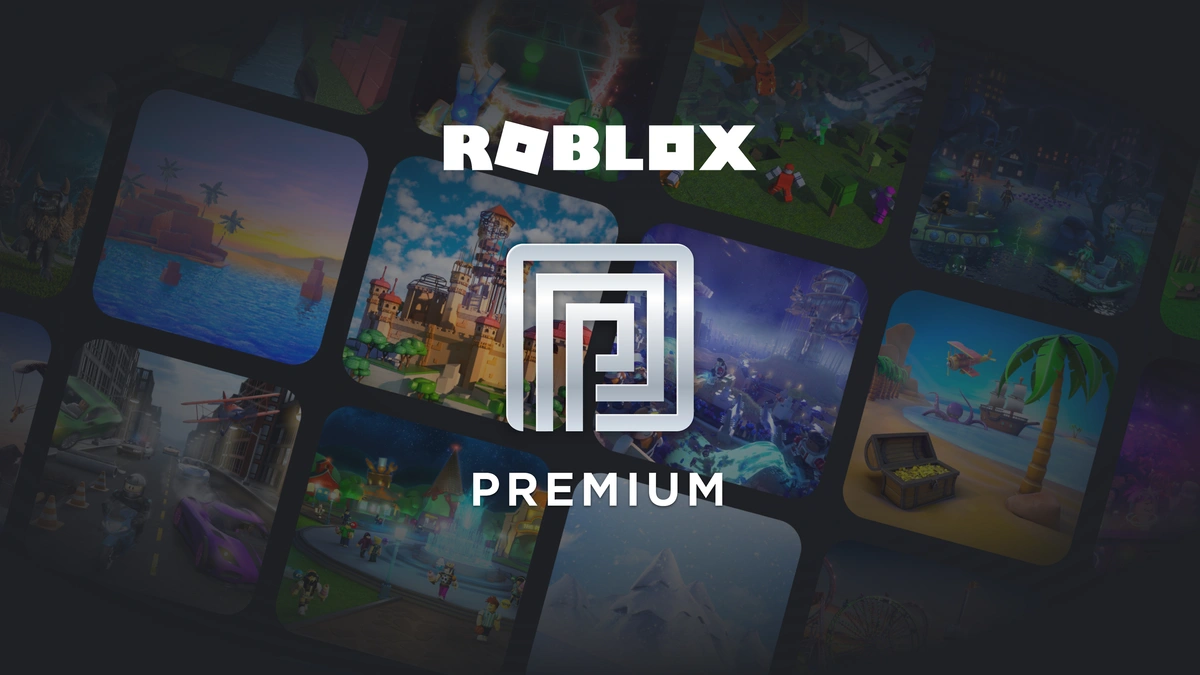
If you are a frequent Roblox player, item trader, or aspiring developer, maximizing your virtual experience is always top of mind. For years, the go-to way to level up your account was through Roblox Premium. However, the platform has rolled out massive updates to its membership model.
Whether you want to know about legacy pricing, the newly introduced Roblox Plus system, or how to get the most bang for your buck, this guide has you covered. For a comprehensive look at the original baseline features, you can always check out the original overview on Roblox Premium Subscription Cost: What It Does & How To Get.
The Big Shift: Roblox Premium vs. Roblox Plus
Roblox officially stopped accepting new sign-ups for the legacy Roblox Premium tiers, replacing it with an all-new service called Roblox Plus.
While existing Premium subscribers are allowed to grand-father in and keep their monthly Robux stipends, the platform is actively transitioning players to the Plus model.
Features Comparison at a Glance
| Feature | Legacy Roblox Premium | New Roblox Plus ($4.99/mo) |
| Monthly Robux Stipend | Included (450, 1000, or 2200) | None (Requires bundle add-on) |
| In-Game Item Discounts | ✘ No | 10% (Increases to 20% by month 3) |
| Private Servers | ✘ Paid per game | Free & Unlimited |
| Free Robux Transfers | ✘ No | Yes (No transaction fees) |
| Marketplace Access | Yes (Trading/Reselling) | Yes (Trading/Reselling) |
What Did Roblox Premium Cost? (Legacy Tiers)
Before the release of the Plus tier, Roblox Premium was divided into three straightforward, recurring monthly price points. Existing members who keep their renewals active still pay these baseline rates:
- Premium 450: $4.99 / £4.99 per month $\rightarrow$ Includes 450 Robux/mo
- Premium 1000: $9.99 / £9.99 per month $\rightarrow$ Includes 1,000 Robux/mo
- Premium 2200: $19.99 / £19.99 per month $\rightarrow$ Includes 2,200 Robux/mo
Warning to Existing Premium Members: Certain legacy perks are being phased out. The historical 10% bonus on additional standalone Robux purchases and the classic Premium profile badge have been officially discontinued.
The New Standard: Roblox Plus Features & Pricing
For anyone signing up for a subscription right now, Roblox Plus is the standard tier. It costs $4.99 USD per month and pivots away from giving you flat currency, focusing instead on gameplay perks and systemic discounts.
1. The Loyalty Discount System
The moment you sign up for Roblox Plus, you receive an immediate 10% discount on in-game purchases, passes, and avatar items. If you maintain your subscription for three consecutive months, that discount permanently doubles to 20%.
2. Free, Unlimited Private Servers
Usually, hosting a private server for you and your friends requires paying a monthly Robux fee set by the game’s creator. Roblox Plus completely eliminates this cost, granting subscribers unlimited free private servers across all supported games.
3. Fee-Free Robux Transfers
Plus members can send Robux directly to other users on the platform without paying the traditional platform transaction fees. For safety, users aged 18 or under require parental approval to initiate or receive these transfers.
4. Marketplace & Trading Privileges
Just like the legacy Premium tier, Roblox Plus unlocks the ability to trade and resell limited items, as well as publish and sell custom items on the Roblox Marketplace.
Want Robux with your Subscription? (Plus Bundles)
Because the standard $4.99 Roblox Plus plan does not come with a monthly allowance of Robux, Roblox introduced optional Plus Bundles. These bundles combine the gameplay perks of Roblox Plus with a recurring monthly currency stipend:
- Plus 500 Bundle: Roblox Plus Perks + 500 monthly Robux
- Plus 1000 Bundle: Roblox Plus Perks + 1,000 monthly Robux
- Plus 2200 Bundle: Roblox Plus Perks + 2,200 monthly Robux
How to Subscribe to Roblox Plus
Getting a subscription is quick and can be done across mobile or desktop applications:
- On Desktop/Web: Log into your account, click the Gear Icon in the top right, navigate to Settings, and select the Subscriptions tab.
- On Mobile (iOS/Android): Open the Roblox app, tap the three dots (…) menu, navigate to the membership area, and complete the purchase via the Apple App Store or Google Play Store.
For older accounts wanting to review how the platform handled the baseline configuration of memberships in the past, take a look back at the historical guide hosted on Roblox Premium Subscription Cost: What It Does & How To Get.