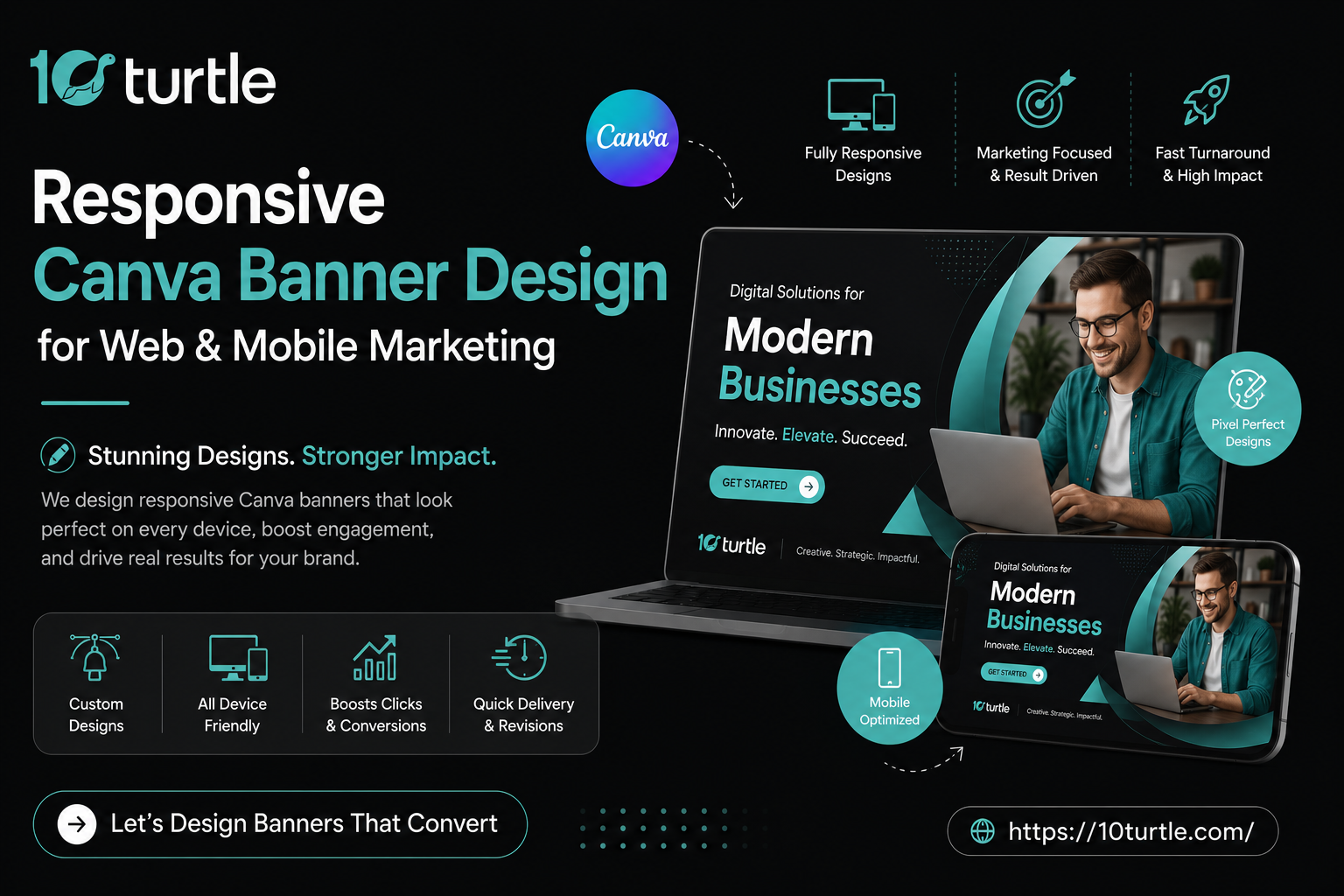
In today’s competitive digital world, your visual branding creates the first impression before customers even interact with your business. Whether you run a small business in Texas, create content in New York, or manage a startup in California, professional visuals help your brand stand out online. With Canva banner ad design, businesses can easily create responsive and eye-catching banners for websites, social media, YouTube channels, and mobile marketing campaigns without hiring an expensive design agency. A well-designed banner not only improves brand visibility but also helps attract more engagement across digital platforms.
The best part is that modern tools like Canva have made professional design accessible for everyone, even without graphic design experience. From responsive web banners to mobile-friendly promotional creatives, brands across the USA are using Canva to build strong digital identities and connect with their audiences faster. In this blog, you’ll learn the essentials of responsive Canva banner design, platform-specific design tips, and how businesses are using smart visual marketing strategies to stay ahead in today’s fast-moving online market.
Why Responsive Banner Design Matters in 2025
Think about how you browse the internet. You switch between your phone, your laptop, and sometimes a tablet often within the same hour. Now imagine a banner that looks crisp on desktop but gets cropped or distorted on mobile. That’s a lost opportunity.
Responsive design ensures your banner adapts beautifully across screen sizes. Whether it’s a website banner design displayed on a homepage or a social ad running on Instagram, sizing and layout flexibility make all the difference. According to recent US marketing reports, over 63% of online traffic now comes from mobile devices which means your visuals absolutely need to be mobile-optimized.
This is exactly where canvas graphic design tools shine. Canva, in particular, has built its entire platform around making design accessible, fast, and screen-ready.
Getting Started: How Do You Make a Banner?
If you’ve ever wondered how do you make a banner that actually looks professional, here’s a simplified roadmap:
- Choose the right dimensions: Different platforms need different sizes. For example, a Facebook cover is 820×312px, while a LinkedIn banner is 1584×396px. Instagram stories follow a vertical 1080×1920px format.
- Pick a strong template: Using Canva templates gives you a head start. Canva offers hundreds of pre-built layouts sorted by industry, color scheme, and purpose. Instead of starting from a blank canvas, you get a polished base to customize.
- Add your brand elements : Upload your logo, apply your brand colors, and select fonts that match your voice. Canva’s drag-and-drop editor makes this incredibly intuitive.
- Optimize for mobile : Preview your design in mobile view before exporting. Text should be readable at smaller sizes, and important visuals shouldn’t be pushed to edges that might get cropped.
- Export in the right format : PNG for web, MP4 for animated banners, and high-res PDF or PNG for print.
Platform-Specific Banner Design Tips
YouTube
Your YouTube channel banner is prime real estate. It’s the first visual a subscriber sees when they land on your channel. Using a reliable youtube banner maker Canva workflow, you can design a banner that works across TV screens, desktops, and smartphones simultaneously. Canva even provides a built-in “safe zone” guide so your text and logo never get cut off on smaller screens.
Similarly, a well-designed Canva YouTube thumbnail can increase your click-through rate dramatically. US-based creators who A/B test their thumbnails consistently report 30–40% higher engagement compared to those who don’t.
For brands focused on Instagram, Canva Instagram templates offer a massive library of story frames, post layouts, and reel covers. Consistency across your feed builds trust and Canva makes it easy to maintain that consistency by saving your brand kit for repeated use.
Websites
A great website banner design anchors your homepage. It communicates who you are, what you offer, and why someone should stay. Many US-based businesses are now pairing clean hero banners with animated CTAs to improve conversion rates. Canva Pro allows you to create animated banners with transitions no coding required.
Custom Banners: Print Meets Digital
Not all marketing is digital. Trade shows, retail stores, and outdoor events still rely heavily on custom printed banners. What’s interesting is that Canva bridges both worlds you can design a digital banner and then use the same file (in high-res) for print-ready production.
A custom canvas banner for a physical event needs to account for bleed areas, resolution (typically 150–300 DPI for large formats), and color modes (CMYK vs RGB). Canva’s print service Canva Print even ships directly to addresses across the United States, making it a one-stop shop for businesses that need both digital assets and physical signage.
USA Market Insight: What’s Trending in 2025
American brands are leaning into several design trends this year:
- Bold typography over stock photos : Text-forward banners with strong fonts are outperforming image-heavy layouts in click-through tests.
- Dark mode compatibility : Banners designed with both light and dark backgrounds in mind are becoming standard practice.
- Micro-animations: Subtle motion in digital banners (like a pulsing CTA button) grabs attention without overwhelming the viewer.
- Localized visuals : US businesses targeting regional markets (e.g., Southern lifestyle brands vs. Pacific Northwest outdoor brands) are customizing their banner aesthetics to reflect local culture and values.
Frequently Asked Questions (FAQs)
Q1: What size should a web banner be?
The most common web banner size is the leaderboard (728×90px) and the medium rectangle (300×250px). For website hero banners, 1920×600px is a popular standard but always design responsively so it scales down on mobile.
Q2: Can I use Canva for print banners?
Absolutely. Canva supports high-resolution exports and even has a built-in print service that delivers custom printed banners directly to your door across the US.
Q3: How is 10turtle different from using Canva alone?
Canva is a DIY tool great for quick, template-based designs. 10turtle offers a full-service design experience with strategy, custom illustrations, and campaign-level thinking. It’s ideal when your brand needs more than a template can offer.
Q4: What’s the best Canva template for YouTube thumbnails?
Search for “YouTube Thumbnail” within Canva and filter by your niche (tech, lifestyle, education, etc.). Look for templates with high contrast and bold text these tend to perform best in search results and suggested video feeds.