
Introduction
A lockbox file can look perfectly fine and still be unsafe to import. Every receipt may seem recognizable, yet a missing record, a duplicated batch, or a shifted field means the file no longer matches what the bank sent. At Tech Leads IT, our Oracle Cloud Financials Online Training starts with this very problem, because nothing looks broken line by line.
Experienced Receivables teams treat headers and trailers as proof, not decoration. Before worrying about customers or invoices, they ask whether everything the bank sent is here, exactly once. Oracle Cloud Financials Training Online should show learners how to answer that, and how to keep the evidence intact when something goes wrong.
Why Oracle Cloud Financials Online Training Should Start With Control Evidence
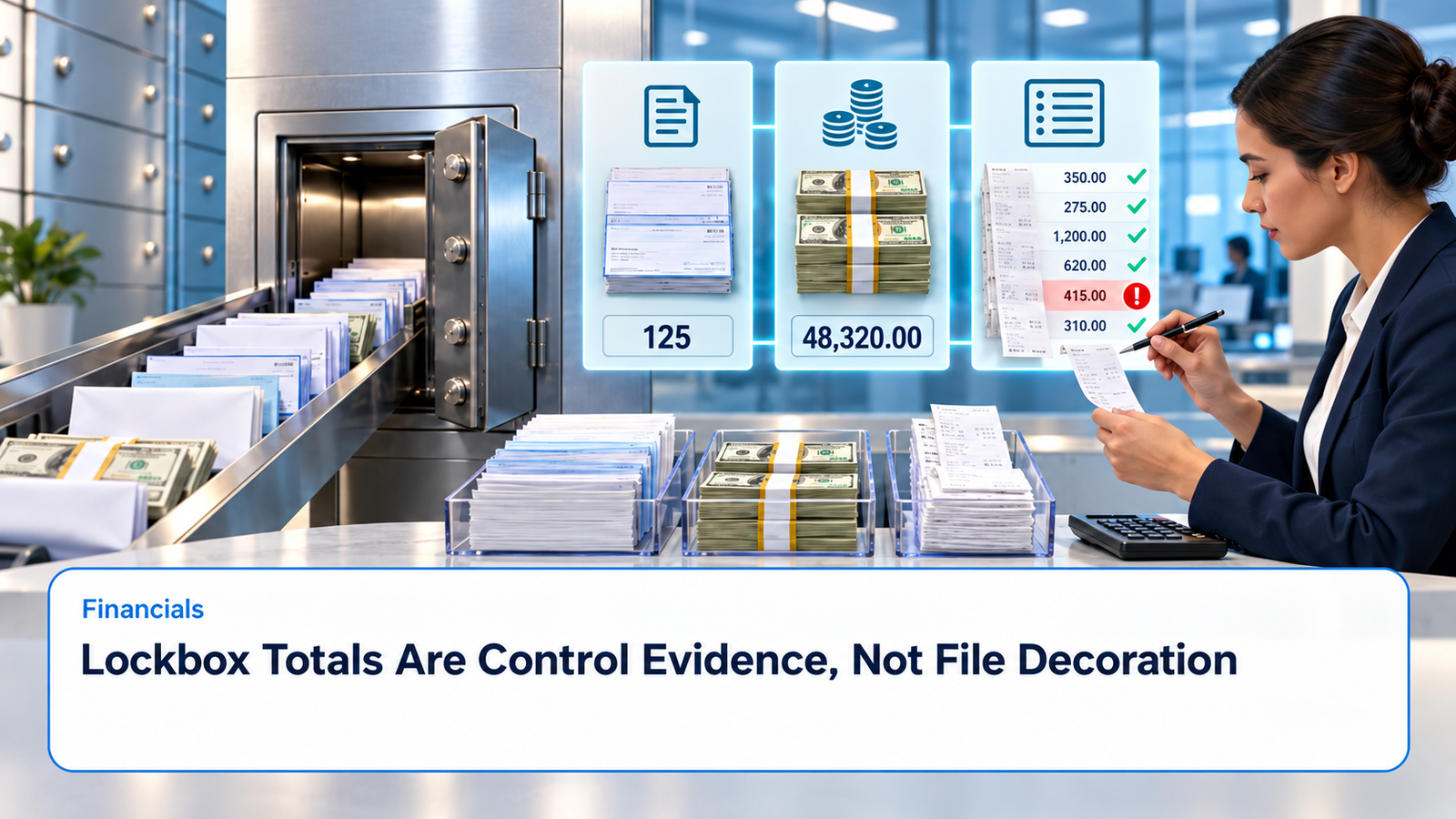
Many learners jump straight to the interesting part: matching receipts to invoices and clearing rejections. Good Oracle Cloud Financials Online Training starts earlier, with the numbers that tell you whether the file is complete: the transmission record count and amount, lockbox totals, batch totals, and the identifiers that tie each detail record back to those totals.
These values let Receivables test completeness before customer cash exists in the system. If a team bypasses a mismatch, or quietly overrides it to keep the day moving, they haven’t solved anything. They’ve swapped a visible file exception for a much harder reconciliation problem later, one that spreads across receipts, bank deposits, customer balances, and the general ledger.
A simple habit helps here: never import a file you can’t explain. If the declared totals and the calculated totals disagree, the file stays on hold until someone knows why.
Read the File as a Hierarchy
It’s tempting to think of a lockbox transmission as one long stream of records. It’s closer to a set of nested boxes. A transmission can hold one or more lockboxes, a lockbox can hold batches, and batches hold the receipts and any overflow detail that goes with them. Headers and trailers describe whatever sits inside them.
The transmission format you choose tells the importer where each field lives and which record types to expect. So before you investigate a single rejected receipt, find the level where the first disagreement shows up. A count mismatch at the transmission level is a different kind of problem from one bad customer account, and fixing details while the whole file is still incomplete is wasted effort.
It also pays to build a control sheet for every file you receive. Capture the bank file name, arrival time, size or other transfer evidence, transmission name, lockbox number, expected record types, declared and calculated counts and amounts, the import request, and the final status. Keep the untouched source file in controlled storage.
If the bank sends a corrected file, don’t overwrite the first one or reuse a vague name. Link the original to the replacement, note why the resend was needed, and record which transmission is authoritative. That lineage keeps both versions from turning into receipts, and it gives treasury and Receivables the same population to reconcile against.
Validate Totals Before You Look at Customers
Oracle’s guidance on how lockbox transmissions are validated (the 26C documentation covers it) describes checks at the transmission, lockbox, batch, receipt, overflow, and customer levels. At the top, the record counts and amounts supplied in the file have to agree with what processing calculates from the same file. Lockbox and batch records have their own count, amount, uniqueness, and identifier checks when the format includes those values.
The order matters in practice. If one receipt is missing, every customer-level detail after it can still look internally consistent while the deposit is understated. So prove the population first, then investigate what each receipt means and how it should be applied.
Be careful with the word “count.” A bank and an application team can both say “record count” and mean different things. One might include headers and trailers, another only receipts, another overflow lines too. Find out exactly what your configured format counts. Amounts need the same treatment: decide how the transmission total, lockbox total, batch total, and receipt remittance sum should reconcile under the file design.
If you find a consistent offset, resist the urge to add an unexplained tolerance. Build a small annotated sample file instead, one that shows which records feed each count and amount. Then put it into your bank-format testing and support documentation so the next person doesn’t have to rediscover it.
Keep Identity Intact Across Receipts and Overflow
Receipts need stable identifiers within their configured scope. Item numbers are what connect a receipt to its overflow records, which carry extra remittance references or applications. If an overflow line has the wrong item number, it may attach to the wrong receipt or fail validation outright. A repeated sequence can make the order of details ambiguous.
Test a range of shapes: receipts with no overflow, with one overflow line, with several, and with the most remittance detail you’d realistically see. Include two batches that reuse an item number where the format allows batch-level uniqueness, and another test that duplicates an item where uniqueness should hold across the entire transmission. The expected result should come from the declared format, not from an analyst’s gut feeling.
Customer and transaction references deserve scrutiny only after the structure is sound. A valid customer number, MICR relationship, invoice reference, currency, receipt method, and receipt date can all support receipt creation, but each one belongs to a specific receipt record. If the parsing layout has shifted, perfectly valid values can land in the wrong columns or records and still look fine. Compare rejected and accepted rows against the source positions the format defines.
When a bank changes a field length, padding, delimiter, or record identifier, treat it as a reason for regression testing. Don’t write off the first production failure as one unlucky receipt.
What Oracle Cloud Financials Training Online Should Teach About Exceptions
Strong Oracle Cloud Financials Training Online goes beyond clearing error messages. It teaches people to ask who owns the cause. A missing or duplicate bank record belongs to the bank or the file-transfer process. A format mismatch belongs to integration support. An invalid lockbox, receipt method, customer, or accounting period may point to setup or master data. A real ambiguity in the remittance belongs to Receivables operations.
Routing a failure to the right owner saves time, and it also protects the audit trail. Analysts should correct data only through an approved path that preserves the original import evidence. Editing a bank file by hand may be allowed under tight controls, but you need to keep the changed fields, the reason, the approver, the replacement totals, and the resulting request. Without those, the imported cash has no reproducible link back to the file the bank sent.
The goal isn’t to make errors disappear. It’s to be able to show, months later, exactly what arrived, what changed, who approved it, and what it became.
Test Retries and Restarts on Purpose
Duplicate prevention and restart behavior won’t prove themselves, so test them deliberately. Submit the same file twice. Resend it under a different file name. Interrupt processing after import but before transfer. Retry a corrected file after a control-total failure.
In each case, check which identifiers and statuses help an operator tell a safe retry from a duplicate receipt. Then reconcile the transferred receipt count and amount to the validated totals, and reconcile the resulting receipt batches to the bank deposit and the accounting entries.
A request that finishes technically isn’t necessarily a request that finished correctly. If only part of the validated population transferred, the job can still show as complete. The final control should account for every record in one of three ways: transferred, rejected with a named owner, or intentionally excluded under documented rules.
Conclusion
Lockbox control totals prove the receipt population is complete before any matching begins. So Oracle Cloud Financials Online Training should teach a layered review, moving from transmission to lockbox, batch, receipt, overflow, and customer, not just error-message cleanup. Preserve original files, define what counts include, and keep identifiers stable.
Oracle Cloud Financials Training Online should also cover routing failures to whoever owns the cause, testing resends, duplicates, and interrupted runs, and reconciling totals to receipts, deposits, and accounting. Treat headers, trailers, and totals as audit evidence, and teams can fix a file while proving every unit of customer cash was received once and processed once.