
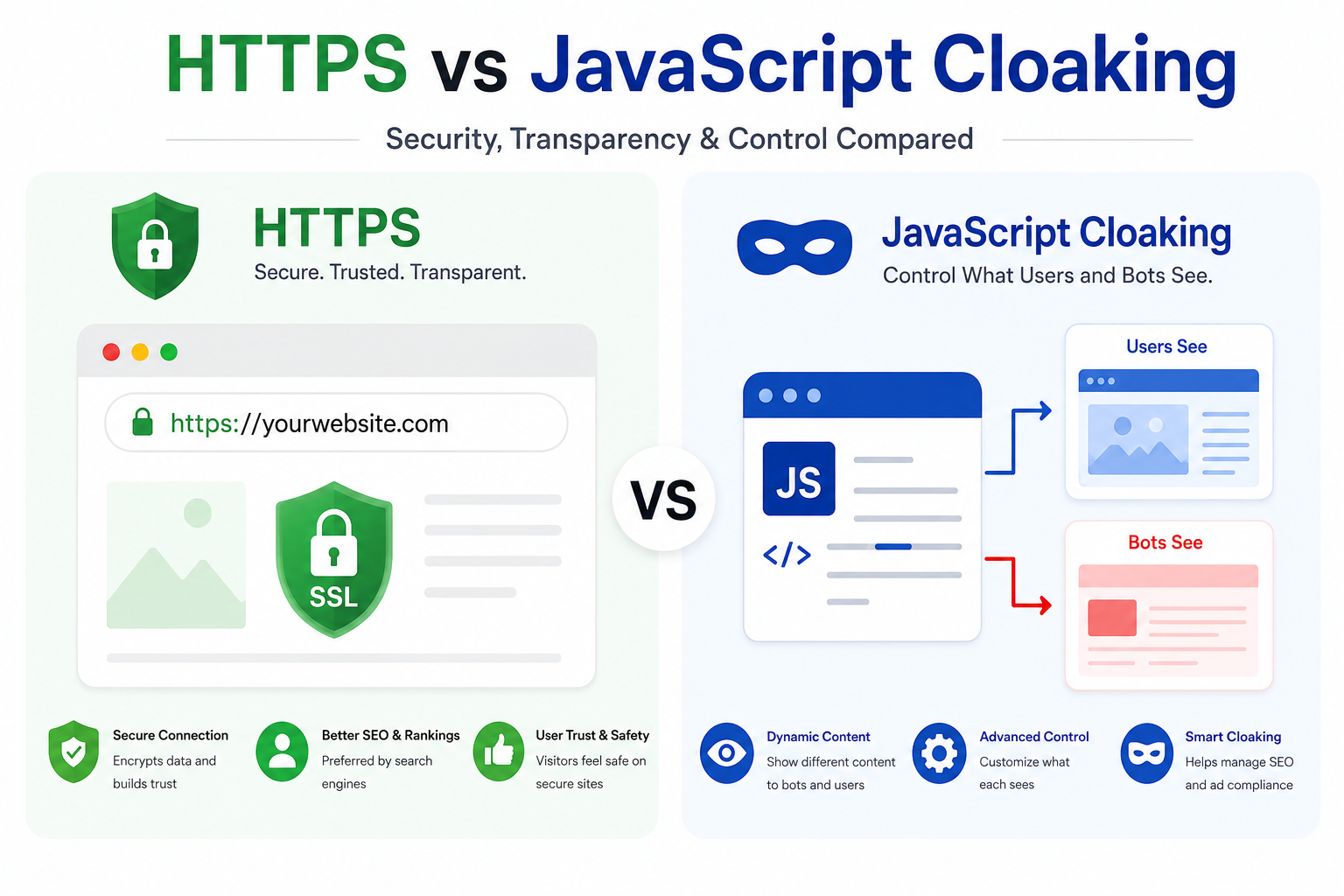
The choice between HTTPS vs JavaScript cloaking affects how efficiently you can filter unwanted review crawlers, protect landing pages from scraping, and manage page assets. Server-side HTTPS processing examines incoming requests before delivering page content, while client-side JavaScript filtering runs after the page reaches the browser.
Implementing advanced traffic protection infrastructure using the TrafficSaviour software platform can help performance marketers verify traffic, identify automated bot activity, and maintain more reliable campaign analytics across competitive ad networks.
What Is Traffic Filtering and Why Is It Important?
A traffic filtering system examines incoming visitor signals, such as IP address reputation, HTTP request headers, and device signatures, to identify and handle suspicious or automated traffic.
With server-side traffic filtering, checks happen before the requested page content is delivered. This can help identify non-human traffic and automated requests earlier than client-side scripts. However, no filtering method can identify every bot or guarantee complete protection against scraping.
Why Media Buyers Should Have Advanced Traffic Protection
1. Landing Page Asset Protection
Traffic protection can help reduce automated scraping of landing page copy, design layouts, and offer details. This makes it harder for basic automated tools to collect campaign assets.
2. Advertising Budget Protection
Filtering suspicious activity, including some data center proxies, crawling bots, and non-human clicks, can help reduce wasted advertising spend. Accurate detection is important because overly strict rules may also block genuine visitors.
3. Analytics Integrity
Identifying and filtering invalid traffic can help keep campaign reporting and conversion data more reliable. This makes it easier for media buyers to assess campaign performance and make informed optimisation decisions.
4. Reduced Bandwidth Consumption
Blocking unwanted automated requests early can reduce unnecessary server processing and bandwidth usage, depending on the filtering setup and traffic volume.
Industry Statistics on Digital Advertising Fraud
Expanding Global Losses
Research from Juniper Research has reported substantial financial losses associated with digital advertising fraud. Any specific figure, including the often-cited $84 billion estimate, should be checked against the original report and its publication date before being used as a current statistic.
Prevalence of Non-Human Clicks
Automated web scrapers, data center traffic, and proxy networks can contribute to invalid paid-ad traffic. Claims that 40% of non-search-paid campaign clicks are automated should be supported by a verifiable study from FraudScore or another named research source before publication.
Server-Side HTTPS vs. Client-Side JavaScript Filtering: Core Comparison
The comparison between server-side traffic filtering and client-side JavaScript filtering involves execution timing, source-code visibility, processing overhead, and the ability to inspect incoming requests.
| Feature | Server-Side Filtering | Client-Side JavaScript Filtering |
| Execution environment | Web server, application, PHP, Nginx, or API | Visitor’s browser |
| Processing timing | Before page content is delivered | After the relevant script loads |
| Source code visibility | Server-side logic remains on the server. | JavaScript code is visible to visitors. |
| Processing speed | Depends on server configuration and validation logic. | Depends on browser execution and network conditions. |
| Request inspection. | Can examine request headers and server-side signals | Has access to browser-side signals available to the script |
| Redirection behaviour | Can return an HTTP redirect response | Can trigger a browser-side redirect |
| Main limitation | Server overhead, false positives, and configuration errors | Scripts can be disabled, inspected, or blocked. |
Technical Aspects of the Two Approaches
Processing Timing
Server-side filtering evaluates a request before the server delivers the page content. This allows the application to make a decision before sending the HTML, CSS, and JavaScript to the visitor.
In contrast, client-side JavaScript filtering runs in the browser after the page or script has loaded. This means some content may already be accessible before the script completes its checks.
Source Code Exposure
Because JavaScript executes in the browser, visitors can inspect the client-side code and identify exposed logic or URLs. Sensitive filtering rules and credentials should not be placed in browser-side scripts.
With server-side filtering, the implementation logic stays on the server, although HTTP responses, redirects, and other observable behaviour can still reveal information about how the system operates.
Detection and Redirect Behaviour
JavaScript redirects can be observed through browser developer tools, network requests, and page behaviour. Server-side redirects are delivered through HTTP responses, which can also be inspected.
Neither approach is invisible by default. The appropriate method depends on the application’s security requirements, performance needs, and applicable advertising policies.
Step-by-Step Tutorial for Setting Up Server-Side HTTPS Filtering
The following steps outline a general approach to configuring server-side traffic filtering for a landing page.
Step 1: Audit the Hosting Environment
Confirm that your web server supports the required application technology, such as PHP, Nginx, or an API-based request handler. Review server logs, request routing, and existing security controls before making changes.
Step 2: Configure Traffic Filtering Rules
Use the TrafficSaviour software console, if supported by your setup, to configure appropriate traffic checks. These may include IP reputation, ISP and ASN information, and device signals.
Keep thresholds reasonable and test the rules to avoid blocking legitimate visitors.
Step 3: Deploy the Server-Side Handler
Install the integration code according to the platform’s official documentation. Configure the handler to evaluate incoming requests before serving the relevant landing page.
Keep credentials and sensitive decision-making logic on the server, and use HTTPS to encrypt traffic between supported endpoints.
Step 4: Test Routing and Filtering
Test the configuration using different browsers, devices, and legitimate network conditions. Review server logs, response codes, page loading times, and false-positive rates.
Confirm that genuine users can access the intended content and that the setup complies with the policies of the advertising platforms you use.
Typical Errors When Setting Up Traffic Filtering
1. Relying Only on Client-Side JavaScript Tags
Standalone JavaScript filtering tags can be disabled or blocked by browsers and automated tools. For decisions that must happen before page delivery, server-side checks are generally more appropriate.
2. Overblocking Residential and Mobile IP Addresses
Aggressive IP reputation filtering can mistakenly block genuine visitors, especially when mobile carriers or internet service providers assign changing IP addresses. Test rules against real traffic patterns before applying strict thresholds.
3. Ignoring Server-Side Processing Overhead
Repeated external API calls or slow validation services can increase server response time. Use efficient request handling, sensible caching where appropriate, and monitoring to identify performance bottlenecks.
4. Reusing Identical Landing Page Templates Without Testing
Using the same landing page structure across campaigns is not automatically a problem. Focus on legitimate campaign differences, page quality, accurate tracking, and compliance rather than making changes solely to avoid detection by advertising review systems.
Questions and Answers
Why Use Server-Side Filtering Instead of Client-Side JavaScript?
Server-side traffic filtering can evaluate requests before delivering page content and keep filtering logic out of the browser. Client-side JavaScript can provide additional browser-level signals, but its code is visible and its execution can be restricted.
The best approach depends on your traffic sources, technical setup, performance requirements, and intended use.
Can Traffic Protection Software Guarantee That an Advertising Account Will Never Be Banned?
No. Traffic protection software cannot guarantee that an advertising account will never be suspended or banned. Account health also depends on compliance with advertising policies, landing page content, billing, tracking practices, and other platform requirements.
Is HTTPS the Same as JavaScript Cloaking?
No. HTTPS encrypts data transferred between a browser and a server. JavaScript filtering runs logic in the browser, while server-side filtering evaluates requests on the server. These technologies serve different purposes and should not be treated as interchangeable.
Conclusion
Combining server-side traffic filtering with appropriate client-side checks can help identify suspicious traffic, protect campaign analytics, and reduce unnecessary processing. The TrafficSaviour software platform may support parts of this workflow, depending on its available features and configuration.
For the best results, prioritise accurate traffic classification, low processing overhead, reliable analytics, and compliance with advertising platform policies. No filtering setup can guarantee complete protection against fraud, scraping, or account restriction