Table of Contents
- Common Causes of Hotspot Disconnections
- How to Fix the Problem
- When to Seek Professional Help
- FAQs
- Conclusion and CTA
Introduction
A smartphone that keeps disconnecting from a mobile hotspot can interrupt work, browsing, and online meetings. Mobile Device Techs provides helpful device troubleshooting and support for customers seeking mobile device repair Douglasville and phone repair Douglasville. Fortunately, a few simple steps may help restore a stable connection.
1. Common Causes of Hotspot Disconnections
Frequent disconnections may result from a weak signal, low battery, overheating, outdated software, incorrect network settings, or too many connected devices. Some phones also automatically turn off the hotspot when no devices are connected. Your mobile carrier’s data plan may also restrict hotspot usage.
2. How to Fix the Problem
Restart Both Devices
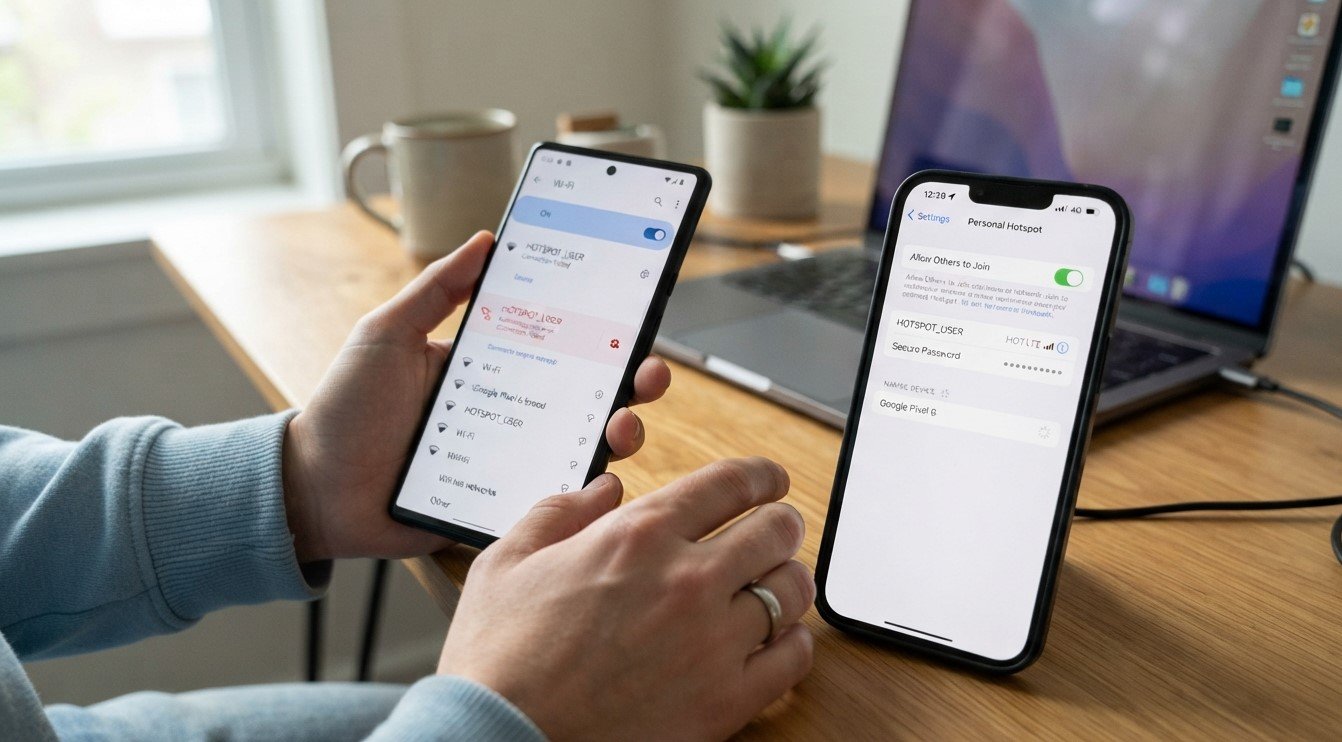
Turn off the hotspot and Wi-Fi on the receiving device. Restart both phones, then enable the hotspot and reconnect.
Check Signal Strength
Keep the devices close together and move away from walls or sources of wireless interference. A weak cellular signal on the hotspot phone can also interrupt internet access.
Disable Automatic Hotspot Shutdown
Open your phone’s hotspot settings and look for an option such as Turn off hotspot automatically. Disable it if you want the hotspot to remain active when supported by your device.
Check Battery and Data Settings
Turn off Battery Saver temporarily and check whether Data Saver or a data limit is affecting connectivity. Make sure your mobile data works and your carrier plan supports hotspot use.
Update Software and Reconnect
Install available system updates. On the receiving device, forget the hotspot network and reconnect using the correct password. You can also try switching the hotspot band between 2.4 GHz and 5 GHz if your phone supports it.
3. When to Seek Professional Help
If the hotspot continues disconnecting after these steps, the issue may involve software, network configuration, or hardware. Back up important data before attempting a factory reset, and contact your carrier if the mobile data connection itself is unreliable.
4. FAQs
Why does my phone hotspot keep turning off?
Automatic shutdown, battery-saving settings, or inactivity may be responsible.
Can overheating cause hotspot disconnections?
Yes. Let your phone cool down and avoid using it in direct sunlight.
Will resetting network settings help?
It may help resolve persistent connection problems, but it can erase saved Wi-Fi networks and Bluetooth pairings.
5. Conclusion and CTA
A few troubleshooting steps can often fix repeated hotspot disconnections. If you need additional assistance, contact Mobile Device Techs for guidance on mobile device repair Douglasville and dependable phone repair Douglasville services.
Need help with a smartphone connection problem? Reach out to Mobile Device Techs to discuss your device issue and possible repair options.