
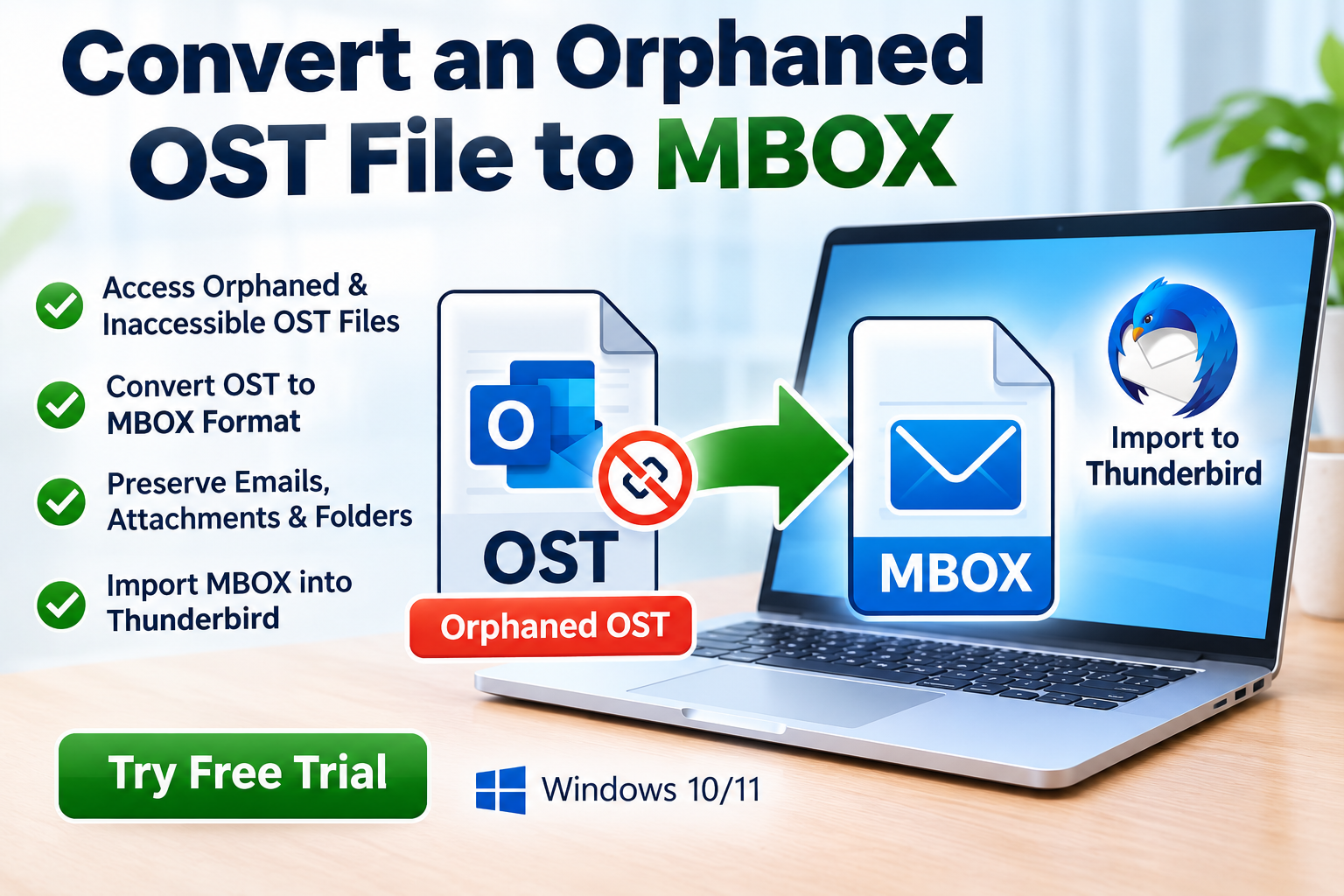
Are you looking for the best OST to MBOX Converter for Thunderbird? If you have Outlook emails stored in an OST file and want to access them in Mozilla Thunderbird, choosing the right conversion method is essential. A successful migration can help preserve important emails, attachments, and folder structures while making your mailbox data accessible in another email client.
However, converting OST files is not always straightforward. An OST file is generally associated with an Outlook profile and its original email account, while MBOX is a mailbox format supported by Thunderbird through compatible import methods. The right approach depends on whether your Outlook mailbox is accessible, whether the OST file is orphaned, and how much data you need to migrate.
In this guide, you will learn how OST to MBOX conversion works, which features to look for in conversion software, and how to choose a solution that meets your requirements.
What Is an OST to MBOX Converter for Thunderbird?
An OST to MBOX Converter is a software tool designed to extract or export recoverable email data from an Outlook OST file into MBOX format.
MBOX is used by various email applications and can be imported into Thunderbird using a compatible import method. Because Outlook OST files and Thunderbird mailboxes use different storage formats, direct file copying is generally not sufficient.
A suitable converter may help you migrate:
- Email messages and their content
- Sender and recipient information
- Email dates and subject lines
- Attachments, where supported
- Mailbox folders and subfolders, where supported
The exact information preserved depends on the source file, conversion software, and destination application.
Why Convert OST Files to MBOX for Thunderbird?
There are several reasons users may want to migrate Outlook mailbox data into Thunderbird.
Email client migration: You may prefer Thunderbird for managing your email communications.
Mailbox portability: MBOX files can be useful when transferring email data between compatible applications.
Email archiving: Exported messages can be stored separately from the original Outlook environment.
Access to historical correspondence: Converting recoverable mailbox data can help retain important business communications after an email platform change.
Reduced dependence on the original setup: In supported cases, a converter may process an OST file without requiring the original Outlook profile to remain operational.
It is important to understand that an OST file may contain synchronized or cached mailbox data rather than a complete independent copy of the original mailbox. Some files may require the original account or profile to recover all available content.
Key Features of the Best OST to MBOX Converter Software
Before choosing a conversion tool, evaluate the features that matter most to your migration.
1. OST File Compatibility
The software should explicitly support your OST file type and the version or configuration from which it originated. If you have an orphaned or inaccessible OST file, confirm that the product supports that specific situation.
2. Direct MBOX Export
Choose a tool that explicitly supports MBOX as an output format. This helps avoid unnecessary intermediate conversion steps.
3. Email Preview
A preview feature can help you inspect recoverable messages before exporting them. This is especially useful when working with large mailboxes or older OST files.
4. Attachment Preservation
Attachments may be essential for business correspondence, invoices, and project documentation. Verify that the software preserves supported attachments and that they remain accessible after import.
5. Folder Hierarchy Preservation
A well-designed migration workflow should preserve mailbox organization where supported. Check whether the tool maintains folders and subfolders during conversion.
6. Batch Conversion
If you have multiple OST files, batch processing can reduce repetitive work. Confirm whether the product supports multiple source files and whether any limitations apply.
7. Privacy and Security
Email files can contain sensitive personal or business information. Prefer software with a clear privacy policy, transparent file-handling practices, and local processing where appropriate.
8. Trial and Pricing Transparency
A free trial, if available, can help you test compatibility before purchasing. Review its export limitations, supported file sizes, license terms, and refund policy.
How to Convert OST to MBOX for Thunderbird
The appropriate process depends on whether the original Outlook mailbox is still accessible.
Method 1: Export from an Accessible Outlook Mailbox
If Outlook can access your mailbox, begin with the original account rather than relying on an old OST file.
- Open Outlook and confirm that the required mailbox data is accessible.
- Allow the mailbox to synchronize if necessary.
- Use a supported Outlook export or migration method to create an accessible source file, such as a PST file where appropriate.
- If needed, use a converter that supports the available source format and exports to MBOX.
- Save the resulting MBOX file in a suitable location.
- Import it into Thunderbird using a compatible import method.
- Check messages, attachments, and folders to verify the migration.
This approach may require an additional conversion step because Outlook’s standard export functionality does not generally provide a direct OST-to-MBOX export.
Method 2: Convert an Orphaned or Inaccessible OST File
If the original account is no longer available, a dedicated OST to MBOX Converter may be worth evaluating.
Follow these general steps:
- Make a backup copy of the original OST file.
- Select software that explicitly supports orphaned or inaccessible OST files.
- Load the file using the application’s file-selection option.
- Scan and preview the recoverable mailbox data, if supported.
- Choose MBOX as the output format.
- Select an output folder and start the conversion.
- Import the resulting MBOX file into Thunderbird using a compatible import method.
- Verify the exported emails, attachments, dates, and folder organization.
The exact interface varies by product. Not every OST file can be processed successfully, particularly when the file is damaged or its contents depend on unavailable account or encryption information.
Method 3: Import MBOX into Thunderbird
After conversion, you must make the MBOX data accessible in Thunderbird.
- Install or open Mozilla Thunderbird.
- Check the import options available in your version.
- If direct MBOX importing is not supported, use a compatible, trusted import extension or another supported workflow.
- Select the converted MBOX file and follow the import instructions.
- Open the imported mailbox and inspect several messages and attachments.
Avoid replacing Thunderbird’s existing mailbox files directly unless you understand the relevant storage structure and have a backup.
Free vs. Paid OST to MBOX Converter Software
Free methods are worth exploring when your Outlook account is accessible or you already have a suitable backup. However, direct conversion of orphaned OST files may require specialized functionality.
| Feature | Free methods or tools | Paid conversion software |
|---|---|---|
| Accessible mailbox migration | May be sufficient | May simplify the workflow |
| Orphaned OST processing | Depends on the tool | Must be verified for the product |
| Direct MBOX export | Varies | Commonly offered by dedicated converters |
| Batch conversion | May be limited | Depends on the license |
| Preview and filtering | Varies | Often available, but verify |
| Technical support | Varies | May be included |
Paid software is not automatically better. Compare documented capabilities and test the product against your actual migration requirements.
Common Problems During OST to MBOX Conversion
OST file not recognized: Check whether the file is intact and whether the tool supports its format and origin.
Missing emails: The source OST may not contain all messages, or the conversion process may not have exported every recoverable item.
Attachments are missing: Review the converter’s attachment support and verify the output before deleting or archiving the source.
Thunderbird cannot import MBOX: Confirm the file is valid MBOX output and use an import method supported by your Thunderbird version.
Large OST files take too long: Check available storage, system resources, and software size limitations.
Frequently Asked Questions
What is the best OST to MBOX Converter for Thunderbird?
The best choice is a tool that supports your OST file type, provides reliable MBOX export, preserves the data you need, and offers clear privacy and pricing information. Test the software before purchasing whenever a trial is available.
Can I convert OST to MBOX without Outlook?
Some dedicated converters support direct processing without Outlook, but compatibility depends on the product and source file. Verify this feature before choosing a solution.
Can I convert an orphaned OST file to MBOX?
Some tools support orphaned OST files. However, recovery depends on the file’s condition and whether the required mailbox data is accessible.
Will the conversion preserve attachments?
Many converters offer attachment preservation, but support varies. Always inspect the exported mailbox before relying on the results.
Is OST to MBOX conversion possible without data loss?
A careful migration can preserve supported email content, but no method guarantees perfect results for every file. Maintain an unchanged backup and validate the output.
Conclusion
Choosing the best OST to MBOX Converter for Thunderbird starts with understanding your source file and migration requirements. If Outlook can still access your mailbox, a supported export workflow may be sufficient. If the OST file is orphaned or inaccessible, consider a dedicated converter that explicitly supports that scenario.
Prioritize MBOX export compatibility, attachment preservation, folder organization, privacy, and transparent trial limitations. After conversion, import the mailbox into Thunderbird and verify the results before relying on the migrated data.
Ready to migrate your Outlook emails? Evaluate an OST to MBOX Converter Software free trial, if available, and confirm support for your OST file and Thunderbird import workflow before purchasing. A well-tested conversion process can help make your recoverable email data easier to access and manage.