PC gaming no longer requires every player to own an expensive desktop computer. With cloud computing and remote gaming technology, players can access powerful computing resources through compatible laptops, Macs, and other devices. This shift has created more options for gamers who want to play demanding PC games without investing in high-end local hardware.
As the market grows, more people are exploring a remote gaming PC, comparing Shadow PC alternatives, and evaluating different cloud gaming companies to find a service that matches their gaming habits, budget, and performance expectations.
Understanding the differences between these services can help gamers choose a solution that fits their needs.
What Is a Remote Gaming PC?
A remote gaming PC is a computer hosted in a data center that users access over the internet. Instead of running a game entirely on local hardware, the remote computer processes the game and streams the resulting video to the user’s device.
The player’s keyboard, mouse, or controller sends input to the remote system, which processes those commands and returns the updated gameplay.
This approach can make demanding games accessible on devices that would otherwise struggle to run them locally. However, the quality of the experience depends on factors such as internet stability, server location, streaming quality, and the performance of the remote hardware.
A remote gaming PC can be particularly useful for people who:
- Use a laptop or Mac without a powerful dedicated GPU.
- Want access to demanding PC games without upgrading their desktop.
- Travel frequently and prefer accessing a remote computer.
- Need a flexible computing environment for gaming and other applications.
- Want to experiment with cloud computing before purchasing new hardware.
Why Are Gamers Looking for Shadow PC Alternatives?
Shadow PC is a cloud computing service that provides access to a full Windows computer remotely. Unlike services that stream games from a fixed catalog, Shadow PC gives users a desktop environment for compatible games and other applications.
However, one cloud PC service will not suit every player. Availability, subscription costs, hardware configurations, usage limits, and network performance can influence the decision.
Gamers searching for Shadow PC alternatives should first identify what they want to change about their current experience.
1. Pricing and Usage Flexibility
Some gamers play for a few hours each week, while others spend several hours gaming every day. A monthly subscription may suit frequent players, but occasional users might prefer a service with hourly or usage-based pricing.
Before choosing a provider, compare the total cost of your expected usage rather than looking only at the advertised starting price.
2. Hardware Performance
Cloud gaming performance depends on the remote machine’s CPU, GPU, memory, and storage. Different games also have different hardware requirements.
Competitive games may prioritize responsiveness and stable frame rates, while visually demanding single-player games may benefit from stronger graphics hardware and higher streaming resolutions.
Check the actual hardware configuration and supported streaming quality instead of relying solely on marketing descriptions.
3. Location and Network Latency
The distance between a user and the cloud gaming server can affect latency. Even a powerful remote gaming PC may feel unresponsive if the network connection introduces excessive delay.
Players in the United States, United Kingdom, and Europe should check which server regions are available and test the service using their own internet connection whenever possible.
4. Desktop Access Versus a Fixed Game Library
Not every cloud gaming company provides the same type of service.
Some platforms stream supported games from digital stores, while others provide a complete remote computer. This distinction matters to players who want to install software, manage their own desktop, or use applications beyond gaming.
Cloud Gaming Companies: Understanding the Main Options
The cloud gaming market includes several service models. Choosing the right one starts with understanding how each works.
Game-Streaming Platforms
Services such as NVIDIA GeForce NOW focus on streaming supported PC games from compatible digital game libraries. This can be convenient for users who already own games and want to play them without running them on their local hardware.
The key consideration is game compatibility. Owning a title does not automatically mean it is supported by every streaming platform.
Subscription-Based Gaming Services
Services such as Xbox Cloud Gaming provide access to supported games through eligible subscriptions and compatible devices.
This model can appeal to players who want a curated selection of games rather than a complete remote Windows desktop. Game availability and access depend on the subscription, region, and service terms.
Full Cloud PC Services
Full cloud PC services provide a remotely hosted desktop rather than simply streaming a predefined selection of games.
Shadow PC is one example of this model. Depending on the service, users can install compatible games, use launchers, manage files, and run other supported Windows applications.
Other cloud computer providers may focus on different hardware configurations, pricing structures, or computing workloads.
How Do These Options Compare?
| Feature | Game Streaming | Subscription Gaming | Full Cloud PC |
|---|---|---|---|
| Main purpose | Stream supported PC games | Access a game catalog | Access a remote computer |
| Game selection | Supported titles | Included catalog and eligible titles | Compatible games you can install |
| Software installation | Usually limited | Usually limited | Generally broader |
| Hardware management | Provider-managed | Provider-managed | Provider-managed |
| Best suited to | Existing PC game libraries | Players who want a curated catalog | Gaming plus broader PC workloads |
These categories can overlap, so always verify the current features of an individual provider before subscribing.
How to Choose the Best Remote Gaming PC
Selecting a remote gaming PC involves more than comparing GPU specifications. The best option depends on how you play, where you live, and how much control you need over the remote environment.
Evaluate Game Compatibility
Start by listing the games you actually want to play. Confirm that the provider supports those titles, their required launchers, and any relevant anti-cheat systems.
This is especially important for competitive multiplayer games, where compatibility restrictions can prevent a title from running in a virtualized environment.
Compare the Complete Cost
Consider the subscription or hourly rate, additional storage, usage limits, and any extra charges.
If you play occasionally, pay-as-you-go computing may help you avoid paying for unused hours. Frequent players should compare monthly costs against the convenience and performance offered by a dedicated local gaming PC.
Check Performance Requirements
Look for clear information about CPU resources, GPU capabilities, memory, storage, resolution, and frame-rate support.
Also consider whether you need the machine for other workloads, such as software development, video editing, or 3D design.
Test Your Internet Connection
A stable connection is essential for remote gaming. Wired Ethernet may help reduce local network variability, while a reliable Wi-Fi connection can also work well.
If possible, test gameplay during the hours you normally play. Network congestion and routing can vary throughout the day.
Consider Device Compatibility
Check whether the service supports your operating system and device. Some platforms offer dedicated applications, while others support browser-based access or mobile devices.
Make sure your preferred controller, headset, microphone, and other peripherals work as expected.
Can a Cloud PC Be Used for More Than Gaming?
Yes. A full cloud PC can support a range of computing tasks when its operating system, hardware, and software compatibility meet the requirements.
For example, a gamer might use a remote Windows desktop to play supported games in the evening and switch to programming, creative applications, or other demanding workloads at another time.
This flexibility can be useful for aspiring game developers, students learning software development, and creators who need access to more computing power than their current devices provide.
However, not every cloud gaming service offers a full desktop. Players who need this flexibility should distinguish between a game-streaming subscription and a remotely accessible computer.
SensePC: An Option for Flexible Cloud Computing
For users exploring alternatives to traditional gaming hardware, SensePC offers a cloud PC approach that brings remote computing resources to compatible devices.
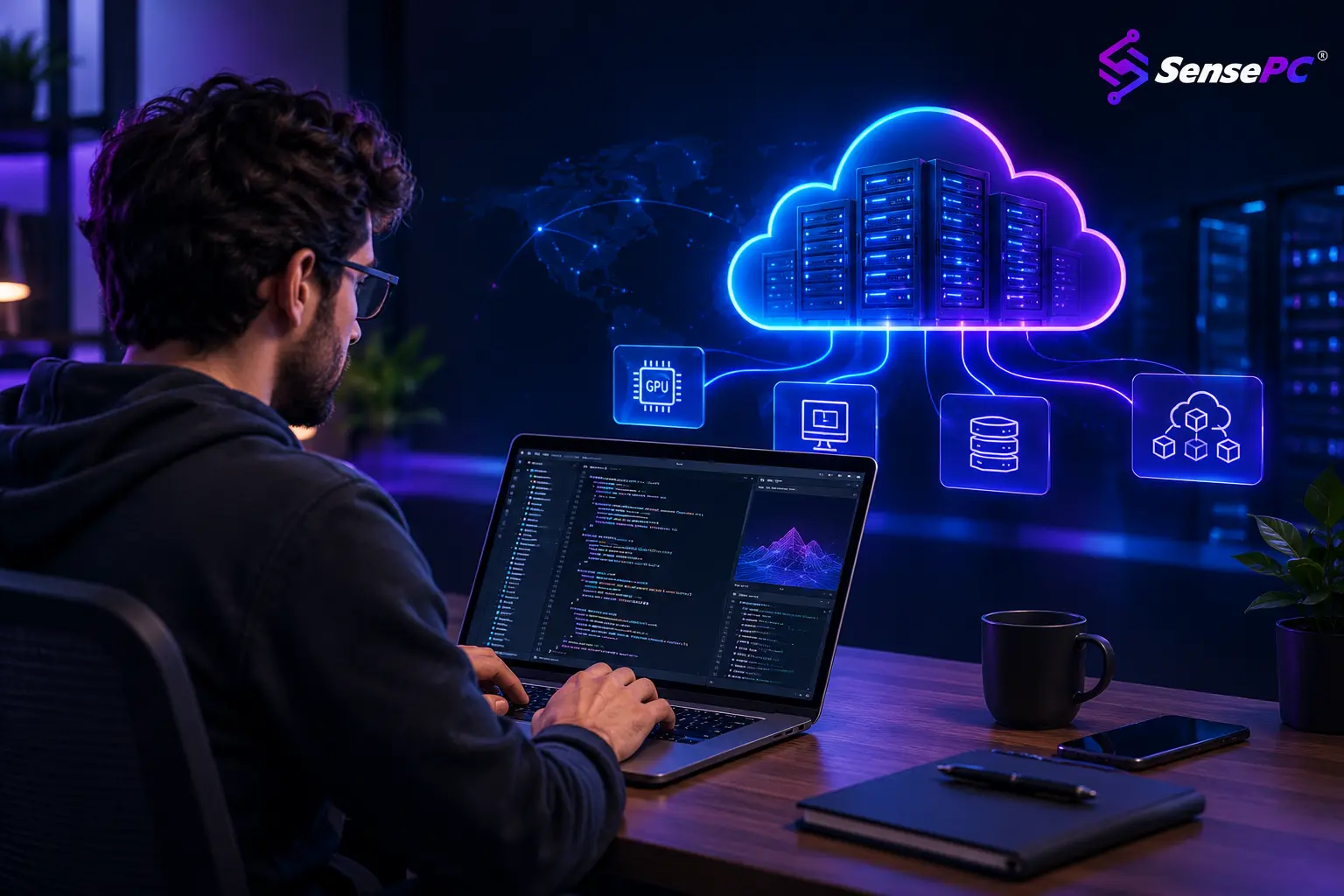
Rather than focusing exclusively on a fixed game catalog, SensePC provides cloud computer environments intended for gaming and other computing workloads. Depending on the available configuration, users can explore cloud PCs for gaming, development, AI projects, and creative applications.
This model may appeal to people who want to access a remote computer instead of purchasing and maintaining a high-end physical machine.
Before choosing any provider, review its current pricing, hardware specifications, supported applications, availability in your region, and connection requirements.
You can learn more at SensePC.
The Future of Remote Gaming
Remote gaming technology is expanding the ways people access computing power. For some players, a game-streaming service provides the simplest way to enjoy supported titles. For others, a full cloud PC offers greater flexibility for gaming, development, and everyday computing.
The right choice depends on the games you play, the applications you need, your internet connection, and your budget.
When comparing Shadow PC alternatives and cloud gaming companies, focus on practical differences rather than choosing a provider based on popularity alone. A suitable remote gaming PC should deliver the compatibility, performance, flexibility, and value that fit your individual needs.
As cloud computing continues to evolve, players have more options for enjoying PC gaming without making their local hardware the only factor that determines what they can do.