Data analysis can sometimes feel like a puzzle. You have a spreadsheet with thousands of rows, several columns, and a business question that needs an answer. Before reaching the actual insight, you may need to clean the data, find missing values, calculate metrics, create charts, and figure out which patterns are worth investigating.
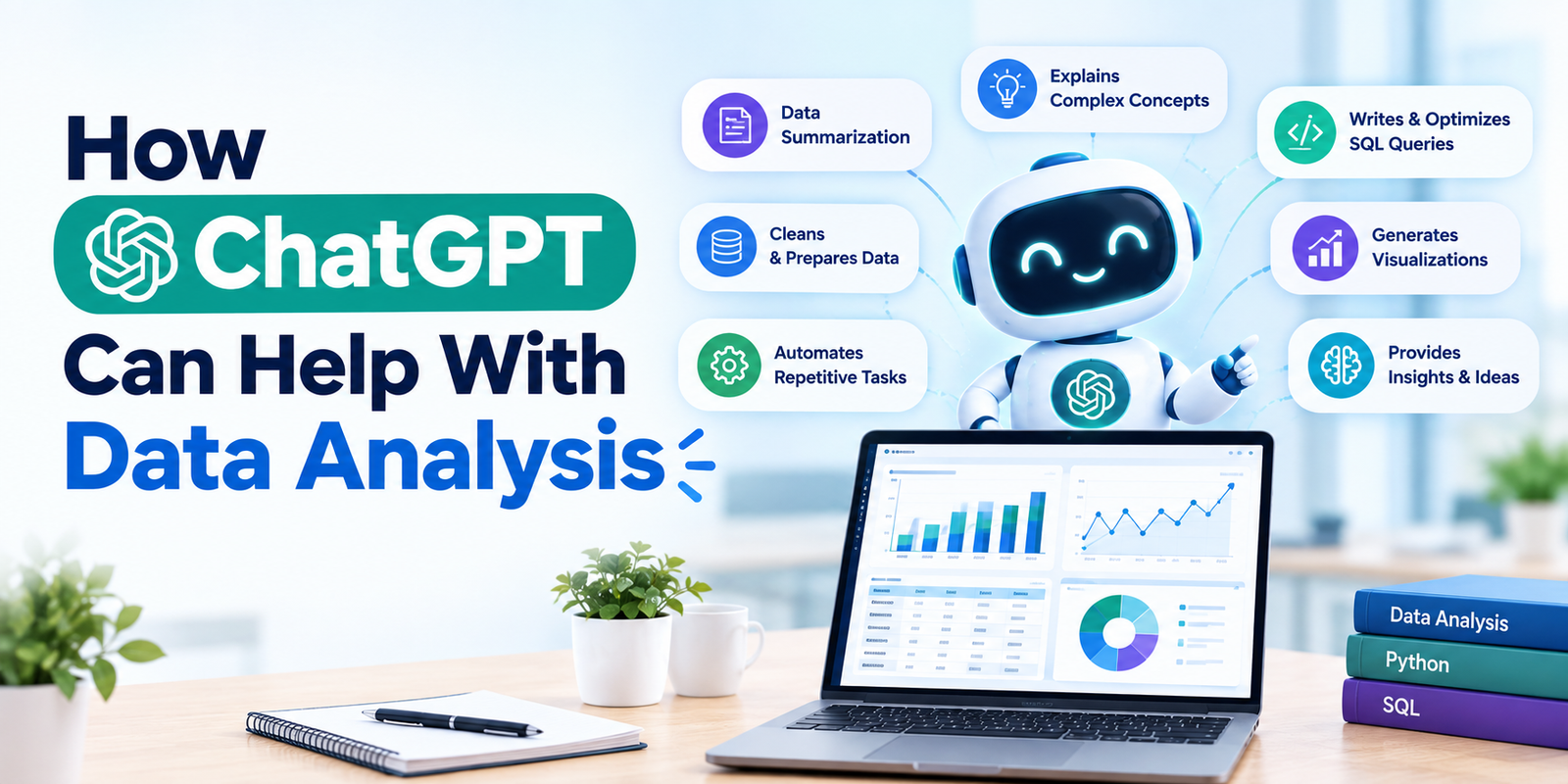
This is where ChatGPT can make the process more convenient. For learners exploring a Data Analytics Course in Chennai, understanding how AI tools can support everyday analytical work is becoming increasingly useful. ChatGPT can help with tasks such as exploring datasets, writing formulas, generating Python code, creating charts, explaining results, and turning findings into simple business summaries.
The important thing is to treat ChatGPT as an analytical assistant rather than blindly accepting everything it produces. The analyst still needs to understand the data, check calculations, and decide whether the findings actually make sense.
What Can ChatGPT Do With Data?
ChatGPT can work with common data files such as CSV and Excel spreadsheets. Depending on the available features, users can upload data and ask questions in plain language rather than manually performing every calculation. It can help summarize datasets, identify trends and outliers, create tables and charts, perform calculations, clean data, and run statistical analysis.
For example, instead of manually creating a pivot table to compare monthly sales, an analyst can ask:
“Compare monthly revenue by region and show which region experienced the largest change.”
ChatGPT can then help structure the analysis and present the result in a more understandable format.
1. Understanding a New Dataset
When analysts receive a new dataset, one of the first questions is usually:
“What exactly is inside this file?”
Before starting detailed analysis, you may need to understand the columns, number of records, categories, missing values, and general patterns. ChatGPT can provide an initial overview of the dataset and help identify areas that deserve closer attention.
For example, an e-commerce dataset might contain:
- Customer ID
- Product category
- Order date
- Quantity
- Revenue
- Discount
- Region
Instead of manually inspecting every column, you can ask ChatGPT to summarize the structure and highlight potential areas for analysis.
This makes the early exploration stage much faster.
2. Finding Missing and Duplicate Data
Data cleaning is one of those tasks that can take a surprising amount of time. A dataset might contain missing values, duplicate records, inconsistent formats, incorrect data types, or unusual values. ChatGPT can help identify common data-quality problems and suggest ways to handle them. OpenAI’s data-analysis guidance specifically lists missing values, outliers, duplicate rows, and incorrect data types among issues ChatGPT can help identify.
For example, you could ask:
“Check this dataset for missing values and duplicate records. Summarize the problems before making any changes.”
That last part is important.
You don’t always want an AI tool to automatically modify your data. Understanding what needs to be changed first gives you better control over the analysis.
3. Writing Excel Formulas
Excel remains an important tool for many analysts. But remembering complicated formulas can slow things down, particularly when you’re working with unfamiliar functions. ChatGPT can help create formulas based on plain-language requirements.
For example:
“Create an Excel formula that calculates the percentage change between last month’s revenue and this month’s revenue.”
It can also explain what each part of the formula does.
This makes ChatGPT useful not only for getting an answer but also for learning.
If you’re unsure why a formula works, ask it to break the formula down step by step.
4. Creating SQL Queries
SQL is another area where ChatGPT can be helpful. Suppose you’re working with an orders table and need to find the top five products based on total revenue. Instead of starting from a blank SQL editor, you can describe the requirement and ask ChatGPT for a query. It can generate a first draft that you can review, modify, and test. This is particularly useful when you’re trying to remember syntax involving joins, subqueries, aggregations, or window functions.
However, don’t assume that a generated query is automatically correct.
Always check:
- Table names
- Join conditions
- Filters
- Grouping logic
- Date ranges
- Duplicate records
- Business definitions
A query can run successfully and still produce the wrong answer.
5. Using Python for Data Analysis
ChatGPT can also help analysts work with Python. If you’re using libraries such as Pandas or Matplotlib, you can explain what you want to accomplish and ask for code.
For example:
“Create Python code to calculate average sales by product category and display the results as a bar chart.”
ChatGPT can generate a starting script and explain how it works.
It can also help troubleshoot errors.
Instead of simply copying code, ask questions such as:
“Why am I getting this error?”
or
“Explain this Python code line by line.”
That turns the tool into more than a code generator. It becomes a learning aid.
6. Creating Charts and Visualizations
Numbers are easier to understand when presented visually. ChatGPT can create charts from uploaded datasets and can work with different visualization types depending on the data and available features.
For example, you could ask for:
- Monthly revenue trends
- Sales by region
- Customer distribution
- Product performance
- Marketing conversion rates
You can also ask why a particular chart might be suitable.
A line chart may work well for showing a trend over time, while a bar chart can make category comparisons easier. The important thing is to choose visuals that help answer the business question rather than adding charts simply because they look attractive.
7. Finding Trends and Outliers
Sometimes the interesting part of a dataset isn’t obvious at first glance. A sudden increase in sales, an unusual drop in customer activity, or an unexpected expense may deserve further investigation. ChatGPT can help identify potential trends, unusual values, and relationships within structured data. It can also perform calculations and statistical analysis when appropriate.
For example, you might ask:
“Identify unusual changes in monthly revenue and suggest possible areas I should investigate.”
The result shouldn’t automatically be treated as the final explanation.
Instead, use the suggestions as a starting point for deeper analysis.
8. Explaining Statistical Results
Statistics can sometimes be difficult to explain, especially when communicating with people who don’t work with data.
ChatGPT can help explain concepts such as:
- Mean and median
- Standard deviation
- Correlation
- Regression
- Percentage change
- Hypothesis testing
It can also help interpret statistical outputs in simpler language.
For example, if you calculate a correlation between advertising spend and sales, ChatGPT can explain what the correlation value means. But there is one critical rule: correlation does not automatically mean causation. An analyst must consider the business context and other possible factors before claiming that one variable caused another.
9. Turning Analysis Into a Business Summary
An analyst’s job doesn’t end after finding a number. Someone still needs to explain what the number means. Suppose your analysis shows that sales increased by 15% but profit increased by only 4%.
A manager may want to know why.
ChatGPT can help turn verified findings into a simple summary that highlights the important numbers, possible explanations, and areas that deserve further investigation. OpenAI also recommends providing context such as definitions, time periods, important columns, and the business decision the analysis is intended to support. The better the context you provide, the more useful the response is likely to be.
10. Helping Analysts Ask Better Questions
One underrated benefit of ChatGPT is that it can help analysts think through their questions.
Sometimes the problem isn’t a lack of data. It’s asking the wrong question.
Instead of asking:
“What are my sales?”
you might ask:
“Which customer segments contributed most to the change in sales compared with last quarter?”
That second question is much more useful for decision-making.
You can also ask ChatGPT to suggest additional questions worth investigating after the first analysis.
This can turn a simple report into a deeper exploration.
Should Analysts Trust ChatGPT Completely?
No.
ChatGPT can make mistakes. Generated calculations, code, interpretations, or assumptions should be reviewed before important decisions are made. OpenAI’s own guidance recommends checking critical results, reviewing assumptions, and spot-verifying important numbers.
A good workflow is:
Ask → Analyze → Check → Validate → Interpret → Decide
The analyst remains responsible for the final result.
How Data Analysts Can Use ChatGPT Effectively
A practical approach is to give ChatGPT enough context before asking for an answer.
Mention:
- What the dataset represents
- The business question
- Important column definitions
- The time period
- The metric you want to measure
- The preferred output format
- Any assumptions that should be avoided
For example, instead of saying:
“Analyze this data.”
try:
“Analyze monthly sales by region for the last 12 months. Identify the three largest changes, check for unusual values, create one suitable chart, and explain the findings in simple business language.”
A clear request usually produces a much more useful starting point.
Conclusion
ChatGPT can make several parts of data analysis faster and easier. It can help analysts explore datasets, clean information, create formulas, write SQL and Python code, generate visualizations, identify unusual patterns, explain statistical concepts, and prepare business summaries.
But the real advantage comes from combining AI with strong analytical fundamentals. Knowing how to question the data, validate the output, understand business requirements, and communicate insights remains essential.
For learners who want to build these fundamentals while getting practical exposure to analytics tools, projects, and AI-assisted workflows, Qmatrix Technologies can help provide a career-focused environment for developing modern data analytics skills.