
Introduction
Ask ten Oracle Fusion consultants which reporting tool to use and you will probably get ten slightly different answers. At Soft Online Training, we see the same confusion with learners who can build a report but struggle to explain why they chose that tool. The reason is simple: Fusion offers three tools that look alike from a distance but solve very different problems.
This blog clears it up in plain language, so you know what OTBI, BI Publisher, and BICC actually do and when each one makes sense. Whether you are a beginner or already preparing through Oracle Fusion Technical Training in Hyderabad, understanding where each tool fits will make your project work and your interviews a lot easier.
Why Oracle Fusion Has More Than One Reporting Tool
A finance manager checking yesterday’s payables, an auditor who needs a formatted invoice PDF, and a data team feeding a warehouse all want “a report.” But their needs are completely different. One wants a quick answer, one wants a polished document, and one wants millions of rows moved out of Fusion.
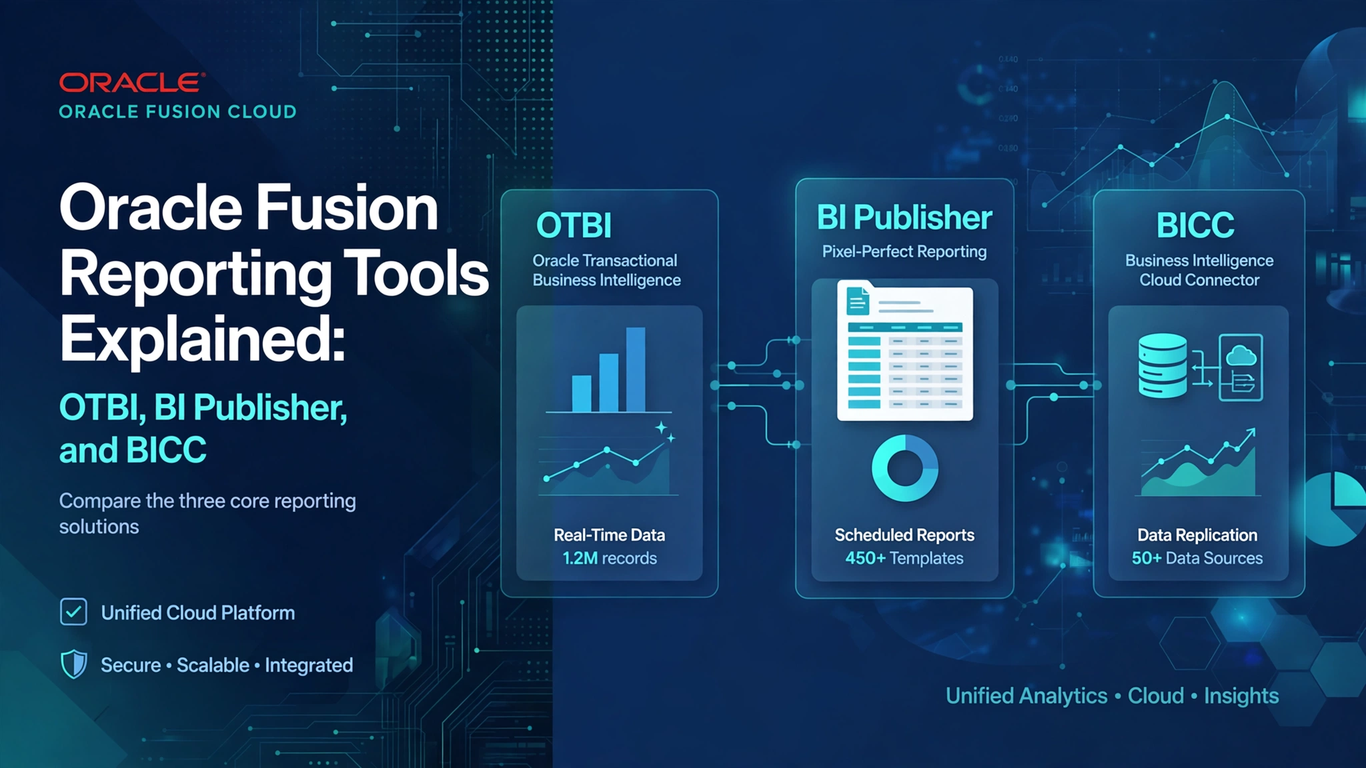
Oracle built three tools around those three needs. OTBI is for fast, interactive analysis. BI Publisher is for pixel-perfect, formatted output. BICC is for bulk data extraction. Once you hold on to that split, most of the confusion goes away.
OTBI: Quick Answers for Business Users
Oracle Transactional Business Intelligence, or OTBI, is the tool most people meet first. It sits inside Fusion applications and reads live transactional data, so what you see is current. There is no waiting for a nightly refresh.
You build reports by picking a subject area, such as Payables Invoices or Workforce Management, and dragging columns into an analysis. Add a filter, switch to a chart, pin it to a dashboard, and you are done. Business users can do all of this without writing a line of SQL.
OTBI works well for:
- Day-to-day operational questions like open invoices by supplier
- Dashboards that managers check every morning
- Ad hoc analysis when someone asks “can you pull this quickly?”
Its limits are just as important. You are restricted to the subject areas Oracle provides, so complex joins or unusual data sources can be difficult. OTBI is not built for pixel-perfect documents or for pulling huge volumes of data. Trying to force it into those jobs is a common beginner mistake.
BI Publisher: When the Layout Matters
BI Publisher, often called BIP, is where formatting takes over. When a report has to look exactly right, like a customer invoice, payslip, purchase order, or statutory filing, it is the usual choice.
A data model gathers the data, usually with SQL, while a separate layout template built in Word, Excel, or RTF controls how it looks. Change the output format, and the same data model can produce a PDF, an Excel file, an HTML page, or even a bank flat file.
That separation is its real strength: finance teams can adjust a logo or column order without touching the query. BIP also supports scheduling and bursting, so you can run a report overnight and email each supplier only their own statement.
Learning These Tools Through Oracle Fusion Technical Training in Hyderabad
Reading about these tools only gets you so far. The real understanding comes when you build a data model, break it, fix it, and watch the output change. That is why hands-on practice matters so much in Oracle Fusion Technical Training in Hyderabad, where learners work with realistic scenarios rather than theory alone.
A good starting exercise is to build the same report twice. First create it in OTBI, then recreate it in BI Publisher with a formatted template. You will quickly feel the difference in effort, flexibility, and output control. That experience teaches more than any comparison table.
BICC: Moving Data Out in Bulk
The Business Intelligence Cloud Connector, or BICC, is the least visible of the three tools, yet it does the heaviest lifting. It is not a reporting tool like OTBI or BI Publisher, because it never displays anything. Its job is to pull large volumes of data out of Fusion and hand it to an external destination.
Picture a company running a data warehouse or a separate analytics platform. That team needs millions of rows copied out regularly, without slowing the live application. BICC does this through scheduled extract jobs built on View Objects, and the files land in Oracle Universal Content Management or Oracle Cloud Storage. After the first full load, incremental extracts pull only what changed, which keeps jobs fast and storage costs reasonable.
Reach for BICC when the request mentions a data warehouse, full load, incremental refresh, or feeding another system. If someone just wants to look at a report, skip it.
Choosing the Right Tool: A Practical Way to Decide
When a request lands on your desk, ask yourself three quick questions:
- Does someone need a quick, interactive answer from current data? Choose OTBI.
- Does the output need a precise layout, scheduling, or distribution? Choose BI Publisher.
- Does a downstream system need large volumes of Fusion data? Choose BICC.
Real projects often combine them. A company might use BICC to feed a warehouse, OTBI for operational dashboards, and BI Publisher for invoices and statutory reports, all at the same time. Knowing where each one fits is what separates a confident consultant from someone guessing.
Career Value of Mastering Oracle Fusion Technical Training in Hyderabad Skills
Reporting is one of the most consistently needed skills on Fusion projects. Every implementation, upgrade, and support engagement needs people who can deliver reports and data extracts. Employers look for candidates who understand not just how to build in each tool, but why one fits better than another.
If you are preparing for a technical role, focus on these basics: learn SQL well, understand Fusion subject areas and View Objects, practice building BI Publisher templates, and run a few BICC extracts end to end. Pair that with Oracle Fusion Technical Training in Hyderabad, and you will build the kind of practical confidence interviewers notice quickly.
Conclusion
OTBI, BI Publisher, and BICC are not competitors. Each one handles a different job: OTBI for fast analysis, BI Publisher for polished documents, and BICC for moving data in bulk. Once you see that split, choosing the right tool stops being a guessing game and becomes a simple decision.
If you want to build these skills with real examples, Soft Online Training can help you get there. With practical Oracle Fusion Technical Training in Hyderabad, you can move beyond the concepts and start using OTBI, BI Publisher, and BICC with confidence on live projects.