Businesses today rely on digital technologies to manage communication, improve productivity, and streamline daily operations. However, implementing new software without a clear strategy can lead to disconnected systems, inefficient workflows, and unnecessary operational costs.
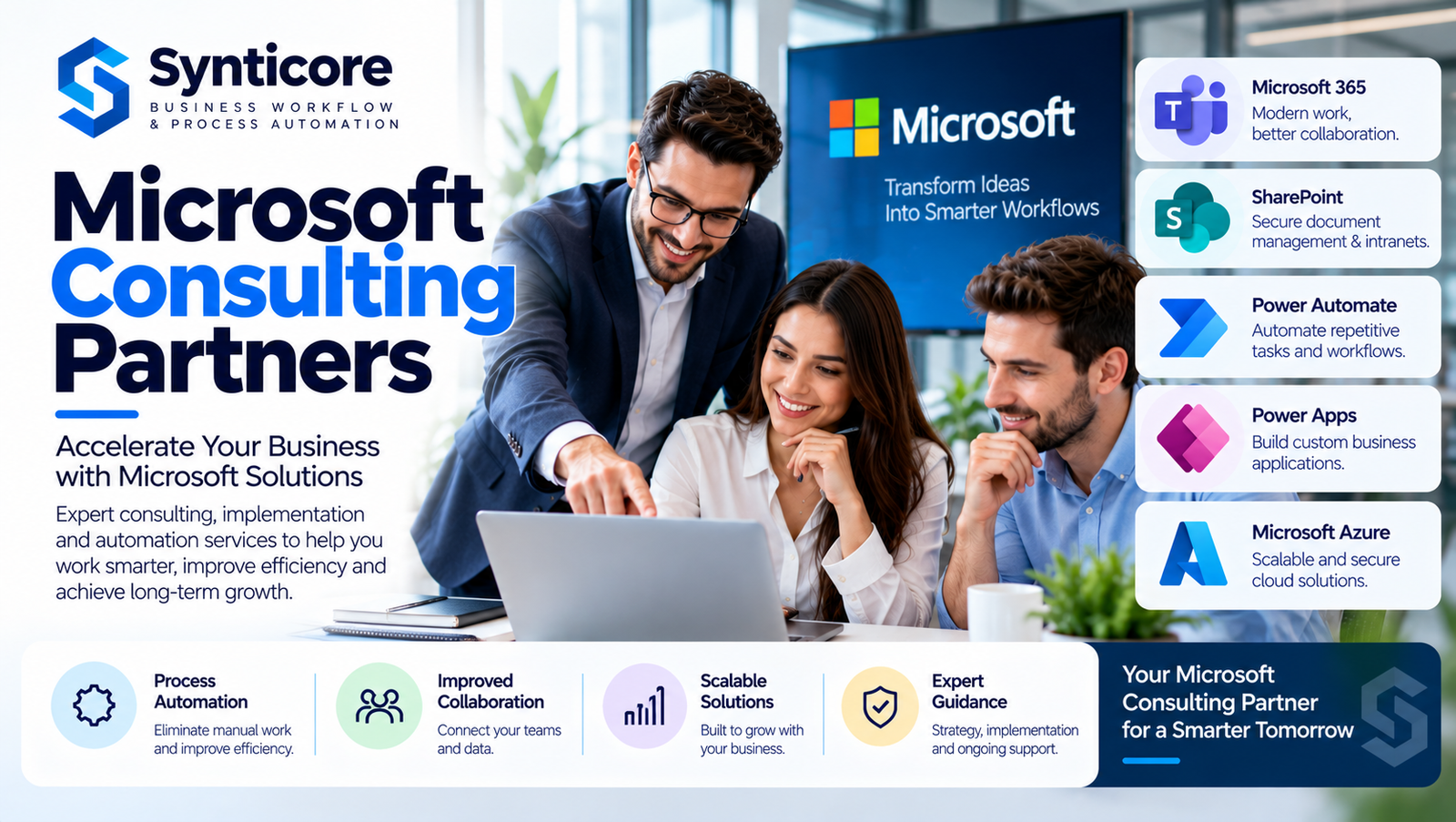
Microsoft offers a comprehensive ecosystem of business solutions, including Microsoft 365, SharePoint, Power Automate, Power Apps, and Azure. These technologies can support collaboration, process automation, application development, and cloud-based operations.
Working with experienced Microsoft consulting partners can help organizations understand their technology requirements, implement appropriate solutions, and build more efficient digital workplaces.
The right consulting team can make a significant difference in how successfully a business adopts and manages Microsoft technologies.
What Are Microsoft Consulting Partners?
Microsoft consulting partners are technology consulting providers that help businesses plan, deploy, integrate, and optimize solutions built on Microsoft platforms.
Their services may include Microsoft 365 consulting, SharePoint development, Power Platform implementation, cloud migration, and business process automation.
Some providers are officially recognized through Microsoft’s partner programs, while others offer Microsoft consulting services independently.
Businesses should verify official Microsoft partner designations when these credentials are important to their purchasing decisions.
Regardless of partnership status, a capable consulting provider should understand both technical requirements and business operations.
The objective is to develop practical solutions that improve efficiency, collaboration, and long-term technology management.
Why Businesses Work With Microsoft Consulting Companies
Organizations often face operational challenges that cannot be solved by purchasing additional software alone.
Employees may rely on manual approval processes, disconnected spreadsheets, repetitive data entry, or outdated document management systems.
These activities consume time and can increase the likelihood of errors.
Microsoft consulting services can help businesses identify inefficiencies and introduce more structured digital processes.
Better Technology Planning
Consultants can assess existing systems and recommend Microsoft solutions that align with business goals.
Improved Collaboration
Microsoft Teams, SharePoint, and OneDrive can help employees communicate and share information more effectively.
Reduced Manual Work
Automation tools can simplify repetitive administrative tasks and improve workflow consistency.
Greater Process Visibility
Structured applications and reporting systems can make it easier to monitor operational activities.
Long-Term Scalability
Appropriately designed solutions can support changing business requirements as organizations grow.
Microsoft 365 Consulting for Workplace Productivity
Microsoft 365 is widely used for business communication, document management, and collaboration.
Its ecosystem includes applications such as Outlook, Teams, OneDrive, SharePoint, Word, and Excel.
However, simply providing employees with access to these applications does not guarantee improved productivity.
Businesses need appropriate configuration, governance, training, and adoption strategies.
Microsoft 365 consulting services may include:
- Microsoft 365 deployment and configuration
- User account and access management
- Collaboration environment planning
- Teams and SharePoint integration
- Document-sharing policies
- Security configuration
- Employee training and adoption support
- Ongoing performance optimization
An organized Microsoft 365 environment can help teams work more efficiently while reducing unnecessary technology complexity.
SharePoint Consulting for Better Document Management
Document management becomes increasingly challenging as organizations expand.
Files may be stored across multiple computers, email attachments, and shared folders.
Without a structured system, employees can struggle to locate documents, manage permissions, and identify the latest file versions.
SharePoint provides tools for organizing content, managing document libraries, and supporting team collaboration.
Centralized Document Storage
SharePoint allows organizations to create structured document libraries that employees can access according to their permissions.
Internal Business Portals
Companies can develop intranet sites for announcements, policies, departmental information, and shared resources.
Document Approval Processes
SharePoint can work with Power Automate to support document reviews and approval workflows.
Permission Management
Businesses can establish access controls to help protect sensitive information.
Effective SharePoint consulting focuses on creating a system that reflects how employees actually work.
Power Automate Consulting for Business Workflow Automation
Manual processes can slow down business operations, especially when employees must repeatedly perform similar tasks.
Microsoft Power Automate helps organizations automate workflows across supported applications and services.
For example, a company may use Power Automate to streamline purchase approvals, employee onboarding notifications, document reviews, or internal service requests.
Automation can help reduce repetitive work while improving process consistency.
Automated Approvals
Requests can be routed to designated employees for review and approval.
Notifications and Reminders
Workflows can notify relevant team members when tasks require attention.
Data Integration
Supported systems can exchange information through configured connectors and automated processes.
Operational Monitoring
Workflow execution histories can help administrators identify errors and improve reliability.
Successful automation requires careful planning, testing, and ongoing maintenance.
How Microsoft Consulting Partners Support Digital Transformation
Digital transformation is not simply about moving documents to the cloud or installing new business applications.
It involves improving the way an organization operates through appropriate technology, process design, and employee adoption.
Experienced microsoft consulting partners can help businesses evaluate existing workflows and determine which Microsoft solutions are suitable for their operational requirements.
For example, a company managing employee requests through email may benefit from a structured Power Apps application connected to an automated approval workflow.
Similarly, an organization using disconnected document folders may improve information accessibility through a properly configured SharePoint environment.
The objective is to solve practical business problems rather than introduce technology without a clear purpose.
A structured approach can help organizations achieve more sustainable improvements.
Power Apps Development for Custom Business Solutions
Many organizations need internal applications that support specific operational processes.
Traditional custom software development can require substantial time and resources.
Microsoft Power Apps offers a low-code development platform that can be suitable for certain business application requirements.
Consultants can help organizations assess, design, and implement applications for activities such as:
- Employee leave management
- Inventory tracking
- Internal service requests
- Inspection forms
- Customer information management
- Task monitoring
- Business data collection
Power Apps can integrate with supported Microsoft services and compatible external data sources.
However, organizations should evaluate licensing, security, application governance, and long-term maintenance before implementation.
Microsoft Cloud Consulting and Azure Solutions
Cloud computing can help organizations access scalable infrastructure and digital services.
Microsoft Azure provides technologies for application hosting, databases, networking, security, and other business requirements.
Cloud consulting services may support:
Cloud Readiness Assessment
Evaluating existing systems and determining whether cloud migration is appropriate.
Infrastructure Planning
Designing cloud environments based on operational and technical requirements.
Application Integration
Connecting compatible applications and services within a cloud-based environment.
Security and Governance
Planning access controls, monitoring, and other security-related configurations.
Cost Management
Reviewing resource usage and identifying opportunities to manage cloud expenses.
Cloud adoption should be guided by business needs rather than assuming that every system must move to the cloud.
How Synticore Supports Microsoft-Based Business Automation
Synticore focuses on helping businesses improve operational workflows through Microsoft technologies.
Its core areas include Microsoft 365, SharePoint, Power Automate, Power Apps, and business process automation.
Many organizations experience inefficiencies because important activities depend on manual coordination, repeated data entry, or disconnected systems.
Synticore’s services are relevant to businesses seeking to organize these activities through structured digital workflows.
For example, organizations may need automated approval processes, improved document management, or internal applications that simplify administrative tasks.
By aligning Microsoft technologies with practical operational requirements, businesses can develop more consistent and manageable processes.
Synticore’s emphasis on workflow automation provides a focused approach for organizations looking to improve productivity and reduce unnecessary manual work.
Important Factors When Choosing Microsoft Consulting Experts
Selecting a consulting provider requires careful evaluation.
Businesses should consider several factors before beginning a technology project.
Technical Experience
The consulting team should have relevant experience with the Microsoft products required for the project.
Business Process Knowledge
Consultants should understand how the organization operates and identify opportunities for meaningful improvement.
Clear Communication
A reliable provider should explain project requirements, limitations, deliverables, and expected outcomes.
Security Awareness
Data protection, permissions, and application governance should be considered throughout implementation.
Customization Capabilities
The provider should be able to recommend appropriate configurations or custom solutions when standard tools do not fully meet business requirements.
Training and Support
Employee adoption, documentation, and ongoing support are important for maintaining long-term value.
Common Challenges in Microsoft Technology Implementation
Even powerful technology platforms can produce disappointing results when projects are poorly planned.
Unclear Project Objectives
Without defined goals, organizations may implement features that do not address their actual problems.
Excessive Customization
Unnecessary customization can increase complexity and make systems harder to maintain.
Limited Employee Training
Employees may struggle to adopt new workflows without appropriate guidance.
Poor Data Organization
Disorganized information can reduce the effectiveness of document management and automation systems.
Inadequate Governance
Weak permission management and unclear ownership can create operational and security risks.
Businesses can reduce these challenges by defining requirements, testing solutions, and involving relevant stakeholders throughout implementation.
Measuring the Value of Microsoft Consulting Services
Organizations should evaluate technology projects against measurable business objectives.
Useful performance indicators may include:
- Time saved on repetitive administrative tasks
- Reduction in manual approval steps
- Improved document retrieval time
- Employee adoption of new applications
- Fewer workflow errors
- Reduced process delays
- Improved collaboration efficiency
- Lower administrative workload
These measurements help businesses understand whether implemented solutions are delivering meaningful improvements.
Regular performance reviews can also identify opportunities for further optimization.
The Role of Microsoft Power Platform in Business Innovation
Microsoft Power Platform brings together tools that support application development, workflow automation, reporting, and related business capabilities.
Power Apps helps organizations develop low-code applications.
Power Automate supports automated workflows.
Power BI provides data visualization and business intelligence capabilities.
When appropriate, these tools can work together to support connected business processes.
For example, an organization might use Power Apps to collect operational information, Power Automate to manage approvals, and Power BI to visualize selected business metrics.
The effectiveness of such solutions depends on proper data design, licensing, security, and implementation.
Future Trends in Microsoft Business Consulting
Businesses are increasingly exploring automation, cloud collaboration, low-code development, and artificial intelligence.
Microsoft continues to expand its business technology ecosystem with tools that support these areas.
However, adopting emerging technologies requires careful consideration.
Organizations should assess data quality, governance requirements, security risks, employee readiness, and expected business value.
Consulting providers can help businesses evaluate new capabilities and determine whether they are appropriate for specific operational challenges.
The most successful technology strategies prioritize measurable improvements over unnecessary complexity.
Conclusion
Working with Microsoft consulting partners can help organizations implement technology more strategically and improve the efficiency of everyday business operations.
Microsoft 365, SharePoint, Power Automate, Power Apps, and Azure offer capabilities that support collaboration, workflow automation, and digital transformation.
However, meaningful results depend on proper planning, suitable implementation, and ongoing optimization.
For businesses seeking practical Microsoft-based workflow improvements, Synticore provides services focused on process automation, document management, and custom business applications.
Choosing the right consulting expertise can help organizations create more efficient, organized, and adaptable digital workplaces. Read more blog