
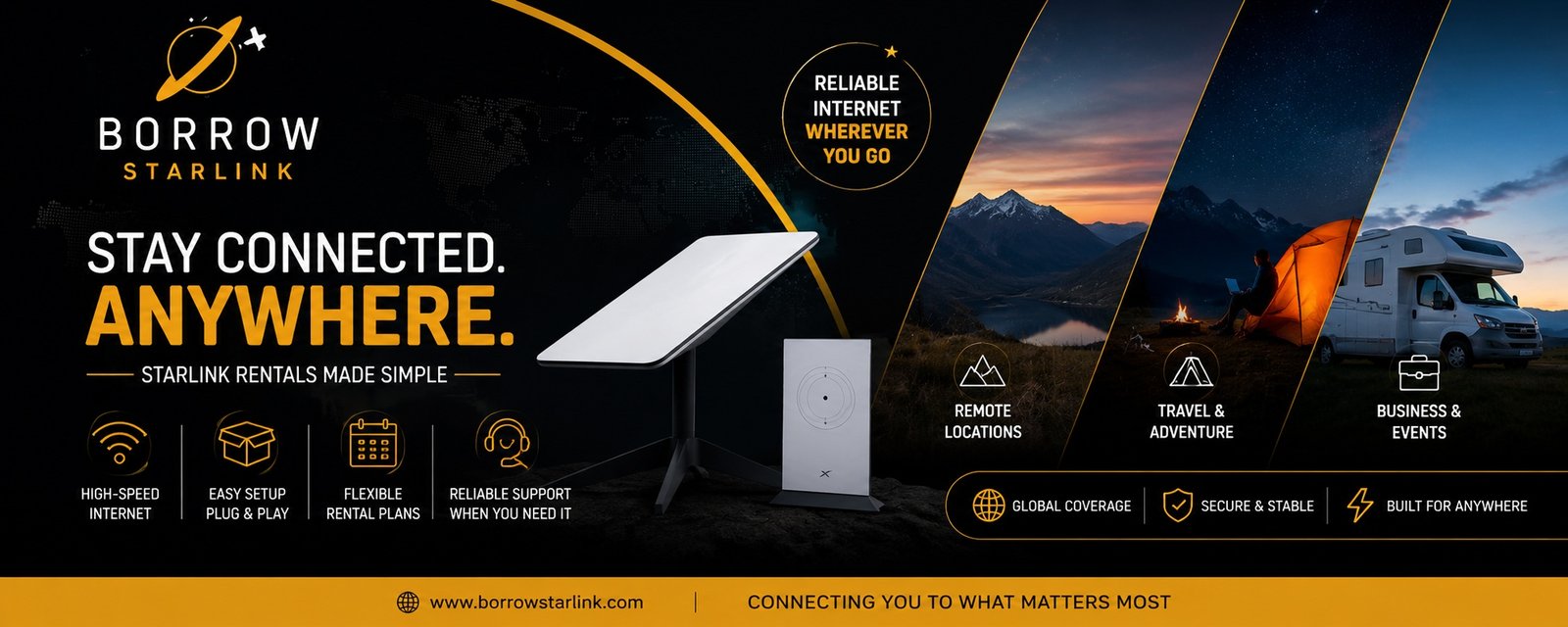
Camp season brings a familiar problem. The location is beautiful, the schedule is full, and the only internet is one bar of signal near the parking lot. If you are planning to rent Starlink for a church retreat or youth camp, you can fix that without buying equipment you will use once a year. But a camp is not a single user on a laptop. It is staff, volunteers and sometimes dozens of people sharing one connection. This guide covers how to plan for that, from choosing a spot to setting simple rules.
Why camps struggle with internet
Camps and retreat sites are usually built for quiet, which means they are far from towns and cell towers. Signal is weak, and the Wi-Fi, if there is any, is meant for a small office. Yet organizers often still need to check emails, run a Zoom session for people who couldn’t attend, process registrations or contact families in an emergency.
What comes in the case
BorrowStarlink lists these items with each rental:
- The Starlink dish
- A Wi-Fi router that connects multiple devices
- A custom hard case
- Unlimited data, already configured
The company handles the accounts, subscription and equipment setup, so you don’t need a Starlink account of your own. You bring a power source and the Starlink app.
Decide what the connection is for
One connection is shared by everyone who joins it. Before camp starts, decide who needs it and for what. Common uses include:
- Staff email and scheduling
- Video calls with guest speakers or absent members
- Streaming a service or a talk
- Registration and payments
- Emergency contact with parents and families
- Downloading materials, music or slides
Large video downloads and constant streaming can slow things down for everyone. Many camps keep the connection for staff and program needs, and set clear expectations for everyone else.
Set simple rules ahead of time
A short plan prevents most arguments:
- Tell staff and volunteers what the Wi-Fi is for.
- Decide whether campers will have access, and when. Many programs keep devices off during activities.
- Share the Wi-Fi password only with the people who need it.
- If your router allows it, keep a separate network for staff.
- Plan a time each day for non-urgent downloads.
Choosing where to put the dish
The dish needs a wide, open view of the sky. At a camp, tall trees and buildings are the usual blockers. Before you unpack, stand where you plan to place the dish and look straight up. If you see plenty of open sky, you are in good shape. If branches or roofs cover much of it, try a field, a parking area or the open side of a lodge.
Think about the people too. Place the dish where it won’t be bumped by a group game, and keep cables out of walkways. Put the router somewhere central, so the Wi-Fi reaches the main building and not just one corner. For a walkthrough, see the Set-up Guide.
Power at a camp site
The dish uses about 60 watts. A standard 110v outlet works, and so do an RV system, a generator or a small 100W solar panel. At camp, the nearest outlet may be inside a lodge far from your best spot for the dish, so bring a long, outdoor-rated extension cord and a power strip. If the dish runs on a generator, plan fuel for the whole stay.
Setting up before campers arrive
Do the setup early, ideally the day before everyone shows up.
- Find a spot with open sky and place the dish on its stand.
- Connect the cables and plug in the power.
- Wait a few minutes while the dish finds its position.
- Join the Wi-Fi network and run a short video call.
- Install the Starlink app before you leave cell range, since it is hard to download once you are offline.
Weigh down the stand in wind, and keep the case closed when the kit is not in use.
Planning for weather
Camps happen outdoors, so weather matters. Heavy rain or snow can slow the connection. Wind can tip the stand. Heat is hard on equipment left in the sun, and dust can get into connections. Keep the dish and cables dry, keep the kit out of hot cars and keep a phone hotspot as a backup for important calls. Speeds also vary by location and time of day, so treat advertised numbers as best-case figures.
Pick-up, delivery or enterprise
BorrowStarlink offers a few ways to get a kit. Check the Local Pick-up page for pick-up details, or the Delivered page if you want it sent to you. For larger groups and organized events, look at the Enterprise page. Confirm with the company which option fits your dates and location.
Where the kits can be used
BorrowStarlink kits are designated for North America, including Canada and Mexico. If your camp is outside that area, contact the company before you book.
Questions to ask before you book
- Is the kit available for my camp dates?
- What exactly is in the kit?
- How much is the deposit, if any, and how is it refunded?
- What are the late return and damage terms?
- How do pick-up or delivery and returns work for my dates?
- Who do I contact if something doesn’t work during camp?
Book early
Summer camps and retreat weekends are planned months ahead, and kits are popular at those times. Reserve as soon as your dates are set, and allow a day before camp to test the kit.
Camp checklist
- Dates chosen, with a day or two of buffer
- Kit booked early
- Contents checked and tested before camp
- Starlink app installed
- Dish spot chosen, with open sky and a safe location
- Extension cord, power strip and fuel plan ready
- Wi-Fi rules shared with staff
- Phone hotspot kept as a backup
- Return deadline and method noted
Final thoughts
To rent Starlink for a camp or retreat, you don’t need technical skills. You need a clear spot, steady power, a few simple rules and a test run before everyone arrives. Plan those four things, and the internet becomes a tool for your program instead of a distraction.
If you want to look at options, BorrowStarlink offers short and long term rentals with the dish, router, hard case and unlimited data included. Check the Local Pick-up, Delivered and Enterprise pages, then contact the company to confirm availability for your dates.