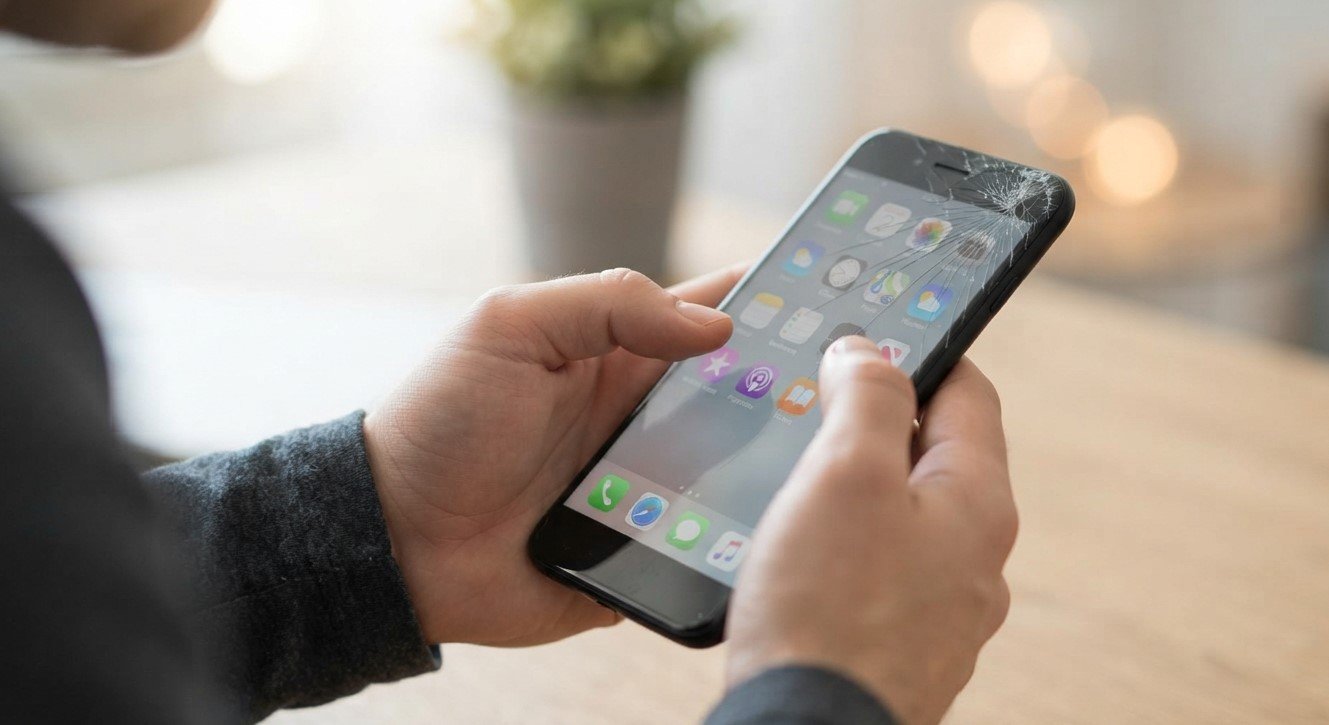
A phone screen that suddenly stops responding to touch can make even simple tasks difficult. You may be unable to open apps, answer calls, or type messages. The problem could be caused by a software glitch, a dirty screen, a damaged screen protector, or internal hardware damage. Knowing what to check first can help you find the right solution. MyRepairStore can help customers explore repair options, including Samsung phone repair Indian Trail, when touchscreen problems require professional attention.
Table of Contents
- Common Reasons a Phone Screen Stops Responding
- How to Fix an Unresponsive Touchscreen
- When Should You Seek Professional Repair?
- Frequently Asked Questions
- Conclusion and Call to Action
1. Common Reasons a Phone Screen Stops Responding
Software Glitches
Temporary software errors or frozen applications can prevent your phone from responding to touch. Restarting the device may resolve the issue if the problem is software-related.
Dirty or Wet Screen
Dirt, moisture, and grease can interfere with touchscreen performance. Gently clean the screen with a soft, lint-free cloth and make sure your hands are dry before using the device.
Damaged Screen Protector
A poorly fitted, cracked, or thick screen protector may interfere with touch sensitivity. If the problem began after installing a new protector, check whether it is properly fitted.
Physical Screen Damage
Drops and impacts can damage the touchscreen, even when cracks are difficult to see. If certain areas no longer respond or the display behaves unusually, the phone may need professional inspection.
2. How to Fix an Unresponsive Touchscreen
Try these simple troubleshooting steps:
- Clean the screen: Remove dirt and moisture using a soft cloth.
- Remove accessories: Temporarily remove the screen protector or case if either appears to interfere with the screen.
- Restart the phone: Follow the manufacturer’s instructions for restarting an unresponsive device.
- Check for updates: If the screen works intermittently, install available software updates.
- Look for physical damage: Notice whether the issue began after a drop or liquid exposure.
If the phone has been exposed to liquid, avoid charging it until it is safe to do so. Do not press hard on the screen or attempt to open the device yourself.
3. When Should You Seek Professional Repair?
If your touchscreen remains unresponsive after basic troubleshooting, professional diagnosis may be necessary. A technician can determine whether the problem involves the display assembly, internal connections, or software.
MyRepairStore can help customers explore repair options for malfunctioning devices. If you need Samsung phone repair Indian Trail, a professional assessment can help identify the cause and determine whether screen repair or replacement is appropriate.
Frequently Asked Questions
Why does my phone screen stop responding suddenly?
Possible causes include software errors, moisture, screen damage, or internal hardware problems.
Can an unresponsive touchscreen be repaired?
Yes, depending on the cause. Some problems can be resolved through troubleshooting, while physical damage may require repair or screen replacement.
Should I replace my phone if the touchscreen stops working?
Not necessarily. A professional diagnosis can help you compare repair costs with the cost of replacing your device.
Can a screen work even when touch functionality is broken?
Yes. The display may still show images even when the touchscreen component is malfunctioning.
Conclusion
An unresponsive phone screen can result from software glitches, moisture, screen protectors, or physical damage. Start with simple troubleshooting, but seek professional help if the issue continues. My Repair Store can help you explore repair solutions, including Samsung phone repair Indian Trail, so you can make an informed decision about restoring your phone’s functionality.
Call to Action
Is your phone screen no longer responding to touch? Get your device professionally assessed to identify the problem and explore suitable repair options.