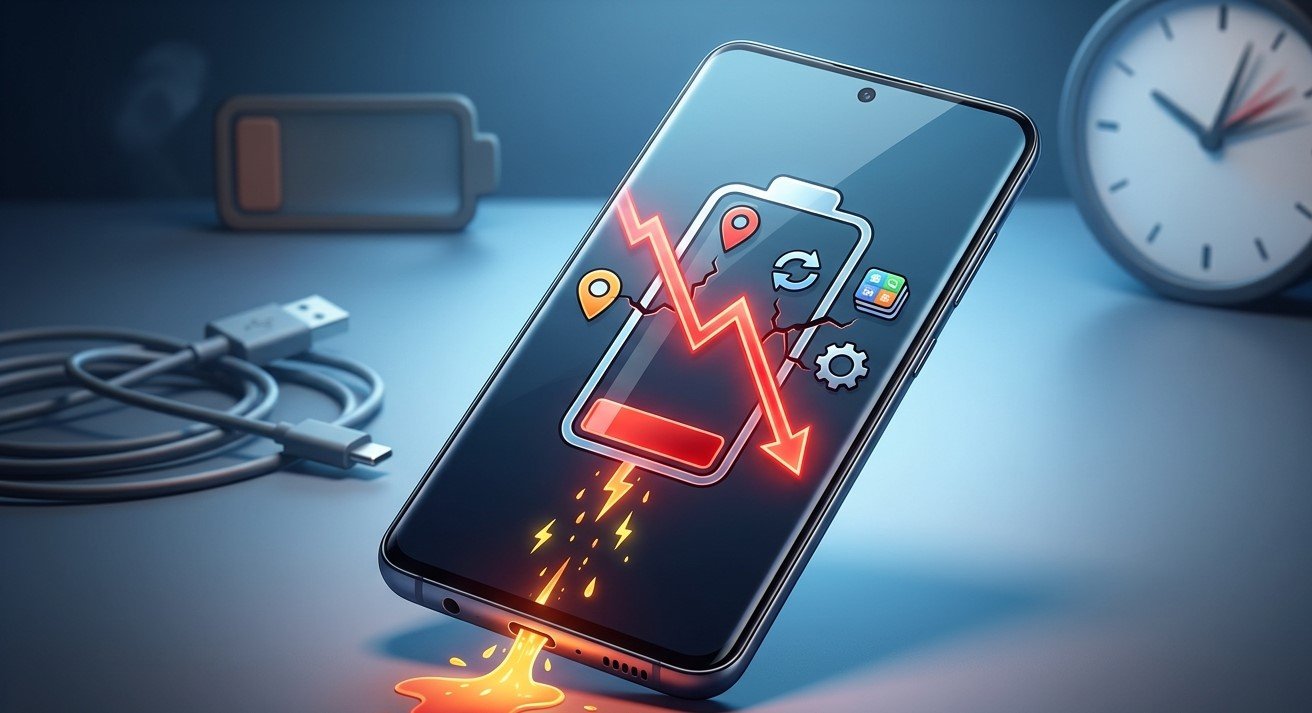
Is your Samsung phone losing battery power faster than usual, even when you are barely using it? Rapid battery drain can interrupt your daily routine, especially when you rely on your phone for calls, work, navigation, and entertainment. Understanding the common causes can help you improve battery life and determine when professional assistance is necessary. If basic troubleshooting does not solve the problem, Samsung phone repair El Paso services can help identify potential hardware or battery issues.
At Smartphone Solutions, understanding smartphone problems is an important step toward keeping your devices working reliably. Whether you need help with a Samsung battery, professional phone troubleshooting, or iPad repair El Paso, identifying the cause of the issue can help you choose the right solution and avoid unnecessary replacement costs.
Table of Contents
- Common Reasons Your Samsung Battery Drains Quickly
- How to Fix Samsung Battery Drain
- When Should You Seek Professional Repair?
- Frequently Asked Questions
- Contact Smartphone Solutions
Common Reasons Your Samsung Battery Drains Quickly
1. Background Apps Consume Too Much Power
Some applications continue running in the background even after you stop using them. Social media, navigation, streaming, and messaging apps may consume battery through background activity.
Fix: Open Settings, navigate to Battery, and review your battery usage. Restrict background activity for apps that consume excessive power but do not need to run continuously.
2. High Screen Brightness and Refresh Rate
Your display can consume a significant amount of battery power. Keeping brightness at maximum or using a high refresh rate may cause faster battery drain.
Fix: Enable Adaptive Brightness, reduce your screen timeout, and consider using a standard refresh rate if your Samsung model supports the option.
3. Weak Mobile Network Signal
When your phone struggles to maintain a connection, it may use additional power searching for a stronger signal. This commonly happens in buildings, basements, and areas with poor coverage.
Fix: Connect to reliable Wi-Fi when available. If you are in an area without mobile coverage and do not need connectivity, Airplane Mode can help conserve battery.
4. An Aging or Damaged Battery
Lithium-ion batteries gradually lose capacity as they age and go through charging cycles. An older Samsung phone may therefore require more frequent charging than it did when new.
Fix: Check battery diagnostics using Samsung Members, if available on your device. If battery performance has deteriorated significantly, a professional inspection can help determine whether replacement is necessary.
5. Software Updates and App Problems
An outdated application, software bug, or recent update can sometimes increase battery consumption. Battery usage may also temporarily rise after a major software update while the phone completes background tasks.
Fix: Install available software and app updates. Restart your phone and monitor battery usage over the following days. If the problem continues, investigate recently installed applications.
6. Location Services and Always-On Features
GPS, Bluetooth, frequent synchronization, and certain display features can contribute to battery consumption, particularly when used continuously.
Fix: Set location permissions to suit each app, disable features you do not need, and review synchronization settings.
How to Fix Samsung Battery Drain
Try these practical steps to improve battery performance:
- Enable Power Saving Mode: Reduce selected background activities and power consumption.
- Restart your phone: This can resolve temporary software issues.
- Check battery usage: Identify apps consuming unusually high amounts of power.
- Reduce unnecessary notifications: Limit applications that frequently wake your screen.
- Avoid extreme temperatures: Excessive heat can damage battery health over time.
- Use a compatible charger: Choose a reputable charger and cable suitable for your device.
Make one or two changes at a time so you can identify which adjustments make a difference.
When Should You Seek Professional Repair?
If your Samsung battery drains rapidly despite these adjustments, the issue may involve battery deterioration, charging circuitry, or another hardware problem.
Consider professional repair if your phone shuts down unexpectedly, loses charge unusually quickly, overheats repeatedly, or struggles to charge properly. If the battery becomes swollen, stop using and charging the phone and arrange professional service. Do not press, puncture, or attempt to remove a swollen battery yourself.
A qualified technician can inspect the device, check its battery condition, and recommend an appropriate repair. Choosing Samsung phone repair El Paso from a reliable provider can help you understand the problem before spending money on replacement parts.
Frequently Asked Questions
Why does my Samsung battery drain overnight?
Background applications, weak network signals, synchronization, and an aging battery can contribute to overnight battery loss. Review your battery usage to identify the likely cause.
Does fast charging damage a Samsung battery?
Using a compatible fast charger designed for your device is generally safe. However, excessive heat can accelerate battery degradation, so keep your phone cool while charging.
How do I check Samsung battery health?
Open the Samsung Members app, if available, and look for its phone diagnostics or battery status feature. Options vary by model and software version.
Should I replace my Samsung battery or buy a new phone?
If the phone otherwise works well, battery replacement may be more economical than purchasing another device. Compare repair costs with the phone’s age and overall condition.
Contact Smartphone Solutions
A rapidly draining battery does not always mean you need a new phone. Identifying the cause early can help prevent further inconvenience and restore reliable performance. Contact Smartphone Solutions for assistance with Samsung battery concerns, Samsung phone repair El Paso, or iPad repair El Paso.