
Introduction
Every business that runs on Oracle Fusion Cloud needs accurate, well-formatted reports, from invoices and payslips to purchase orders and regulatory statements. Oracle BI Publisher is the tool that produces them, and at Soft Online Training we see it as one of the most valuable skills for any aspiring Fusion technical consultant. Whether you are a fresher or an experienced developer, understanding BI Publisher can open doors to some of the most in-demand roles in the Oracle ecosystem, and structured Oracle Fusion Technical Training in Hyderabad can help you get there faster.
What Is BI Publisher in Oracle Fusion?
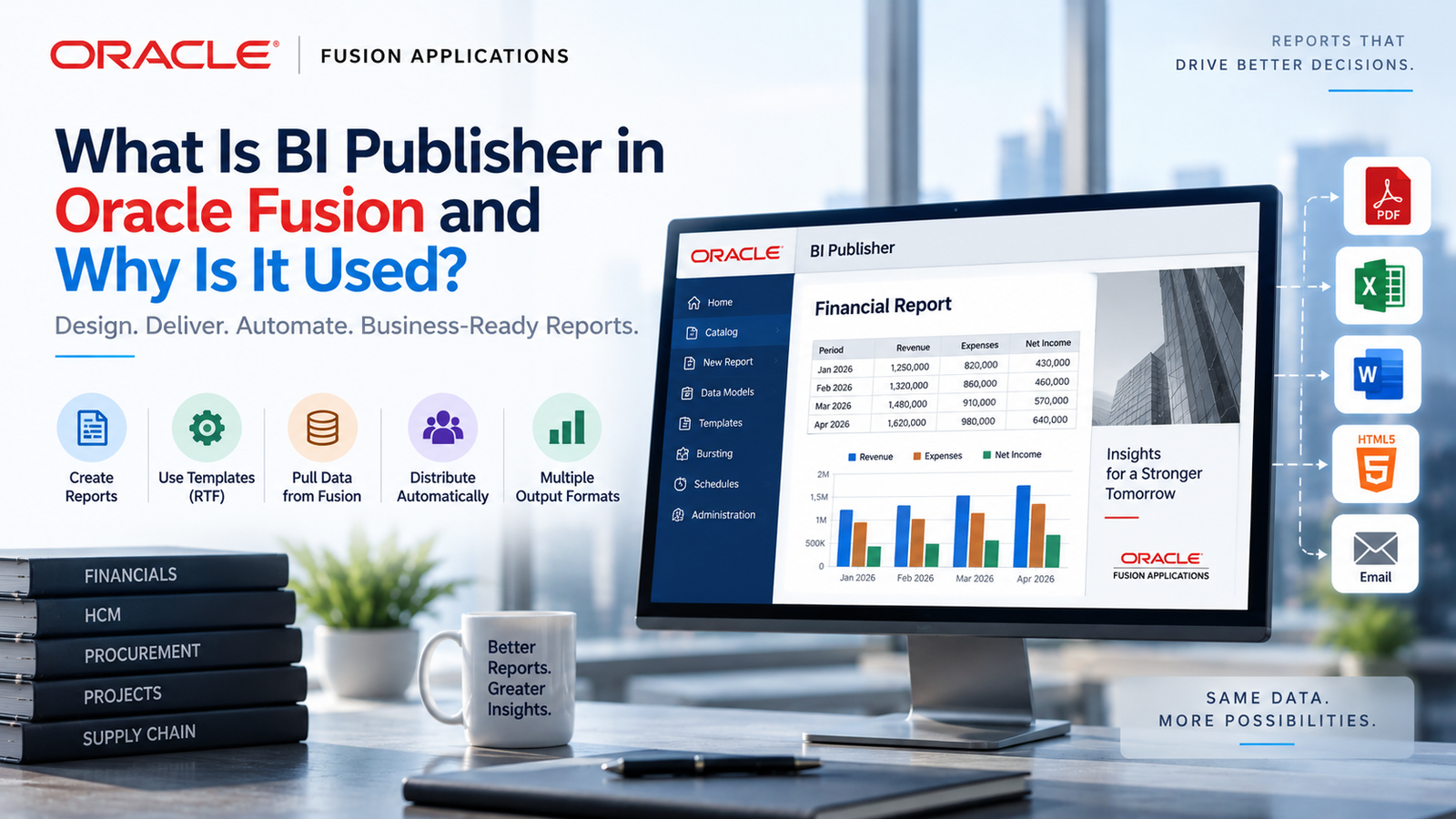
Oracle BI Publisher (also called Oracle Analytics Publisher in recent releases) is a reporting and document-generation tool built into Oracle Fusion Applications. It lets developers and business users create highly formatted, pixel-perfect reports and documents from many data sources, then deliver them in formats such as PDF, Excel, Word, HTML, PowerPoint and CSV.
The main idea behind BI Publisher is the separation of data from presentation. The data model defines what information is retrieved. The layout template defines how that information looks. Because the two are independent, one data model can feed many templates, and a template can be changed without touching the underlying query. That flexibility is a big reason the tool is so widely used in Fusion projects.
Key Components of BI Publisher
To work confidently with BI Publisher, you need to understand its core building blocks:
Data Model: This is where you define the data source and write SQL queries. In Fusion, you can pull data from Oracle Fusion databases, web services, spreadsheets and other sources. A data model can hold multiple data sets, parameters, lists of values, triggers and bursting definitions.
Layout Templates: These control the look of the report. You can build templates in Microsoft Word, Excel, Adobe Acrobat, or with the online Layout Editor. RTF templates are popular because functional users can design them with familiar Word tools plus BI Publisher tags.
Report Definition: This links a data model to one or more layouts and sets output options, such as default format, locale and properties.
Scheduler and Delivery Options: You can schedule reports to run at set times and deliver them by email, FTP, SFTP, printer or WebDAV.
Bursting: This feature splits one large report into many parts and sends each part to a different recipient based on the data. For example, it can send each employee their own payslip in one run.
Why Is BI Publisher Used in Oracle Fusion Applications?
Fusion Cloud applications ship with many predefined reports, but real businesses always have needs the standard reports can’t meet. BI Publisher fills that gap. Here are the main reasons organizations depend on it:
1. Pixel-perfect, professional documents. Invoices, cheques, bank statements, offer letters and legal documents must follow exact layouts, and BI Publisher gives developers precise control over fonts, logos, tables, headers, footers and page breaks.
2. Customization without changing the application. Companies can modify seeded Fusion reports or build new ones without altering core application code. This keeps upgrades smooth and reduces risk, which matters in a cloud environment where Oracle delivers regular quarterly updates.
3. Multiple output formats from a single source. A finance team may want Excel for analysis while a customer needs a PDF. BI Publisher generates both from the same data model.
4. Multi-language and multi-region support. Global companies need reports in different languages, currencies and date formats. BI Publisher supports translation of templates and locale-based formatting.
5. Automation and distribution. Scheduling and bursting remove manual effort. Reports reach the right people at the right time, without anyone exporting and emailing files by hand.
6. Integration with other systems. Many Fusion integrations depend on BI Publisher to extract data as CSV or XML files, which then flow to banks, payroll vendors, tax authorities or third-party applications.
How BI Publisher Works: From Data Model to Final Output
The report lifecycle is simple to follow once you understand it:
- Create the data model. Define your SQL query or other data source, add parameters (such as business unit or date range) and test that the query returns the expected XML data.
- Design the layout. Download sample XML from the data model, then use it to build a template in Word, Excel or the Layout Editor. Insert fields, loops and conditional logic using BI Publisher tags.
- Create the report. Attach the template to the data model, set the output options and save the report in the catalog.
- Run or schedule it. Users open the report, choose parameters and view the output, or schedule it to run automatically.
- Deliver the output. Send the finished document by email, FTP or other channels.
This flow is the foundation of almost every reporting task in a Fusion project, and it is one of the first things covered in a good training program.
Real-World Use Cases Covered in Oracle Fusion Technical Training in Hyderabad
Practical exposure is what separates a confident consultant from someone who has only read the theory. In quality Oracle Fusion Technical Training in Hyderabad, learners typically work on scenarios such as:
- Financials: AP invoice reports, AR customer statements, journal listings, payment files for banks.
- HCM: Payslips, employee letters, headcount reports, benefits statements.
- Procurement: Purchase order documents, supplier reports, requisition summaries.
- SCM: Shipping documents, packing slips, inventory and order reports.
- Integrations: Data extracts sent to third-party systems through scheduled BI Publisher reports.
Working through these examples teaches you how to write efficient SQL, handle complex layouts, troubleshoot errors and follow the best practices that real projects expect.
Benefits of Learning BI Publisher for Your Career
Fusion technical consultants are in strong demand as more companies move their ERP, HCM and supply chain systems to Oracle Cloud. BI Publisher is a core part of that skill set because nearly every implementation needs custom reports and document outputs.
Learning it gives you several advantages:
- High demand: Reporting and integration skills are required on almost every Fusion project.
- Strong foundation: It pairs naturally with OTBI, Oracle Integration Cloud, FBDI, HDL, REST and SOAP web services and SQL/PLSQL, so it is a solid starting point for a broader technical career.
- Better salary potential: Consultants with hands-on BI Publisher and integration experience tend to command better packages.
- Versatility: The same skills apply across Financials, HCM, SCM and Procurement modules.
Skills You Gain from Oracle Fusion Technical Training in Hyderabad
A well-designed course goes beyond the basics. You can expect to build skills such as:
- Writing and optimizing SQL queries for Fusion database tables
- Building data models with parameters, LOVs, and multiple data sets
- Designing RTF, Excel, and Layout Editor templates
- Using conditional formatting, grouping, sorting, and sub-templates
- Setting up bursting and scheduled delivery
- Debugging report errors and improving performance
- Customizing seeded Fusion reports safely
- Moving reports between environments
Hands-on assignments and real-time project scenarios help you apply these skills, which also prepares you for interviews and day-to-day project work.
Tips to Master BI Publisher Faster
- Practice regularly. Build small reports every day, then gradually add complexity.
- Strengthen your SQL. Good SQL knowledge is the single biggest factor in report quality.
- Learn the Fusion data structures. Knowing the key tables in each module saves time when building data models.
- Study seeded reports. Reviewing Oracle’s delivered reports shows you proven design patterns.
- Follow performance best practices. Filter data early, avoid unnecessary joins and use parameters wisely.
Conclusion: Begin Your Oracle Fusion Technical Training in Hyderabad Journey
Oracle BI Publisher is far more than a reporting tool. It is the engine behind the invoices, payslips, statements and data extracts that keep Fusion-powered businesses running. By separating data from layout, supporting many output formats, and offering scheduling, bursting and delivery options, it gives organizations the flexibility to meet almost any reporting requirement without disturbing the core application.
If you want to build a career as a Fusion technical consultant, mastering BI Publisher is an excellent first step. With expert guidance, real-time projects and practical assignments from Soft Online Training, you can gain the confidence and skills employers look for. Enroll in Oracle Fusion Technical Training in Hyderabad today and take the next step toward a rewarding career in Oracle Cloud.