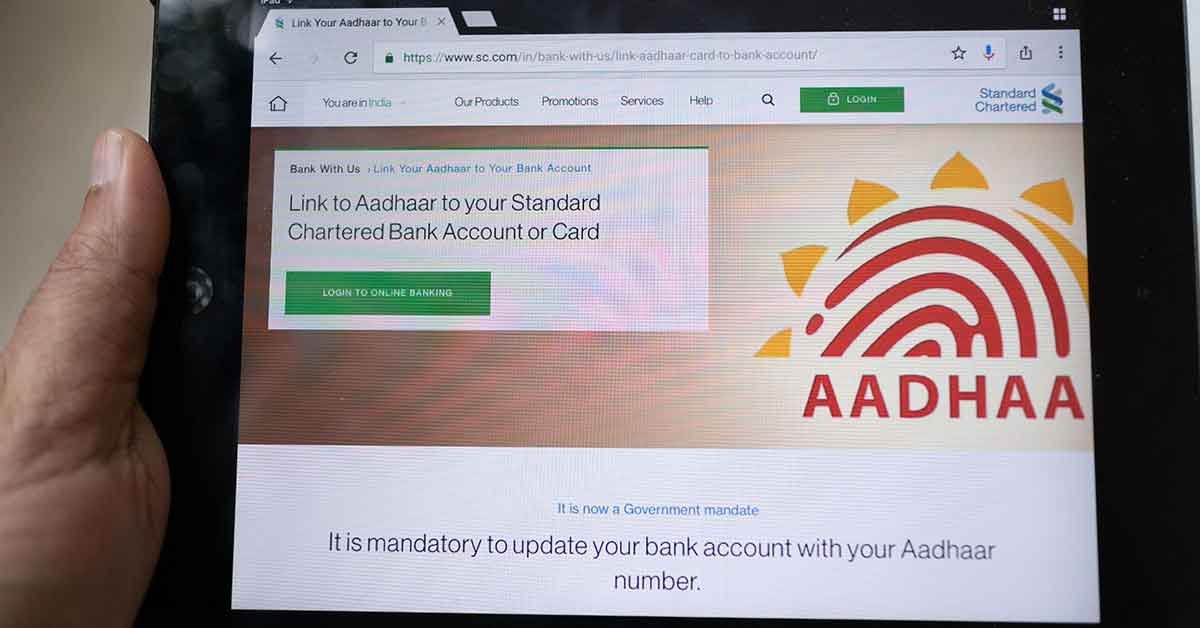
In today’s digital age, the need for efficient and secure access to essential services has become paramount. The Aadhaar system, managed by the Unique Identification Authority of India (UIDAI), has revolutionized the way citizens interact with government and private services. In this article, we will explore how the ‘my Aadhaar UIDAI’ interface helps users access various Aadhaar services online, focusing on functionalities like e Aadhaar download and much more.
Understanding Aadhaar and UIDAI
Before diving into the specifics of online services, it is crucial to understand what Aadhaar and UIDAI are. Aadhaar is a 12-digit unique identification number issued to residents of India based on their biometric and demographic data. UIDAI is the government agency tasked with developing and implementing the Aadhaar program, ensuring data security, and providing citizens with access to their information.
Benefits of Accessing Aadhaar Services Online
Accessing Aadhaar services online through the UIDAI platform has numerous benefits for citizens:
- Convenience: Users can access services from the comfort of their homes, eliminating the need for physical visits to government offices.
- Time-Saving: Online services are usually faster than offline processes, reducing waiting times significantly.
- 24/7 Availability: The online platform is available round-the-clock, allowing users to access services at their convenience.
- Real-Time Updates: Users can receive real-time updates on their requests and track the status of their Aadhaar services.
How to Access My Aadhaar UIDAI Services
The UIDAI provides a user-friendly portal where residents can access various Aadhaar services. Here’s how to navigate the platform effectively.
1. Registering on the UIDAI Portal
To benefit from my Aadhaar UIDAI, you must first create an account on the UIDAI website. Follow these steps for registration:
- Visit the official UIDAI website.
- Click on the ‘Register’ option.
- Fill in the required details, including your Aadhaar number, mobile number, and other necessary information.
- Complete the registration process by verifying your mobile number through an OTP.
2. Logging into Your Account
Once registered, you can log into your UIDAI account with your credentials. Here’s how:
- Go to the UIDAI homepage.
- Click on the ‘Login’ option.
- Enter your registered mobile number and password.
- You may be asked for an OTP to ensure secure access.
3. Navigating the My Aadhaar Dashboard
After successfully logging in, you will be taken to your dashboard. Here, you will find various options available for your Aadhaar services:
- Download e Aadhaar: You can download your Aadhaar card in PDF format, which serves as a valid identity proof.
- Aadhaar Update: This option allows you to update your demographic details such as name, address, phone number, and email.
- Check Aadhaar Status: Users can track the status of their Aadhaar applications or updates easily.
- Retrieve Aadhaar Number: If you’ve lost your Aadhaar number, this feature helps in recovering it through other details.
E Aadhaar Download: A Step-by-Step Guide
The e Aadhaar download feature is one of the most utilized services on the UIDAI platform. It provides individuals with a digital version of their Aadhaar, which is equally valid as the physical card. Here’s how you can download it:
Step 1: Visit the UIDAI Website
Go to the official UIDAI website where the latest information and updates are available.
Step 2: Click on ‘Download Aadhaar’
On the homepage, look for the ‘Download Aadhaar’ option. This will redirect you to a new page.
Step 3: Enter Your Details
You will need to input your Aadhaar number, Enrollment ID, or VID (Virtual ID). After entering the required details, select the appropriate options (such as the captcha) to proceed.
Step 4: Request OTP
An OTP will be sent to your registered mobile number. Enter this OTP for verification.
Step 5: Download Your e Aadhaar
Once verified, you will have the option to download your e Aadhaar as a PDF file. Ensure to keep this document secure, as it contains sensitive personal information.
Ensuring the Security of Your Aadhaar Information
Whenever you use online services through my Aadhaar UIDAI, it is essential to maintain your account’s security. Here are some tips:
- Use a Strong Password: Ensure your password is complex and unique, combining letters, numbers, and special characters.
- Enable Two-Factor Authentication: This adds an extra layer of protection to your account.
- Avoid Public Wi-Fi: Access your UIDAI services from a secure connection to prevent unauthorized access.
- Regular Monitoring: Frequently check your Aadhaar activity to identify any unauthorized actions.
Conclusion
The my Aadhaar UIDAI portal is an indispensable tool that enables citizens to efficiently manage their Aadhaar-related needs online. With the ability to download e Aadhaar, update information, and track your application status, the UIDAI system has made it easier for citizens to engage with essential services. As privacy and security concerns continue to grow, being vigilant about how we protect our digital identities becomes crucial. Embrace the digital transformation by utilizing the features offered by UIDAI for a seamless experience in managing your Aadhaar services online.
By understanding and accessing these essential services effectively, citizens can save time, enhance convenience, and ensure that their data is managed securely in an increasingly digital world.