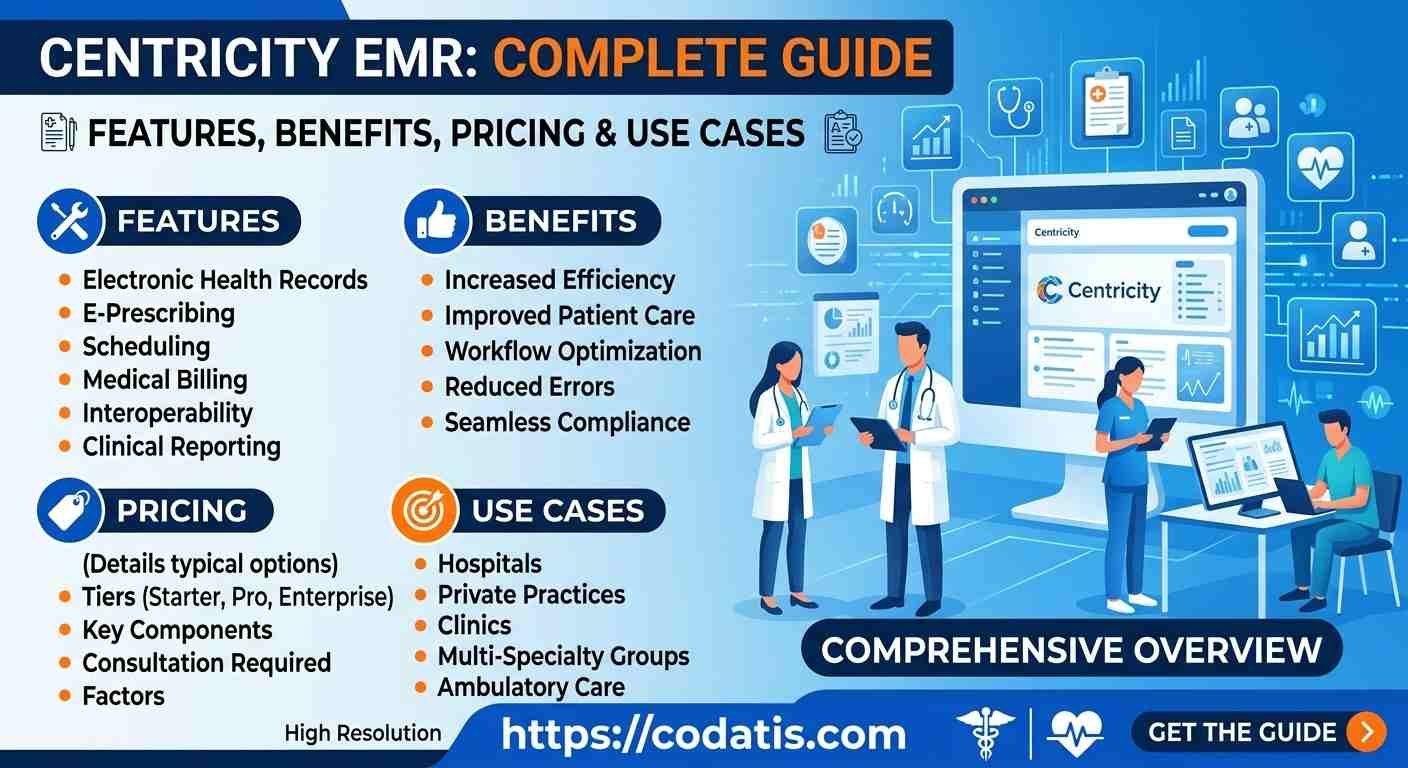
Healthcare practices increasingly depend on electronic medical record systems to organize patient information, support clinical workflows, and improve coordination between providers and administrative teams. But choosing an EMR requires understanding more than its name or feature list. Practices need to know how the system fits into daily operations, what problems it is designed to address, and whether its workflow matches their specific requirements.
Centricity EMR is part of the broader Centricity healthcare software ecosystem associated with GE HealthCare. The platform has been used to support clinical information management and point-of-care workflows, with related Centricity solutions extending into areas such as patient engagement, practice management, imaging, and other healthcare operations.
This guide explains what the system is, how an EMR works within a medical practice, how information moves through typical workflows, and what organizations should consider before adopting or evaluating it.
What Is an EMR?
An electronic medical record is a digital version of a patient’s medical chart.
Instead of maintaining information primarily through paper records, an EMR allows authorized healthcare professionals to store and access information electronically.
Depending on the system and configuration, a patient record can contain information such as:
- Demographic details
- Medical history
- Diagnoses
- Medications
- Allergies
- Clinical notes
- Test results
- Treatment information
- Appointment history
- Other healthcare documentation
The primary purpose is to make relevant patient information easier to organize and access during care.
What Is Centricity EMR?
Centricity is a healthcare technology brand associated with GE HealthCare and includes multiple healthcare software solutions. The broader ecosystem has covered clinical information, practice management, patient engagement, imaging, and other specialized workflows.
The EMR component is focused on electronic clinical records and supporting providers at the point of care. Historical GE Healthcare material describes the system as helping clinicians access patient data, streamline workflow, support charge capture, and use decision-support information.
This distinction is important because searches for Centricity can refer to different products rather than one single application.
How Does It Work in a Medical Practice?
The basic workflow of an EMR can be understood as a connected patient journey.
A typical process may look like:
Patient Registration → Appointment → Clinical Encounter → Documentation → Orders/Prescriptions → Billing → Follow-Up
The exact workflow depends on the practice’s configuration, specialty, integrations, and operational procedures.
1. Patient Registration
The process generally begins when a patient is registered.
Administrative staff may collect information such as:
- Name
- Contact details
- Insurance information
- Demographics
- Relevant administrative details
Accurate registration is important because incorrect information can affect scheduling, billing, communication, and clinical records.
2. Appointment Management
Once the patient is registered, staff can manage appointments according to provider availability and practice requirements.
Scheduling may involve:
- New-patient visits
- Follow-ups
- Routine appointments
- Specialty consultations
- Recurring visits
- Cancellations
- Rescheduling
A connected workflow can reduce the need to maintain separate calendars and patient records.
3. Clinical Encounter
When the patient arrives, the provider can review relevant information before or during the encounter.
This may include previous notes, medications, diagnoses, test information, and other available records.
The objective is to give the clinician relevant information without requiring staff to search through multiple paper files or disconnected systems.
4. Clinical Documentation
During the encounter, the provider documents the patient’s condition and care.
Depending on the workflow, documentation can include:
- Symptoms
- Findings
- Diagnoses
- Treatment decisions
- Medications
- Follow-up instructions
- Clinical notes
Digital documentation also creates a record that can be referenced during future encounters.
5. Orders and Prescriptions
Healthcare workflows may require orders, prescriptions, laboratory requests, imaging, or other clinical actions.
An integrated EMR environment can connect these activities to the patient’s record, helping maintain a more complete history of care.
Practices should verify which specific ordering, prescribing, laboratory, and imaging capabilities are supported in the configuration they are considering.
6. Billing and Charge Capture
Clinical activity can also affect the financial side of a practice.
Information generated during an encounter may contribute to coding, charge capture, claims, and other revenue-cycle processes.
Historical GE Healthcare documentation describes Centricity EMR as supporting charge capture and coordination between clinical and financial workflows.
The exact billing workflow depends on the products and modules implemented by the organization.
Patient Portal and Engagement
An EMR can also connect with patient-facing technology.
GE HealthCare describes Centricity Patient Portal as integrating with Centricity EMR and related practice solutions. Its listed capabilities include online appointment requests, secure messaging, access to clinical results, eForms, eVisits, and permitted electronic prescription transmission.
This creates a connection between the provider’s workflow and the patient’s digital experience.
For example, instead of calling the office for every administrative request, patients may be able to interact with certain services online.
How Does It Help Medical Practices?
The value of an EMR comes from connecting information and workflows.
Centralized Patient Information
Digital records can make relevant information easier for authorized staff to locate.
Improved Workflow Coordination
Connecting clinical and administrative activities can reduce unnecessary duplication.
Better Information Availability
Providers can review available patient information at the point of care rather than relying solely on separate paper records.
Support for Patient Communication
Integrated patient-facing tools can provide additional ways for patients and practices to communicate.
More Organized Administrative Processes
Scheduling, clinical documentation, and billing-related workflows can be coordinated through connected healthcare technology.
Who Uses Centricity?
The appropriate use case depends on the specific Centricity product being considered.
Medical practices may evaluate the technology for:
- Primary care
- Specialty care
- Multi-provider practices
- Larger ambulatory organizations
- Organizations with complex healthcare workflows
The broader Centricity portfolio also includes specialized solutions beyond ambulatory EMR functionality. GE HealthCare, for example, currently describes Centricity-branded solutions for areas including perioperative care, anesthesia, critical care, cardiology, imaging, and other clinical environments.
Therefore, practices should identify the exact product before comparing features or pricing.
Centricity EMR vs Practice Management Software
An important distinction is the difference between an EMR and practice-management software.
An EMR primarily focuses on clinical information and patient records.
A practice-management system may focus more heavily on:
- Scheduling
- Registration
- Insurance
- Billing
- Claims
- Payments
- Administrative workflows
Some healthcare environments connect these functions together.
This integration can help reduce information silos, but organizations should still understand which product or module is responsible for each workflow.
How Does It Support Patient Engagement?
Patient engagement is no longer limited to phone calls and in-person communication.
A connected patient portal can give patients access to selected services from outside the practice.
GE HealthCare lists features such as secure messaging, appointment requests, eForms, eVisits, clinical-result access, and proxy access within its Centricity Patient Portal offering.
For practices, these tools can potentially reduce some routine administrative interactions while giving patients additional ways to communicate.
What About Integrations?
Integrations become increasingly important when a practice uses multiple healthcare applications.
A medical organization may need to connect its EMR with:
- Laboratories
- Pharmacies
- Imaging systems
- Billing platforms
- Patient portals
- Clinical archives
- Other healthcare applications
GE HealthCare also highlights interoperability across several Centricity solutions and healthcare systems.
However, organizations should confirm specific interfaces and compatibility requirements before purchasing.
Is It Suitable for Every Medical Practice?
No healthcare system should automatically be considered suitable for every organization.
A small independent practice may prioritize simplicity, affordability, and quick implementation.
A larger organization may care more about:
- Multi-provider workflows
- Reporting
- Integrations
- User permissions
- Scalability
- Complex administrative processes
Specialty practices may also require specific documentation or clinical workflows.
The right system is the one that matches the organization’s actual requirements.
What Should Practices Check Before Choosing It?
Before making a decision, create a requirements checklist.
Consider:
Clinical Requirements
- What documentation does the specialty require?
- Are templates appropriate?
- Can providers access relevant history efficiently?
Administrative Requirements
- How will scheduling work?
- What billing processes need to be supported?
- How will staff manage patient information?
Technical Requirements
- What integrations are necessary?
- How will data be migrated?
- What security controls are available?
- What support is provided?
Financial Requirements
- What is the implementation cost?
- Are additional modules required?
- What are ongoing support expenses?
- What will the total ownership cost be?
Understanding Centricity Terminology
Healthcare software searches can sometimes be confusing because people use different terms when researching the same product family.
For example, someone searching for centricity may be looking for general information about the healthcare software brand, while another person may be searching for a specific product or workflow.
Similarly, terms such as centricity cps can refer to Centricity Practice Solution rather than the EMR itself.
Understanding these distinctions can help organizations avoid comparing the wrong products.
How to Evaluate the System Properly
The best way to evaluate an EMR is to test realistic workflows.
During a demonstration, ask the vendor to show:
- Patient registration
- Appointment creation
- Clinical documentation
- Patient-history review
- Orders and prescriptions
- Billing workflow
- Patient communication
- Reporting
- Integrations
- User administration
Do not focus only on whether a feature exists.
Instead, ask:
How many steps does it take to complete the task?
Can our staff learn the workflow easily?
Does it fit the way our practice already operates?
These questions can reveal much more than a standard feature list.
Conclusion
An electronic medical record is designed to make patient information more organized and accessible while supporting clinical and administrative workflows. Centricity EMR fits within a broader healthcare software ecosystem and can support point-of-care information access, clinical documentation, workflow coordination, and connections with related healthcare technologies. GE HealthCare’s current Centricity portfolio also demonstrates how the brand extends into patient engagement, imaging, perioperative, cardiology, and other specialized healthcare environments.
For a medical practice considering this technology, the most important step is to identify the exact product and configuration being evaluated. Practices should then test real workflows, verify integrations, understand implementation requirements, and compare the system with alternatives based on their own clinical and operational priorities. Codatis provides software research and comparison resources to help healthcare organizations better understand EHR options and make informed technology decisions.
FAQ’s
What is Centricity EMR?
It is an electronic medical record solution within the broader Centricity healthcare software ecosystem, designed to support digital patient information and clinical workflows.
How does an EMR work in a medical practice?
An EMR can connect patient registration, appointments, clinical documentation, orders, prescriptions, billing-related activities, and follow-up into a digital workflow.
Is Centricity only an EMR?
No. Centricity is a broader healthcare software brand with solutions covering multiple healthcare areas, including patient engagement, imaging, perioperative workflows, cardiology, and other specialized applications.
Does Centricity support patient portals?
GE HealthCare describes a Centricity Patient Portal that integrates with Centricity EMR and supports capabilities such as secure messaging, appointment requests, clinical-result access, and eForms.
Can medical practices integrate an EMR with other systems?
Integration capabilities depend on the specific product and configuration. Practices should verify the interfaces they need for laboratories, pharmacies, imaging, billing, and other applications before implementation.
How should a practice evaluate an EMR?
Start by documenting your clinical and administrative workflows, then request a demonstration using realistic scenarios. Compare usability, functionality, integrations, security, implementation, support, and total cost before making a final decision.