
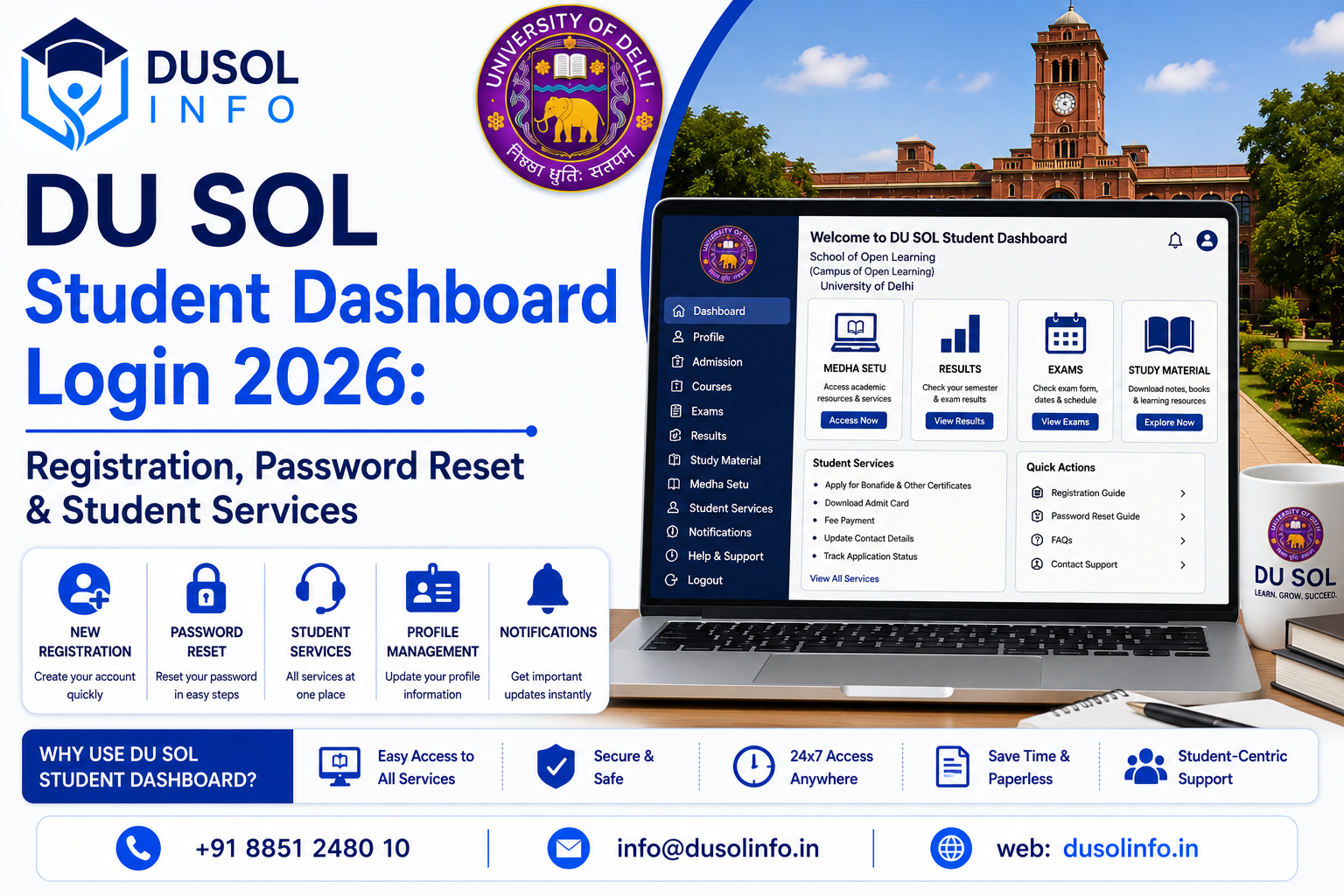
DU SOL provides an avenue through which students can digitally manage their admission and academic and examination activities through its student portal. The student dashboard allows several important services which eliminates the need for students to personally visit the university or study center for every activity.
Knowing the DU SOL Student Dashboard Login 2026 will allow students to access their accounts, check and manage their academic information, services and stay informed about the latest updates and announcements of the university. This tutorial will provide all details about registration and login, how to recover the password, access student services, and a few issues along with their troubleshooting and important security tips.
What Is the DU SOL Student Dashboard?
The DU SOL Student Dashboard is an online interface through which eligible students can access various services of the university based on their program, academic session and various online systems currently being used by DU SOL.
Services pertaining to the dashboard may include:
- Student profile
- Admission
- Academic
- Exam forms
- Admit cards
- Results
- Study material
- Assignments
- Fees
- Notices
- Other student services
Since online systems may change, students are advised to follow the latest updates published by the DU SOL.
Who Can Access the Dashboard?
The dashboard is intended for students who have valid credentials after completing the applicable admission or registration process.
New students must register or complete the necessary admission steps to access student services for them. Existing students must use the login credentials associated with their DU SOL account.
Before logging in, keep your enrollment number or other requested details including registration data, your registered mobile number, and your email address ready.
People also read:Delhi University North Campus Colleges
DU SOL Student Dashboard Registration 2026
Students who are registering for the first time with DU SOL may have to register for an account.
Here are the general steps to register:
Step 1: Visit the DU SOL Official Website
Open the School of Open Learning website using a secure browser.
Step 2: Find Registration
Look for the relevant student registration/admission/dashboard option.
Step 3: Enter Information
Follow the prompts and enter your:
- Full name
- Date of birth
- Mobile number
- Email address
- Educational details
- ID details
Step 4: Complete Verification
An OTP or other authentication method may be required.
Step 5: Create Login
Create a username and password as per the portal instructions, if required.
Step 6: Save Your Info
For future access, your information must be kept secure.
Students must enter the correct information as incorrect information may lead to problems in the admission process, during the exams, or during the verification process.
How to Log In to the DU SOL Student Dashboard
Students must complete the registration process to be able to log in to the dashboard. Students can log in to the dashboard by following the steps below:
- Navigate to the appropriate Student Dashboard or Student Login link.
- Input your Student ID, Enrollment Number, or required login identifier.
- Input your password.
- If prompted, complete the captcha or OTP verification.
- Hit the Login button.
- Your student dashboard should now be available.
Login fields may be different based on the portal used for different academic sessions.
Password Reset Process
Students commonly forget their password. Luckily, online portals provide account recovery options.
To reset your password:
- Go to the student login page.
- Select the option to recover your password (often labeled as Forgot Password).
- Provide the required input.
- Verify your identity by completing the OTP or a similar verification process.
- Follow the remaining instructions to set a new password.
- Go back to the login page.
- Log in with your new password.
If the recovery option fails, students should avoid creating multiple accounts and instead contact the appropriate DU SOL support service.
Tips for Creating a Secure Password
When creating a password, it should not be a simple task for someone to figure it out.
Your password should have a mix of:
- Uppercase Characters
- Lowercase Characters
- Numbers
- Special Characters
Do not include information that could easily be guessed, such as your name, phone number, birthdate, or a sequence of numbers.
Do not give your password or OTP to anyone providing login assistance that is not authorized.
Student Services Available Through the Portal
Many services are easily accessible through your dashboard.
- Admission Information
Students may view their admission, program and enrollment related information.
- Examination Services
Examination services may include:
- Examination forms
- Examination schedules
- Date sheets
- Admit card information
- Examination notifications
- Results
Students may view their examination results as soon as they are announced through the official online services.
- Study Material
Students may view digital resources of study material and courses as per their program.
- Assignment Information
This section may contain assignment related instructions, deadlines, and submission details.
- Fee Information
The portal may have information regarding payments, fees and application related transactions.
- University Notices
All important notices and updates will be made available to the students through the online services.
How to Check Your Student Information
Once logged in, students are expected to verify their profile and academic information.
This may include:
- Student Name
- Enrollment Number
- Program Details
- Academic Session
- Contact Information
- Email Address
If you find any discrepancies, please follow the official university process to make the necessary corrections.
Common Login Problems
Students may experience difficulty accessing their personal dashboard.
Incorrect Password
Incorrect password entry may be the problem. Check for proper capitalization and placement of special characters in the password.
Forgot Password
Do not attempt to access the account multiple times with an incorrect password. Instead, use the password recovery option.
OTP Problems
If you do not receive an OTP, check your mobile network and also check the details you provided. If the portal permits, you can request for the OTP again after a short while.
Website Not Working
The portal may not be loading because of a high number of users, maintenance or temporary system problems.
You can try:
- Loading the page again
- Trying after some time
- Using a different browser
- Removing the cache of your browser
- Looking at the official notifications
Account Not Found
Make sure you are on the right portal for your academic session and you are using the right credentials to log in to your account.
How to Use the Dashboard Safely
Security is important on the online student account because it has personal information and academic information.
You should use the following precautions:
- Use the official DU SOL website only.
- Don’t share your password.
- Don’t share your one time password.
- Don’t click on login links you think are untrustworthy.
- Don’t use a public computer for activities that are sensitive.
- Log out after using a computer that is not yours.
- Keep your important information safe.
Don’t use untrusted services that want your account credentials to log in.
Importance of Regularly Checking the Portal
If you are a DU SOL student, it is your responsibility to check your online dashboard and official notifications frequently.
Changes in the following can be important:
- Schedules for Exams
- Admit Cards
- Results
- Deadlines for Assignments
- Fees
- Academic Notifications
- Admissions
- Changes in Methods
- Policies
Reducing the chance of missing a deadline is the benefit of checking frequently.
Student Dashboard and Other DU SOL Portals
Students might notice various DU SOL online platforms for admissions, exams, results, study materials, and other services. Each of these platforms might have a different login system.
Consequently, students cannot conclude that one login link corresponds to all services. Students should always follow the provided link and use the official DU SOL website.
What to Do If You Cannot Access Your Account
In case you cannot access the dashboard after resetting your password, try the following:
- Reconfirm the login information you are using.
- Ensure that you are using the right portal.
- Use a different browser.
- Clear the cache of your browser.
- Make sure your internet is working and connected.
- Look through the official DU SOL site for notices.
- Get in contact with the support department for assistance.
Make sure to have your enrollment number and other related information with you when you contact support.
Frequently Asked Questions (FAQ)
- What is the DU SOL Student Dashboard?
The DU SOL Student Dashboard is an online system that offers students enrolled in the DU SOL various tools and resources to assist in the completion of both academic and administrative tasks.
- How do I get access to the DU SOL Student Dashboard?
New students need to complete the admission/registration procedure as detailed on the DU SOL official portal for the respective academic session.
- What do I do if I forget the password for my Student Dashboard?
You need to click on the Forgot Password link and follow the verification steps.
4. What services can I access after login?
Depending on your program and academic semester, you may be able to access services such as exam info, results, materials, assignments, information on admissions, fees, and notices.
5. Can I access the dashboard on a mobile phone?
Yes. As long as you have an adequate internet connection and a web browser on your smartphone that can support the dashboard.
6. Why is my login not working?
Login issues can be the result of many different things, such as user error, technical issues, network issues, etc.
7. Should I share my login details with anyone?
No. All details relating to your account should remain private.
Conclusion
The DU SOL Student Dashboard Login 2026 is the ideal online system for students to carry out most of their academic administrative functions. With the digital dashboard, students can facilitate registration, password recovery and access updated records for examinations, results, study materials and assignments. The dashboard significantly improves the student services offered by DU SOL.
Official DU SOL portals should be used exclusively by students. Login information should be secure and updated regularly. Technical difficulties should be resolved by using the support offered officially. Always maintain a high level of organization to improve the functionality of the DU SOL system.