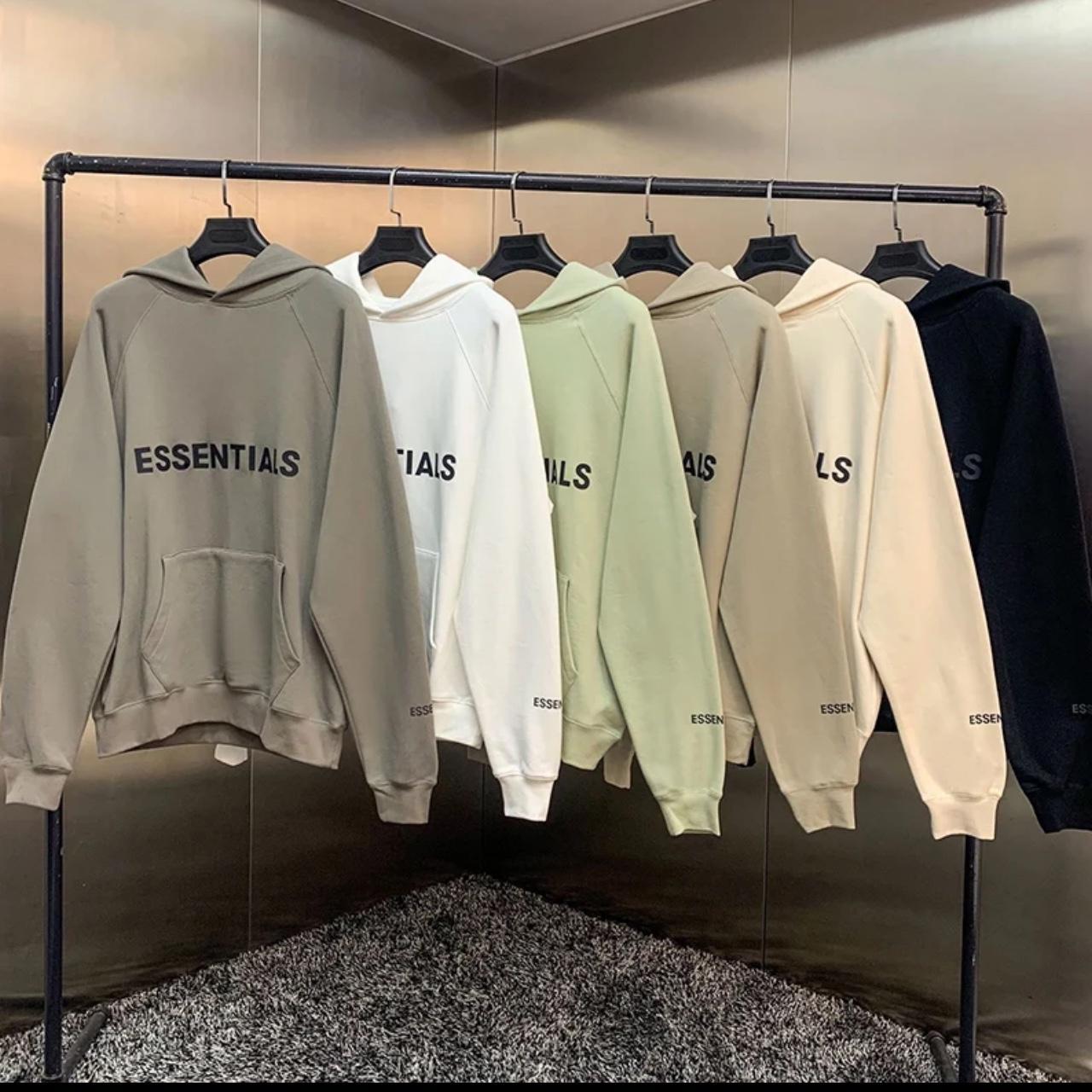
Direct-to-Film (DTF) printing has become one of the most popular decoration methods in the custom apparel industry. It allows vibrant colors, detailed designs, and compatibility with multiple fabric types. However, despite its advantages, many beginners and even experienced printers make avoidable mistakes that affect print quality, durability, and customer satisfaction. Understanding these common DTF printing mistakes — and knowing how to prevent them — can save time, money, and reputation.
DTF printing involves several steps, including artwork preparation, film printing, powder application, curing, and heat pressing. Each stage requires precision and attention to detail. Even a small error can result in poor adhesion, faded designs, or cracking prints. This guide will walk you through the most frequent DTF printing mistakes and provide practical solutions to help you achieve professional, long-lasting results.
In modern workflows, tools like a UV DTF gang sheet builder help streamline design placement and material usage, but technology alone is not enough if the core process is misunderstood. Let’s explore where things commonly go wrong and how you can fix them.
1. Poor Artwork Preparation
One of the most common DTF printing mistakes happens before printing even begins. Low-resolution images, incorrect color modes, or improper sizing can severely impact the final output.
How to Avoid It:
- Always use high-resolution artwork (at least 300 DPI).
- Design in CMYK or RGB based on your printer’s recommendations.
- Ensure transparent backgrounds are correctly set.
- Double-check design dimensions before printing.
Proper artwork preparation ensures sharp prints and accurate colors, reducing reprints and wasted film.
2. Using the Wrong Film Side
DTF film has a printable side and a non-printable side. Printing on the wrong side is a surprisingly common mistake, especially for beginners.
How to Avoid It:
- Test the film by lightly scratching the surface to identify the textured side.
- Mark the printable side when opening a new batch.
- Follow manufacturer instructions carefully.
Printing on the wrong side leads to ink rejection and unusable prints.
3. Incorrect Ink Settings
Using too much or too little ink can cause several issues such as muddy colors, cracking, or poor wash durability.
How to Avoid It:
- Calibrate your printer settings for DTF-specific inks.
- Avoid excessive ink saturation.
- Regularly clean print heads to maintain consistency.
Balanced ink output ensures vibrant colors without compromising flexibility.
4. Uneven or Excessive Adhesive Powder
Adhesive powder is crucial for bonding the design to fabric. Uneven application or excess powder can result in rough textures or weak adhesion.
How to Avoid It:
- Apply powder evenly across the printed design.
- Shake off excess powder before curing.
- Store powder in a dry environment to prevent clumping.
Proper powder handling improves comfort and durability of the final print.
5. Improper Curing Temperature and Time
Curing activates the adhesive powder, but incorrect temperature or timing can ruin the transfer.
How to Avoid It:
- Follow recommended curing temperatures from your powder manufacturer.
- Use a heat gun or curing oven consistently.
- Avoid overheating, which can cause discoloration or brittle prints.
Correct curing ensures strong bonding during heat pressing.
6. Wrong Heat Press Settings
Heat pressing is the final step where mistakes often show up after washing. Incorrect pressure, temperature, or time can cause peeling or cracking.
How to Avoid It:
- Use medium to firm pressure unless specified otherwise.
- Follow exact temperature and time guidelines.
- Allow proper cooling before peeling, depending on hot or cold peel film.
Consistent heat press settings are essential for long-lasting transfers.
7. Ignoring Fabric Compatibility
Although DTF works on many fabrics, not all materials behave the same under heat and pressure.
How to Avoid It:
- Test transfers on different fabrics before bulk production.
- Adjust heat and pressure for delicate materials.
- Pre-press garments to remove moisture and wrinkles.
Fabric testing helps prevent surprises and customer complaints.
8. Skipping Quality Checks
Rushing production without inspecting prints often leads to defective products reaching customers.
How to Avoid It:
- Inspect every transfer before pressing.
- Stretch test prints after application.
- Wash test samples periodically.
Quality control builds trust and reduces returns.
9. Poor Storage of Transfers
Improper storage can damage DTF transfers before they are even used.
How to Avoid It:
- Store transfers in a cool, dry place.
- Avoid stacking freshly printed sheets.
- Keep them away from direct sunlight and humidity.
Good storage preserves print quality over time.
10. Not Adapting to Market Needs
Many print businesses focus only on production and forget market trends, regional demand, and customer preferences.
For example, businesses serving competitive apparel markets like custom t-shirt Boston must prioritize consistency, fast turnaround, and premium finish to stand out. Understanding your audience helps you refine both quality and service.
Conclusion
DTF printing offers incredible flexibility and profit potential, but success depends on avoiding common mistakes at every stage of the process. From artwork preparation and ink management to curing, pressing, and storage, each step plays a critical role in producing durable, high-quality prints.
By following best practices, performing regular testing, and paying attention to detail, you can significantly reduce errors and improve efficiency. Whether you are a beginner or a growing print business, mastering these fundamentals will help you deliver professional results that keep customers coming back.